

編輯:關於 Android 程式設計
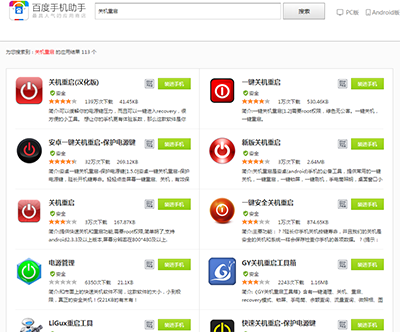
Android 剛開始流行的時候,讓不少小眾 App 紅了一把——切水果、Tom 貓、吹裙子都是那個時代的代表。當然還有實用性更強的關機重啟工具,在網上搜一下就能看到不少。
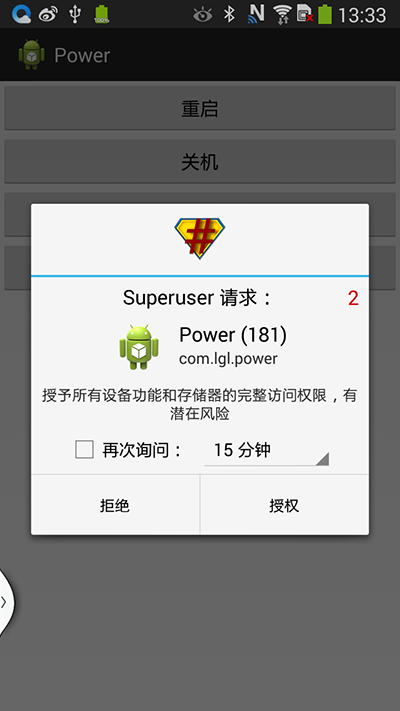
cmd 下的其他操作這裡不逐一細說,我們只需要記住兩條:
重啟:su -c reboot
關機:reboot -p
有了這個思路,接下來就能著手實作了。
<LinearLayout xmlns:android="https://schemas.android.com/apk/res/android" xmlns:tools="https://schemas.android.com/tools" android:layout_width="match_parent" android:layout_height="match_parent" android:gravity="clip_vertical" android:orientation="vertical" android:padding="15dp" > <Button android:id="@+id/btn_reboot" android:layout_width="match_parent" android:layout_height="wrap_content" android:layout_marginTop="15dp" android:background="@drawable/btn_bg" android:text="重啟" /> <Button android:id="@+id/btn_power" android:layout_width="match_parent" android:layout_height="wrap_content" android:layout_marginTop="15dp" android:background="@drawable/btn_bg" android:text="關機" /> <Button android:id="@+id/btn_recovery" android:layout_width="match_parent" android:layout_height="wrap_content" android:layout_marginTop="15dp" android:background="@drawable/btn_bg" android:text="recovery" /> <Button android:id="@+id/btn_finish" android:layout_width="match_parent" android:layout_height="wrap_content" android:layout_marginTop="15dp" android:background="@drawable/btn_bg" android:text="退出" /> </LinearLayout>
package com.lgl.power; import java.io.DataOutputStream; import java.io.IOException; import android.app.Activity; import android.app.AlertDialog; import android.os.Bundle; import android.view.View; import android.view.View.OnClickListener; import android.widget.Button; public class MainActivity extends Activity implements OnClickListener { private Button btn_reboot, btn_power, btn_recovery, btn_finish; @Override protected void onCreate(Bundle savedInstanceState) { super.onCreate(savedInstanceState); setContentView(R.layout.activity_main); initView(); } private void initView() { btn_reboot = (Button) findViewById(R.id.btn_reboot); btn_reboot.setOnClickListener(this); btn_power = (Button) findViewById(R.id.btn_power); btn_power.setOnClickListener(this); btn_recovery = (Button) findViewById(R.id.btn_recovery); btn_recovery.setOnClickListener(this); btn_finish = (Button) findViewById(R.id.btn_finish); btn_finish.setOnClickListener(this); } @Override public void onClick(View v) { switch (v.getId()) { // 重啟 case R.id.btn_reboot: // cmd命令 String cmd = "su -c reboot"; try { // 發送請求 Runtime.getRuntime().exec(cmd); } catch (IOException e) { new AlertDialog.Builder(MainActivity.this).setTitle("很抱歉") .setMessage("你的手機未ROOT,無法實現該功能!") .setPositiveButton("OK", null).show(); } break; // 關機 case R.id.btn_power: try { // 獲取管理員權限su Process process = Runtime.getRuntime().exec("su"); // 輸入命令 DataOutputStream out = new DataOutputStream( process.getOutputStream()); out.writeBytes("reboot -p\n"); // 結束 out.writeBytes("exit\n"); out.flush(); } catch (IOException e) { new AlertDialog.Builder(MainActivity.this).setTitle("很抱歉") .setMessage("你的手機未ROOT,無法實現該功能!") .setPositiveButton("OK", null).show(); } break; // recovery case R.id.btn_recovery: try { // 同關機原理 Process process = Runtime.getRuntime().exec("su"); DataOutputStream out = new DataOutputStream( process.getOutputStream()); out.writeBytes("reboot recovery\n"); out.writeBytes("exit\n"); out.flush(); } catch (IOException e) { new AlertDialog.Builder(MainActivity.this).setTitle("很抱歉") .setMessage("你的手機未ROOT,無法實現該功能!") .setPositiveButton("OK", null).show(); } break; // 退出 case R.id.btn_finish: finish(); break; } } }
這裡有兩種呼叫 shell 的寫法值得比較。重啟那一段用的是 su -c reboot,把指令當參數直接交給 su 執行,一行搞定。關機與進入 recovery 則是先 exec("su") 開一個 root shell 進程,再透過 DataOutputStream 往它的標準輸入寫入指令——這種方式的好處是可以連續下多道指令而不用重複取得權限,代價是必須自己處理串流的收尾。
用 DataOutputStream 寫指令時,字串結尾一定要補上 \n,否則 shell 會一直等在輸入狀態,指令不會被執行;最後再補一道 exit 並 flush,讓進程正常結束、資源釋放。
另外提醒兩點。第一,這些功能都依賴 Root 權限,未 Root 的裝置只會走 catch 分支彈出提示,因此程式碼裡不需要另外宣告特殊權限。第二,Runtime.exec 不屬於 Android 官方公開 API,各家 ROM 對 su 的實作與 Location 也可能不同,因此這類寫法在部分機型上可能無效,正式產品中若要提供電源管理功能,更合適的做法是引導使用者透過系統設定操作。
以上就是 Android 下以 CMD 指令實作關機、重啟與進入 Recovery 的相關知識,希望對大家有所幫助。有疑問歡迎留言。
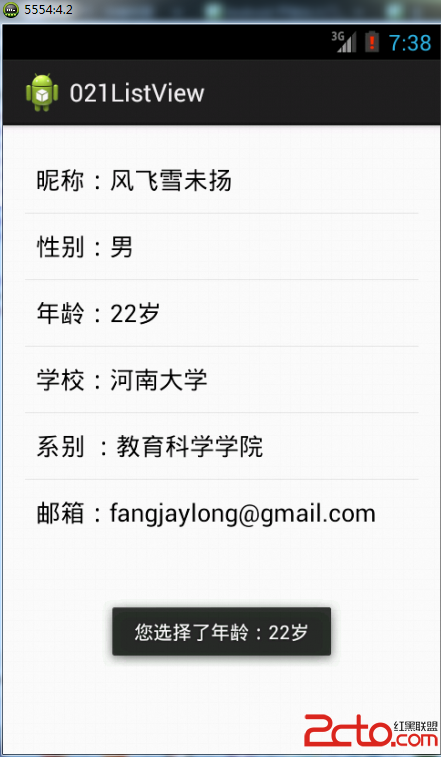 從零開始學 Android(二十一):ListView 與三種 Adapter 的實戰
除了 ScrollView 之外,還有一種專門用來呈現多筆資料並支援滾動的元件——ListView。它本身有對應的 ListView 類別,繼承結構如下: java.l
 五把雷達掃出潛伏缺陷:Eclipse 靜態分析插件實戰
如果能夠在程式碼進入版控之前,就攔下八成以上的潛在問題,那會是什麼光景?答案是:可以。Eclipse 生態系裡有一批成熟的靜態分析插件,例如 JDepend 與 Chec
 Android 登錄介面實戰:自定義輸入框與驗證碼
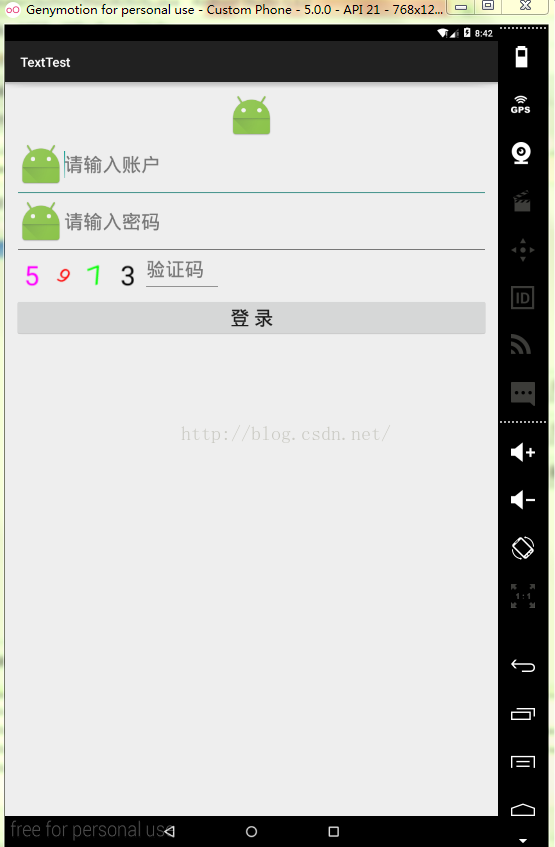
登錄介面的常見需求一個完整的登錄介面,通常不只是兩個輸入框。它還需要帳號密碼清空、空值提示、驗證碼校驗,以及清楚的錯誤回饋。自定義 DeletableEditText為了
 Android 開發常用指令集錦(圖文並茂,適合新手)
前言 做 Android 開發難免會用到命令列工具,有些指令確實非常實用。但對初學者而言,這些指令往往連想都沒想過要用。舉例來說,想把一個 .apk 裝到模擬器上,很多人