

編輯:關於 Android 程式設計
Android 中常見的動畫分為 Tween 動畫與 Frame 動畫。Tween 動畫主要對 View 進行平移、縮放、旋轉、透明度變化等操作,也可以將多種效果組合在一起。
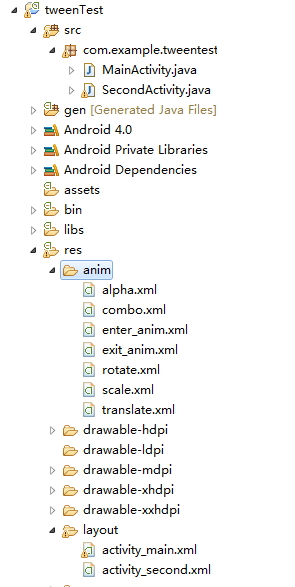
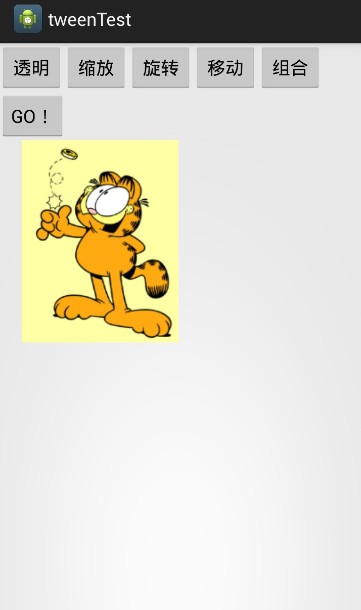
alpha 動畫可以讓 View 從不透明漸變到透明。
<set xmlns:android="https://schemas.android.com/apk/res/android">
    <alpha
        android:duration="2000"
        android:fromAlpha="1"
        android:toAlpha="0" />
</set>
fromAlpha 表示起始透明度,toAlpha 表示結束透明度。1 表示不透明,0 表示完全透明。
<set xmlns:android="https://schemas.android.com/apk/res/android">
    <scale
        android:duration="1000"
        android:fromXScale="1"
        android:fromYScale="1"
        android:toXScale="2"
        android:toYScale="2"
        android:pivotX="50%"
        android:pivotY="50%" />
</set>
pivotX 與 pivotY 表示縮放中心。設置為 50% 時,通常表示以 View 中心進行縮放。
<set xmlns:android="https://schemas.android.com/apk/res/android">
    <rotate
        android:duration="1000"
        android:fromDegrees="0"
        android:toDegrees="180"
        android:pivotX="50%"
        android:pivotY="50%" />
</set>
fromDegrees 表示起始角度,toDegrees 表示結束角度。正值通常表示順時針旋轉,負值表示逆時針旋轉。
<set xmlns:android="https://schemas.android.com/apk/res/android">
    <translate
        android:duration="1000"
        android:fromXDelta="0"
        android:fromYDelta="0"
        android:toXDelta="100%"
        android:toYDelta="0" />
</set>
fromXDelta 與 toXDelta 表示水平方向位移,fromYDelta 與 toYDelta 表示垂直方向位移。
如果希望同時執行多種效果,可以在同一個 set 中加入多個動畫節點。
<set xmlns:android="https://schemas.android.com/apk/res/android">
    <rotate ... />
    <alpha ... />
    <scale ... />
    <translate ... />
</set>
Activity 之間也可以使用動畫:
Intent intent = new Intent(MainActivity.this, SecondActivity.class);
startActivity(intent);
overridePendingTransition(R.anim.enter_anim, R.anim.exit_anim);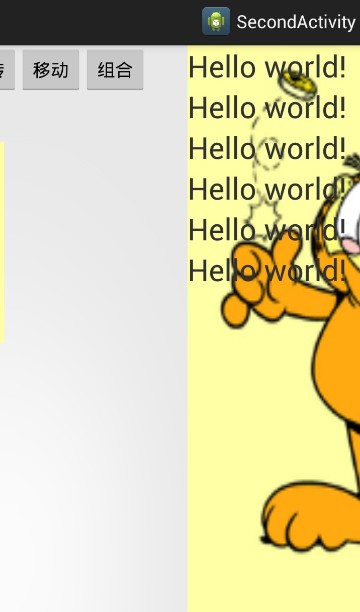
Tween 動畫可以廣泛應用於按鈕反饋、頁面切換、菜單進場與引導動畫。掌握 alpha、scale、rotate、translate 四種基本動畫後,就可以組合出豐富的交互效果。
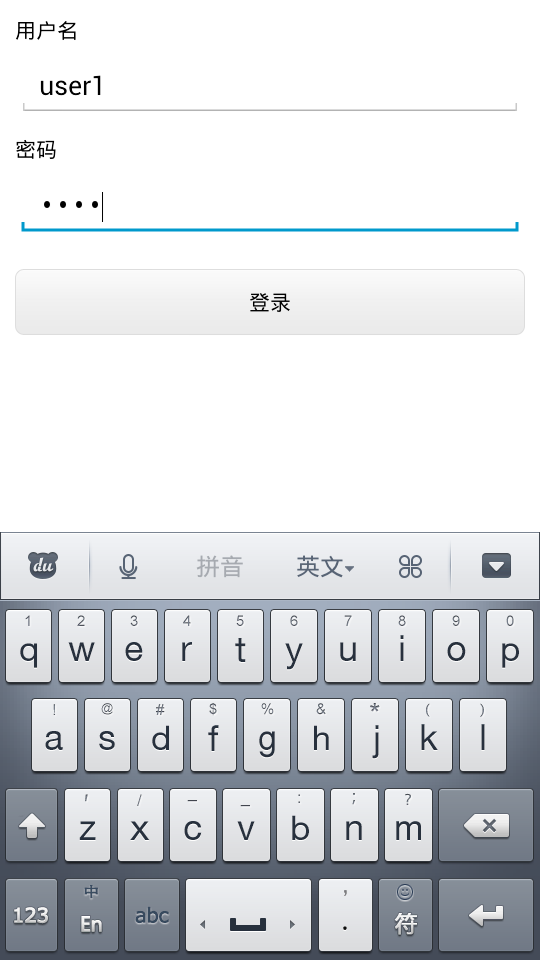 在 Android 2.3 模擬 Android 4.0 風格 EditText:九宮格背景與焦點狀態
讓舊版介面更接近新樣式Android 4.0 的輸入框有清楚的邊框與焦點回饋,若在較舊版本想呈現類似風格,可以直接借用系統內建的九宮格圖片,再用 selector 切換不
 按範圍等比縮放圖片:讓 ListView 裡的圖片排版更耐看
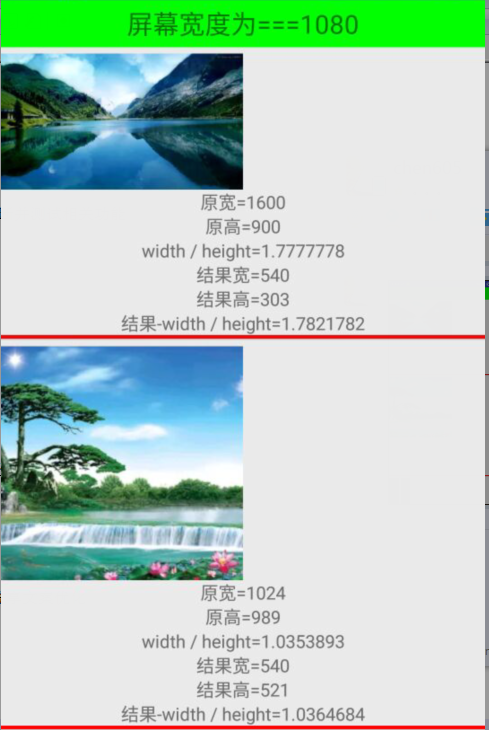
列表應用裡經常會遇到這樣的尷尬:每個條目配一張圖,而這些圖的原始尺寸千差萬別。有的寬幅如海報,有的細長如圖書封脊,還有的乾脆只有幾十像素的縮略圖。把它們一股腦丟進 Ima
 Jenkins 建置 Android 專案持續整合:FindBugs 靜態檢查實戰
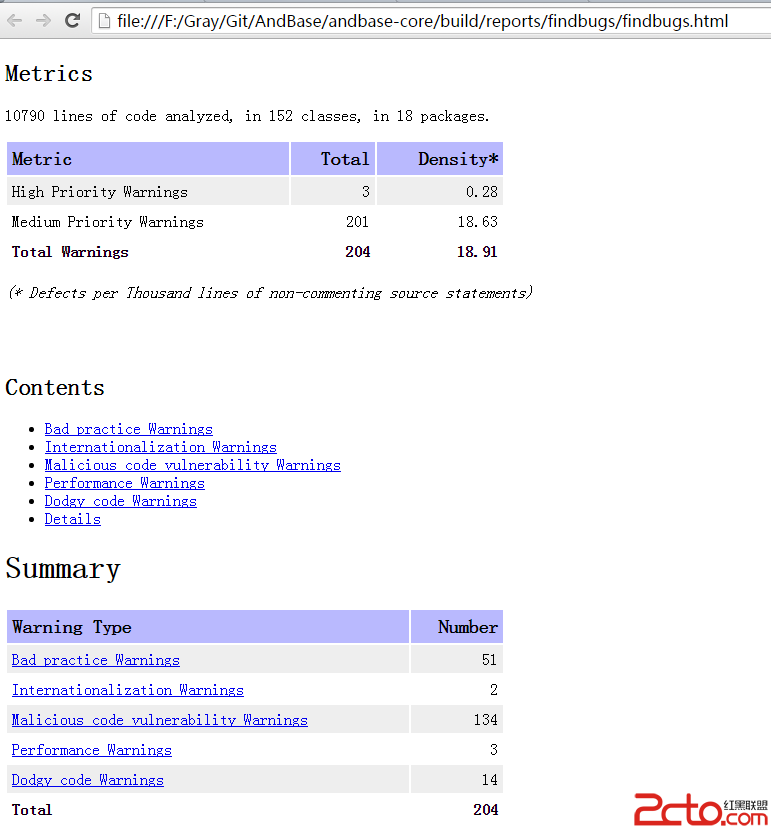
前言 這篇本來打算跟前面幾篇一起發,結果中間趕上一個版本發布,就擱著了。這幾天手邊的活忙完,剛好接著把「Jenkins 建置 Android 專案持續整合」系列的 Fin
 自定義 View 與 ViewGroup 實戰:彩虹進度條與九宮格相簿
一、先理解 View 是什麼 Android 所有控制項都是 View 或其子類。View 本質上就是螢幕上的一塊矩形區域,用一個 Rect 來表示:left、top 決