

編輯:關於 Android 程式設計
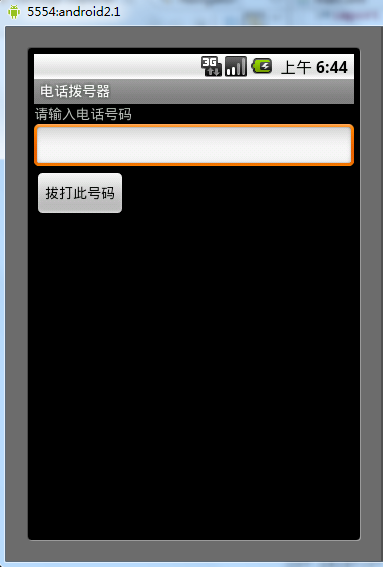
本範例模擬 Android 電話撥號器。使用者輸入電話號碼後,點擊按鈕即可透過 Intent 啟動撥號功能。
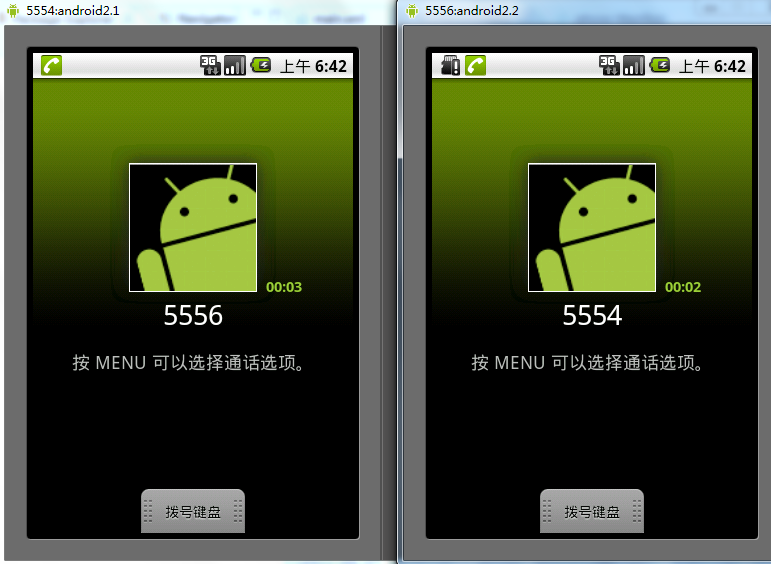
若要直接撥打電話,需要在 AndroidManifest.xml 中加入 CALL_PHONE 權限。
<uses-permission android:name="android.permission.CALL_PHONE"/>
使用 Intent 搭配 ACTION_CALL 與 tel: URI,即可請求系統撥打指定號碼。
public class MainActivity extends Activity {
    private EditText phone = null;

    @Override
    public void onCreate(Bundle savedInstanceState) {
        super.onCreate(savedInstanceState);
        setContentView(R.layout.main);
        phone = (EditText) findViewById(R.id.phone);
        Button button = (Button) findViewById(R.id.button);
        button.setOnClickListener(new View.OnClickListener() {
            public void onClick(View v) {
                String tel = phone.getText().toString();
                Intent intent = new Intent("android.intent.action.CALL", Uri.parse("tel:" + tel));
                startActivity(intent);
            }
        });
    }
}
如果希望只開啟撥號介面而不直接撥出,可改用 ACTION_DIAL。直接撥號通常需要較高權限,實際使用時應注意系統版本與使用者授權機制。
 OkHttp3 在 Android 的實用指南
使用前準備 OkHttp3 是常見的 HTTP 用戶端工具。在 Android Studio 專案中,可透過 Gradle 加入 OkHttp 與 Okio 相依元件,並
 用 Vitamio 打造萬能播放器(十):本地播放之縮略圖、視頻信息與掃描服務
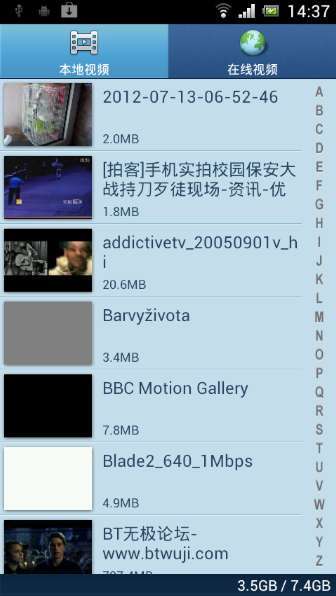
前言 Vitamio 是我們團隊的誠意之作。除了要把 VPlayer 打造成 Android 上最好的播放器,我們也希望把 Vitamio 打磨成最優秀的播放器組件。新版
 Picasso 圖片加載庫詳解:二次封裝 PicassoUtils 打造微信精選
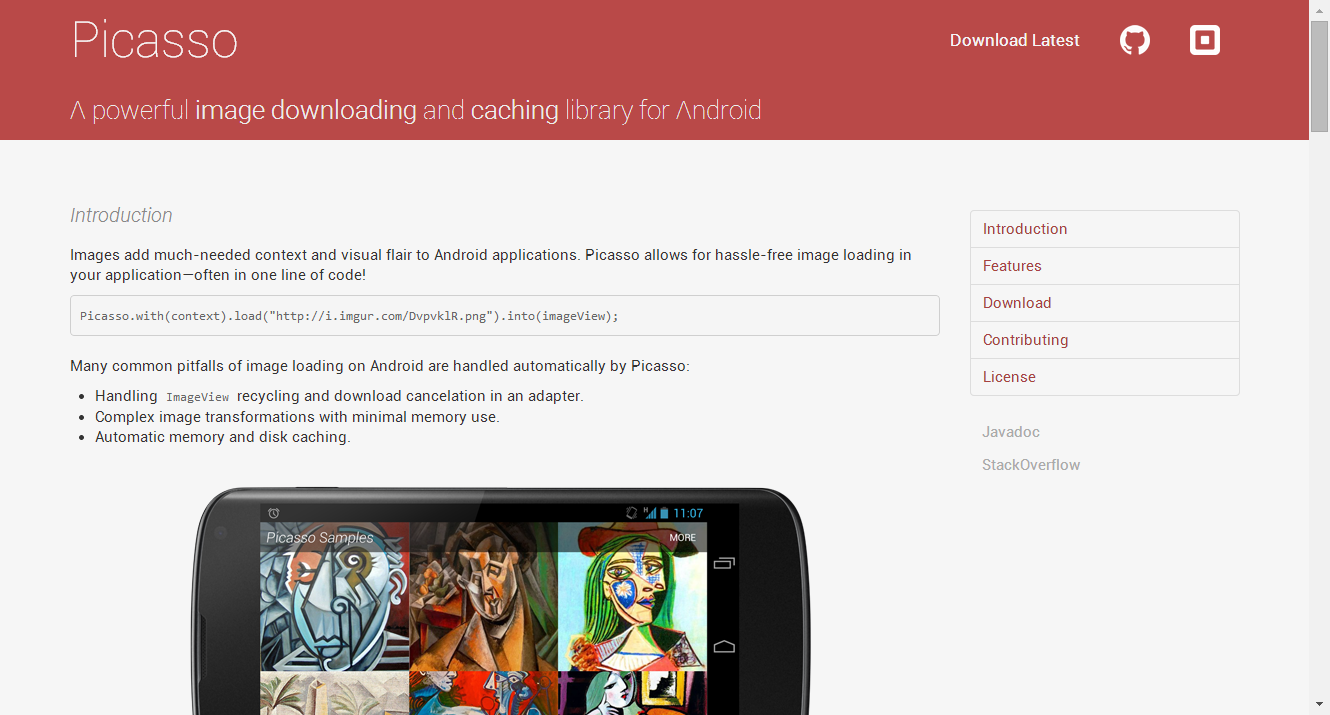
官網:https://square.github.io/picasso/ Picasso(學名畢加索)是 Square 公司開源的一款 Android 圖形緩存庫,使
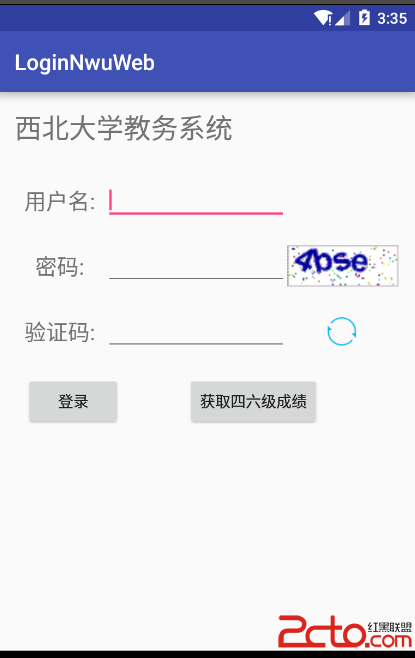 Android 登入客戶端實戰:驗證碼抓取、網頁資料解析與 HttpWatch 抓包
大家好,我是 M1ko。在這個處處都要連網的時代,一個完全沒有網路能力的 App 很難有長但它的生命週期,所以 Android 網路程式設計是每個開發者的必修課。我本身是