

編輯:關於 Android 程式設計
IntentService 提供了一個簡單的結構,讓操作在單一背景執行緒上運行。這使它適合處理耗時工作而不影響 UI 反應。此外,IntentService 不受 UI 生命週期影響,因此在某些 Activity 被關閉的情境下(實測在 onDestroy 中啟動的 AsyncTask 無法完成執行),它仍能繼續工作。
1. 它不能直接操作 UI,要把結果反映到介面,必須回傳給 Activity。
2. 工作請求會序列執行。若前一個操作尚未結束,後續請求必須排隊等待(單執行緒)。
3. IntentService 中執行的操作無法被中斷。
儘管有這些限制,在大多數「一次做完、做完即止」的背景任務上,IntentService 仍是最省事的選擇。
定義子類別並覆寫 onHandleIntent():
public class RSSPullService extends IntentService {
    @Override
    protected void onHandleIntent(Intent workIntent) {
        // 從傳入的 Intent 取出資料
        String dataString = workIntent.getDataString();
        ...
        // 依 dataString 的內容進行處理
        ...
    }
}
提醒:IntentService 已經為你實作了 onStartCommand() 等其他 Service 回呼,因此不要覆寫它們,否則容易破壞內建的佇列機制。另外記得呼叫父類別的建構子並提供名稱,例如 super("RSSPullService"),否則會在執行期拋出例外。
IntentService 本質上仍是 Service,必須在 manifest 中宣告:
<application
    android:icon="@drawable/icon"
    android:label="@string/app_name">
    ...
    <!--
        android:exported 設為 "false",
        表示此服務只能由本 App 使用
    -->
    <service
        android:name=".RSSPullService"
        android:exported="false"/>
    ...
</application>
android:name 指定 IntentService 的類別名稱。
注意:<service> 節點不能包含 intent-filter。發送工作請求的 Activity 會使用明確的 Intent 來指定要啟動哪一個 IntentService。這也意味著,只有同一個 App 內的元件,或另一個使用相同 user id 的應用,才能存取這個服務。
建立一個明確的 Intent,帶上需要的資料,再呼叫 startService():
/*
 * 建立新的 Intent 以啟動 RSSPullService,
 * 並把 URI 放進 Intent 的 data 欄位
 */
mServiceIntent = new Intent(getActivity(), RSSPullService.class);
mServiceIntent.setData(Uri.parse(dataUrl));

// 啟動 IntentService
getActivity().startService(mServiceIntent);
提示:工作請求可以從 Activity 或 Fragment 的任何位置送出。若需要先取得使用者輸入,就在點擊事件或類似手勢的回呼中送出即可。
一旦呼叫 startService(),IntentService 就會在 onHandleIntent() 中處理,完成後自行結束,不需要你手動 stopService。
下一步是把結果回報給原本的 Activity 或 Fragment,這可以透過 LocalBroadcastManager 搭配 BroadcastReceiver 實作。另外提醒:Android 8.0(API 26)起,背景服務的啟動受到限制,若 App 已進入背景,startService() 可能拋出 IllegalStateException,此類情境建議改用 WorkManager 或 JobIntentService 的替代方案。
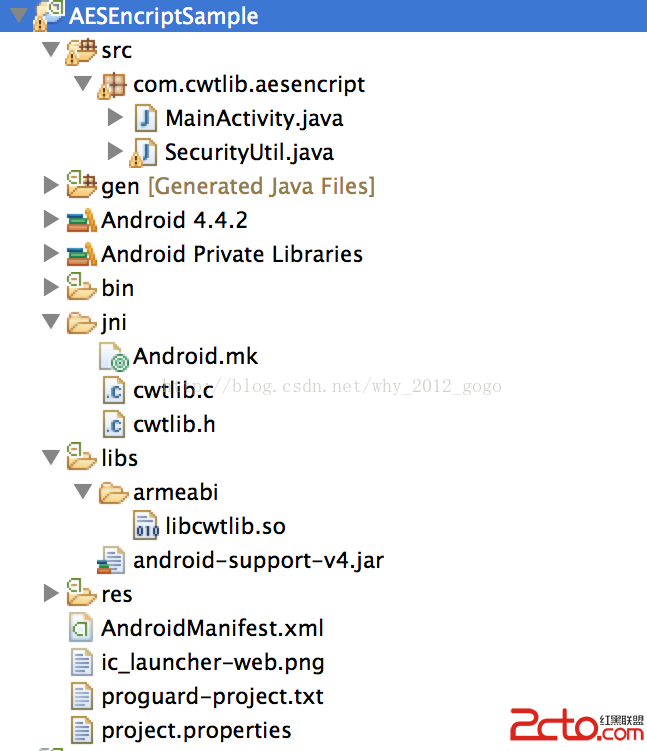 把 AES 密鑰藏進 so:用 JNI 保護 Android 敏感數據
android 中使用 JNI 對字符串加解密實現分析 最近項目有個需求:對用戶的敏感信息加密處理,比如賬戶密碼、手機號等。Java 層實現 AES 加密很簡單,問題在於
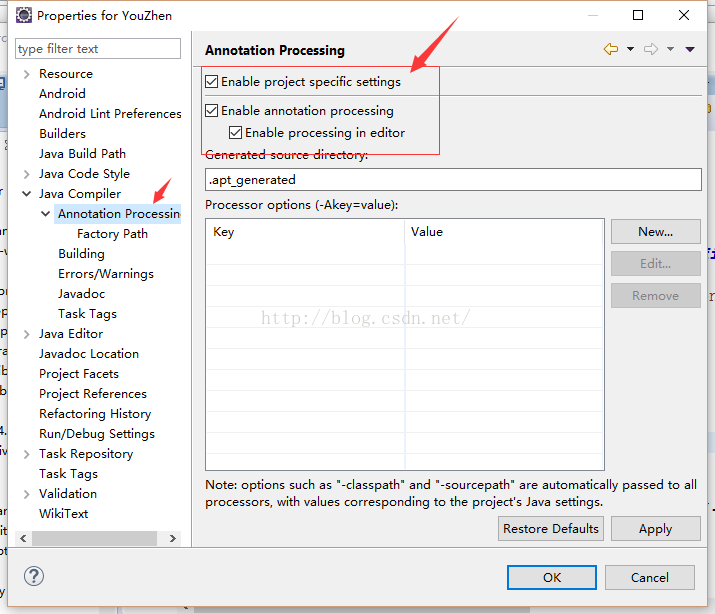 ButterKnife 視圖注入庫的完整使用指南
講到「注入」,相信 Android 開發者都不陌生。它不僅能讓程式碼結構更精簡,還能大幅減少 findViewById 這類冗長的程式碼。平常我們看到的注入功能,多半是封
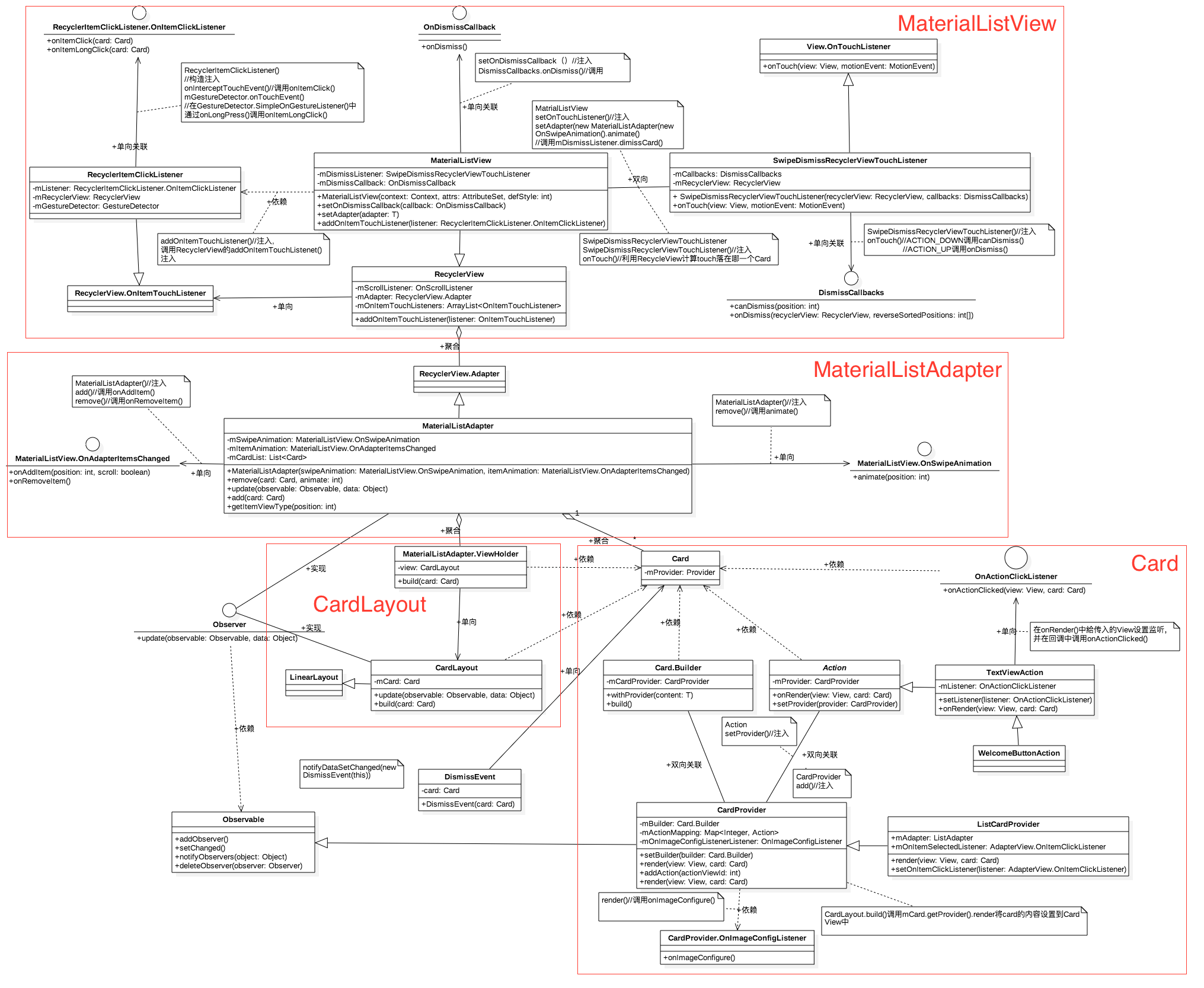 Android MaterialList 源碼解析:打造 Material Design 卡片列表
本文結構:功能介紹、總體設計、詳細設計、自定義布局、總結。 1. 功能介紹 1.1 簡介 MaterialList 是一個幫助 Android 開發者輕鬆獲得漂亮 C
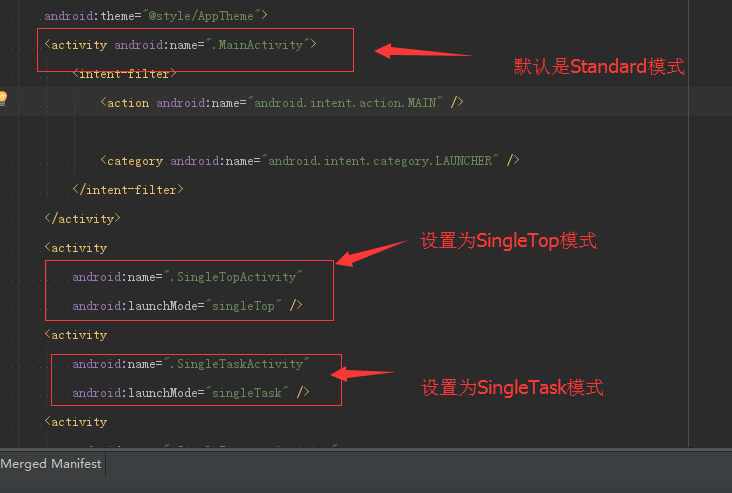 Android 啟動模式(LaunchMode)全面總結
啟動模式:LaunchMode 在多個 Activity 跳轉過程中扮演著重要角色,它能決定是否生成新的 Activity 實例、是否重用已存在的實例,以及是否與其他 A