

編輯:關於 Android 程式設計
翻一下原始碼會發現,Toast.makeText() 的做法其實很直白:透過 Context.LAYOUT_INFLATER_SERVICE 取得一個 LayoutInflater,把系統內建的版面 transient_notification 展開成 View,找出其中的 TextView 塞入文字,最後把這個 View 交給 Toast 物件。
public static Toast makeText(Context context, CharSequence text, int duration) {
    Toast result = new Toast(context);

    LayoutInflater inflate = (LayoutInflater)
            context.getSystemService(Context.LAYOUT_INFLATER_SERVICE);
    View v = inflate.inflate(com.android.internal.R.layout.transient_notification, null);
    TextView tv = (TextView) v.findViewById(com.android.internal.R.id.message);
    tv.setText(text);

    result.mNextView = v;
    result.mDuration = duration;

    return result;
}
既然原理是「塞一個自訂 View 進去」,那麼只要換成自己的版面,就能做出帶圖示的 Toast。
<?xml version="1.0" encoding="utf-8"?>
<LinearLayout xmlns:android="https://schemas.android.com/apk/res/android"
    android:layout_width="200dip"
    android:layout_height="wrap_content"
    android:orientation="horizontal" >

    <ImageView
        android:id="@+id/iv_my_toast"
        android:layout_width="wrap_content"
        android:layout_height="wrap_content"
        android:src="@drawable/notification" />

    <TextView
        android:id="@+id/tv_my_toast"
        android:layout_width="wrap_content"
        android:layout_height="wrap_content"
        android:textSize="18sp"
        android:text="text" />

</LinearLayout>
public class MyToast {

    /**
     * 顯示自定義的 Toast
     * @param context  上下文
     * @param iconid   圖示的資源 id
     * @param text     要顯示的文字
     */
    public static void showToast(Context context, int iconid, String text) {
        View view = View.inflate(context, R.layout.my_toast, null);

        TextView tv = (TextView) view.findViewById(R.id.tv_my_toast);
        ImageView iv = (ImageView) view.findViewById(R.id.iv_my_toast);

        iv.setImageResource(iconid);
        tv.setText(text);

        Toast toast = new Toast(context);
        toast.setDuration(0);
        toast.setView(view);
        toast.show();
    }
}
呼叫方式只需一行:MyToast.showToast(this, R.drawable.notification, "儲存成功");
setView(),這才是取代系統預設版面的關鍵。setDuration() 只接受 Toast.LENGTH_SHORT(0)與 Toast.LENGTH_LONG(1)兩種值,傳其他數字不會有效果。 Android 圖片變換入門:用 Matrix 完成旋轉、縮放、平移與傾斜
在 Android 中處理圖片變換時,Matrix 是非常實用的工具。它本質上是一個矩陣,可對圖像進行旋轉、縮放、平移與傾斜等線性變換。 Matrix 的基本操作 Mat
 Android ListView 與 Adapter 關鍵要點:getView 複用機制與布局陷阱
一、Adapter.getView():整個列表性能的命門 方法簽名很簡單: public View getView(int position, View convert
 Android 錄屏生成 GIF 動圖完整流程
為何選擇 GIF開發 App 後,常需要製作簡短展示動圖。相較於影片,GIF 更輕量、更容易嵌入文章或簡報,也適合展示十幾秒的操作流程。整體思路通常分為兩步:先錄製操作影
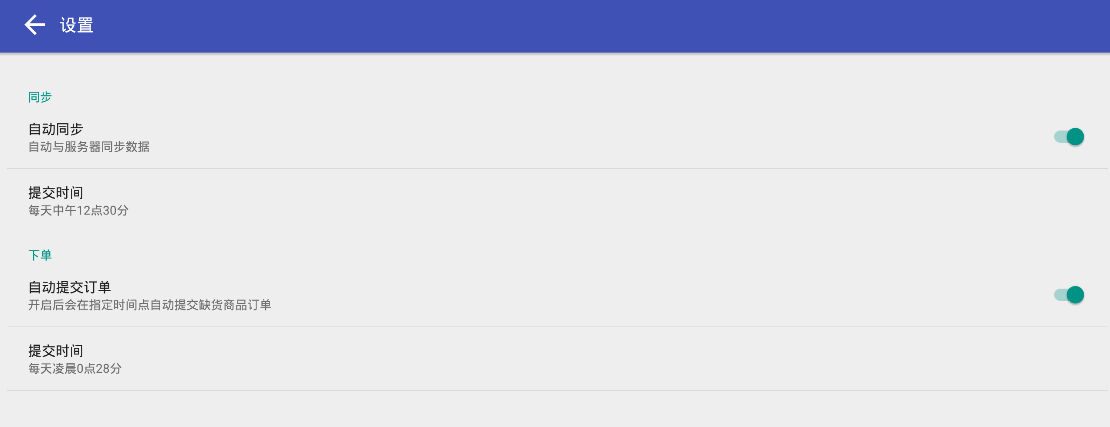 使用 AlarmManager 實現 Android 每日定時任務
介紹 參考 Android 官方文檔:AlarmManager。在 Android 平台上,除了 AlarmManager,也可以用 Timer 或 Handler 來實