

編輯:關於 Android 程式設計
ellipsize 有個眾所皆知的限制:搭配 singleLine 或 lines="1" 時效果很好,但一旦文字超過多行,它就不會在最後一行加上省略號,反而容易出現文字被硬切、甚至顯示不全的情況。
解法是自己判斷行數,超過門檻就手動截斷並補上「...」。
<TextView
    android:id="@+id/businesscardsingle_content_abstract"
    android:layout_width="wrap_content"
    android:layout_height="wrap_content"
    android:layout_marginTop="5dp"
    android:lineSpacingMultiplier="1.0"
    android:lines="6"
    android:text="@string/agrinbusiness_content"
    android:textColor="#7f7f7f"
    android:textSize="13sp" />
關鍵是透過 ViewTreeObserver 的 addOnGlobalLayoutListener,等到 View 完成版面計算、行數確定之後再處理:
ViewTreeObserver observer = textAbstract.getViewTreeObserver();  // textAbstract 為 TextView 控件
observer.addOnGlobalLayoutListener(new OnGlobalLayoutListener() {

    @Override
    public void onGlobalLayout() {
        ViewTreeObserver obs = textAbstract.getViewTreeObserver();
        obs.removeGlobalOnLayoutListener(this);   // 只處理一次,避免無限觸發

        if (textAbstract.getLineCount() > 6) {    // 判斷行數是否超過門檻
            int lineEndIndex = textAbstract.getLayout().getLineEnd(5);  // 取第六行的結束位置
            String text = textAbstract.getText().subSequence(0, lineEndIndex - 3) + "...";
            textAbstract.setText(text);
        }
    }
});
onCreate 階段還沒計算出來,必須等 layout 完成後才能讀取。removeGlobalOnLayoutListener(this) 這行不能省,否則每次版面變化都會觸發一次,而 setText() 又會再觸發一次版面計算,形成迴圈。lineEndIndex - 3 個字元,剛好留出三個字元的空間給「...」。如果你的需求只是「固定行數 + 超出顯示省略號」,其實不必自己算位置。TextView 在較新的 API 上支援直接寫:
android:maxLines="6"
android:ellipsize="end"
這寫法在 API 16 以上能正確在第六行末尾顯示省略號,程式碼乾淨得多。上述手動截斷的方式主要價值在於舊版本相容,或是需要更精細控制(例如自訂截斷字數、保留特定結尾文字)的情境。
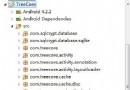 Android 應用框架設計:tree 框架的模塊化思路
一個成熟的 Android 應用框架,能夠顯著提升開發效率並降低項目維護成本。本文以 tree 框架為例,梳理其在界面管理、數據存儲、網絡請求、緩存與崩潰處理等方面的設計
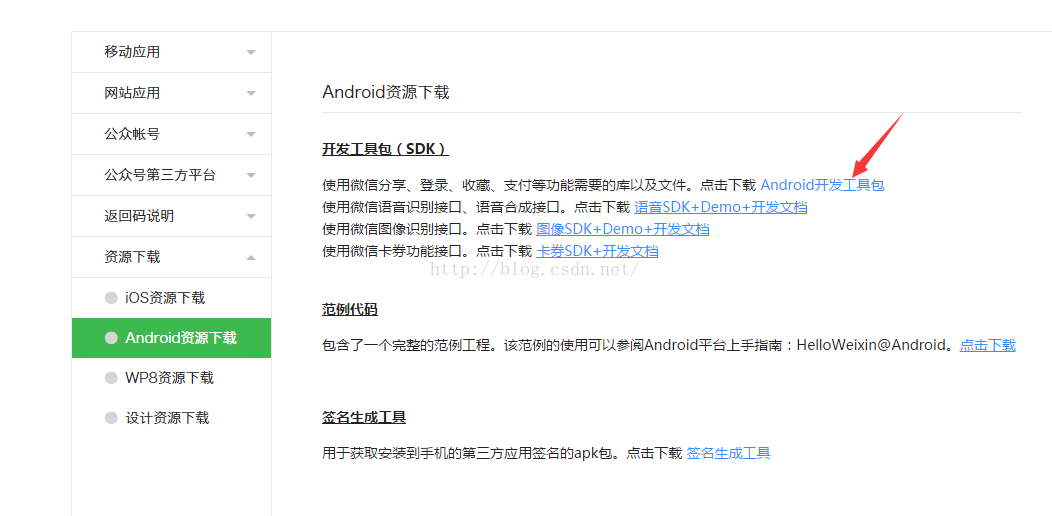 微信授權登錄、分享、支付與支付寶支付的接入實踐
一、微信的授權登錄、分享與支付 (提醒:項目上線時,記得把 keystore 換成正式打包所用的版本。) (一)微信授權登錄 1. 先登入微信開放平台,註冊並建立自己的應
 用 RenderScript 的 ScriptIntrinsicBlur 實作高斯模糊
翻 RenderScript 官方文件的時候,發現這套 API 相當強悍。其中 ScriptIntrinsic 這個抽象類別底下藏了幾個很實用的子類別,而 ScriptI
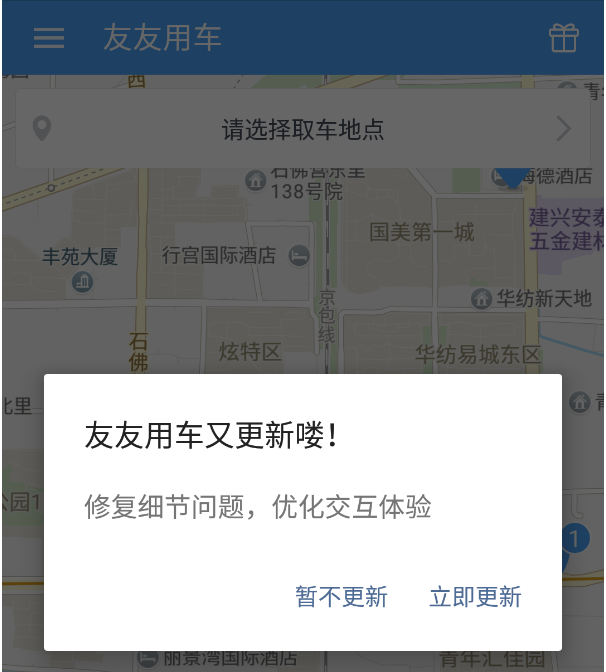 Android 產品研發(十四):App 的升級與更新全流程
上一篇我們講了 App 中的輪詢操作,包括使用場景、作用與實作方式。輪詢通常以定時任務的形式請求伺服器並更新介面,且有明確的生命週期——在合適的頁面啟動、在特定情況下關閉