

編輯:關於 Android 程式設計
Android 裡最基礎的幾種動畫效果無非四類:平移、透明度漸變、旋轉、縮放。實現方式則有兩條路:一是在 Java 代碼裡動態創建,二是寫在 XML 中靜態聲明,再於運行時加載。
/* 透明度漸變:從 1 到 0 */
AlphaAnimation alphaAnimation = new AlphaAnimation(1f, 0f);
alphaAnimation.setDuration(1000);   // 動畫時長
alphaAnimation.setStartOffset(200); // 延遲多久開始
mImageViewAnim.startAnimation(alphaAnimation);
// 注意:ImageView 的圖片要放在 src 中,或通過 background 加載

/* 平移:從一個坐標移動到另一個坐標
   四個參數依次是 起點橫坐標、起點縱坐標、終點橫坐標、終點縱坐標 */
TranslateAnimation translateAnimation =
        new TranslateAnimation(-mImageViewAnim.getMeasuredWidth(), 0, 0, 0);
translateAnimation.setDuration(1000);
translateAnimation.setStartOffset(200);
mImageViewAnim.startAnimation(translateAnimation);

/* 旋轉:默認繞左上角旋轉 */
RotateAnimation rotateAnimation = new RotateAnimation(0, 360);
rotateAnimation.setDuration(1000);
rotateAnimation.setStartOffset(200);
mImageViewAnim.startAnimation(rotateAnimation);

/* 縮放:分別指定水平與豎直方向的尺寸變化 */
ScaleAnimation scaleAnimation = new ScaleAnimation(1f, 2f, 1f, 2f);
scaleAnimation.setDuration(1000);
scaleAnimation.setStartOffset(200);
mImageViewAnim.startAnimation(scaleAnimation);要把多個動畫疊在一起播放,需要一個 AnimationSet 把它們裝起來:
/**
 * AnimationSet 是存放 animation 的集合
 * 構造參數 false:set 中每個 animation 各自使用自己的 interpolator
 * 構造參數 true:所有 animation 共用同一個 interpolator
 */
AnimationSet animationSet = new AnimationSet(false);

AlphaAnimation alphaAnimation = new AlphaAnimation(1f, 0f);
TranslateAnimation translateAnimation = new TranslateAnimation(
        0, 0,
        mImageViewAnim.getMeasuredWidth(),
        mImageViewAnim.getMeasuredHeight());
// RELATIVE_TO_SELF 表示相對於自身的位置
RotateAnimation rotateAnimation = new RotateAnimation(0, 360,
        RotateAnimation.RELATIVE_TO_SELF, 0.5f,
        RotateAnimation.RELATIVE_TO_SELF, 0.5f);
ScaleAnimation scaleAnimation = new ScaleAnimation(1f, 2f, 1f, 2f);

alphaAnimation.setDuration(1000);
translateAnimation.setDuration(1000);
rotateAnimation.setDuration(1000);
scaleAnimation.setDuration(1000);

animationSet.addAnimation(alphaAnimation);
animationSet.addAnimation(translateAnimation);
animationSet.addAnimation(rotateAnimation);
animationSet.addAnimation(scaleAnimation);

mImageViewAnim.startAnimation(animationSet);
運行起來,看到的就是幾種效果疊加在一起的綜合呈現。
先在 res 下新建 anim 目錄,在其中放入資源文件(示例名為 rotation.xml):
<?xml version="1.0" encoding="utf-8"?>
<set xmlns:android="https://schemas.android.com/apk/res/android"
     android:interpolator="@android:anim/anticipate_interpolator">

    <!-- 常用 interpolator:
         cycle_interpolator               —— 來回車輪效果
         accelerate_decelerate_interpolator —— 先加速後減速
         bounce_interpolator              —— 反覆彈起(適合平移、下落)
         anticipate_interpolator          —— 預備動作效果 -->

    <rotate
        android:fromDegrees="0"
        android:toDegrees="360"
        android:pivotX="50%"
        android:pivotY="50%"
        android:duration="2000"
        android:repeatCount="0"
        android:startOffset="100" />
    <!-- 從 0 度轉到 360 度,繞自身中心;延遲 100ms 啟動,每次持續 2000ms -->

    <scale
        android:fromXScale="1"
        android:toXScale="2"
        android:fromYScale="1"
        android:toYScale="2"
        android:pivotX="50%"
        android:pivotY="50%"
        android:duration="2000" />
    <!-- 水平與豎直都從 1 倍放大到 2 倍,以自身中心為軸,歷時 2000ms -->

</set>Animation animation = AnimationUtils.loadAnimation(getApplicationContext(), R.anim.rotation);
mImageViewAnim.startAnimation(animation);運行效果同样是 XML 中幾種動畫的合成結果。對比兩種方式:動態寫法靈活、可運行時調整參數;XML 寫法結構清晰、便於復用與交付給設計實現。項目中通常兩者混用。
 高分段進階攻略(5):用方向感測器做電子指南針
先前有网友私信問:做過磁場感測器,能做出指南針嗎?其實在第一篇就提過,磁場感測器做得到,只是演算法麻煩得多。最簡便的指南針可以用方向感測器實作。一直忙到現在才有空寫這篇,
 Android 平台輕量級 HTTP 網絡傳輸庫 AsyncHttpHelp
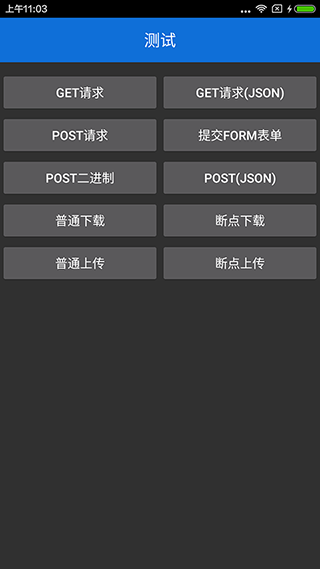
AsyncHttpHelp 是一個運行於 Android 平台、基於 HttpClient 封裝的 HTTP 網絡請求工具。 優點 功能齊全:提供常用的 HTTP 網絡
 在 Eclipse 中運用 Android x86 NDK 並移植 NDK 範例應用
目標 面向 Eclipse(ADT)的 Android 外掛現在已支援基於 NDK 的應用開發,可自動產生專案與建構檔以及程式碼框架,並整合進整個 Android 開發流
 自己動手寫貪吃蛇(一):用 cocos2d-x Lua 鋪出方格戰場
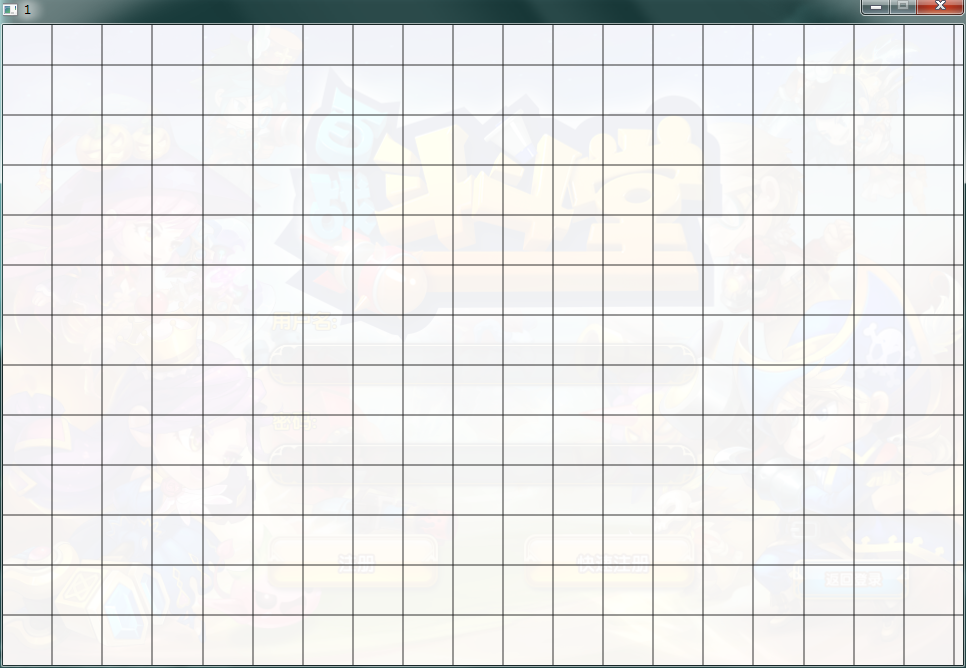
前陣子身邊一堆人在玩《貪吃蛇大作戰》,讓我想起小時候在文曲星上戳那個經典小遊戲。既然手癢,不如自己重寫一個傳統版本來玩玩。這一篇先把地基打好——畫出方格地圖、準備好座標資