

編輯:關於 Android 程式設計
AIDL(Android Interface Definition Language)是 Android 實現進程間通訊(IPC)的重要機制,特別適合 Service 端存在多執行緒並發的情境。如果只是單執行緒,用 Messenger 即可;若完全不需要 IPC,則用 Binder 就足夠。使用 AIDL 時,基本資料型別都支援,List、Map 等有限支援,而 static 欄位則不適用。下面按步驟說明它的用法。
介面描述檔案需要包含:匯入的套件名、方法定義;若使用自訂物件,該物件需實作 Parcelable 介面,並匯入對應的套件名加類名(基本型別則不需要)。此外,所有 .aidl 檔案以及需要傳遞的物件,都必須在 Service 與 Client 中各放一份。
package com.aidl;
import com.aidl.Data;
interface IaidlData {
    int getPid();
    String getName();
    com.aidl.Data getData();
}
實際要實作的,是 gen 目錄中自動生成的 IaidlData.java 裡那個抽象內部類 Stub。它繼承自 android.os.Binder 並實作了 IaidlData 介面。同時別忘了在 AndroidManifest.xml 中註冊 Service,並加上 action 屬性(一般使用 aidl 的套件名加檔名,以便服務端與客戶端一致)。
public class AidlService extends Service {
    private final IaidlData.Stub mBinder = new IaidlData.Stub() {
        public int getPid() {
            return Process.myPid();
        }
        public String getName() throws RemoteException {
            return "go or not go is a problem";
        }
        public Data getData() throws RemoteException {
            Data data = new Data();
            data.id = Process.myPid();
            data.name = "go or not go is a problem";
            return data;
        }
    };
    public IBinder onBind(Intent intent) {
        return mBinder;
    }
}
客戶端透過 action(採用 aidl 檔案的類名加套件名,需與服務端一致)定位 Service,並在 onServiceConnected 回調中取得 Stub 物件:
Intent intent = new Intent(IaidlData.class.getName());
bindService(intent, mSecondaryConnection, BIND_AUTO_CREATE);

private ServiceConnection mSecondaryConnection = new ServiceConnection() {
    public void onServiceConnected(ComponentName className, IBinder service) {
        mIaidlData = IaidlData.Stub.asInterface(service);
    }
    public void onServiceDisconnected(ComponentName className) {
        mIaidlData = null;
    }
};
取得介面物件後,就能直接呼叫其中的方法;記得在 onDestroy 中呼叫 unbindService 解除綁定。
若需在 aidl 中傳遞自訂物件,除了讓該物件實作 Parcelable,還要額外新增對應的 Data.aidl 檔案,並在引用它的 aidl 檔案中 import。服務端與客戶端都需加入一致的 Data.aidl 與 Data.java。
package com.aidl;
parcelable Data;
最後,讓 Data 類實作 Parcelable,完成讀寫 Parcel 的方法:
public class Data implements Parcelable {
    public int id;
    public String name;
    public static final Parcelable.Creator<Data> CREATOR = new Parcelable.Creator<Data>() {
        public Data createFromParcel(Parcel in) {
            return new Data(in);
        }
        public Data[] newArray(int size) {
            return new Data[size];
        }
    };
    private Data(Parcel in) {
        readFromParcel(in);
    }
    public void readFromParcel(Parcel in) {
        id = in.readInt();
        name = in.readString();
    }
    public int describeContents() {
        return 0;
    }
    public void writeToParcel(Parcel dest, int flags) {
        dest.writeInt(id);
        dest.writeString(name);
    }
}
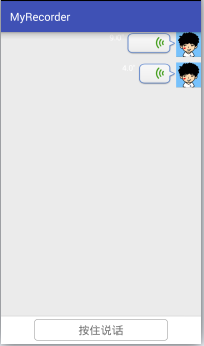 Android 仿微信錄製音頻並發送的完整實現
MyRecorder(仿微信,錄製音頻並發送功能)① 布局實現(activity_main.xml)整體採用線性布局,上方是一個 ListView,下方是一個自定義 Bu
 自定義自動換行列表控件 CustomListView:使用方式與完整範例
之前曾經寫過一篇關於自動換行與多種自定義效果的文章,但當時功力不足,jar 包裡的程式碼只能用「慘不忍睹」來形容。忙完手邊工作後重看舊碼,決定重新封裝。重寫後的 andr
 Android 螢幕適配規則:限定符優先級與資源匹配流程
要做多螢幕適配,第一步得先讓系統「認得出」不同螢幕。Android 提供了一組限定符(qualifier,也有人譯成限定詞),用來描述資源適用於哪一類裝置。 上圖列出常
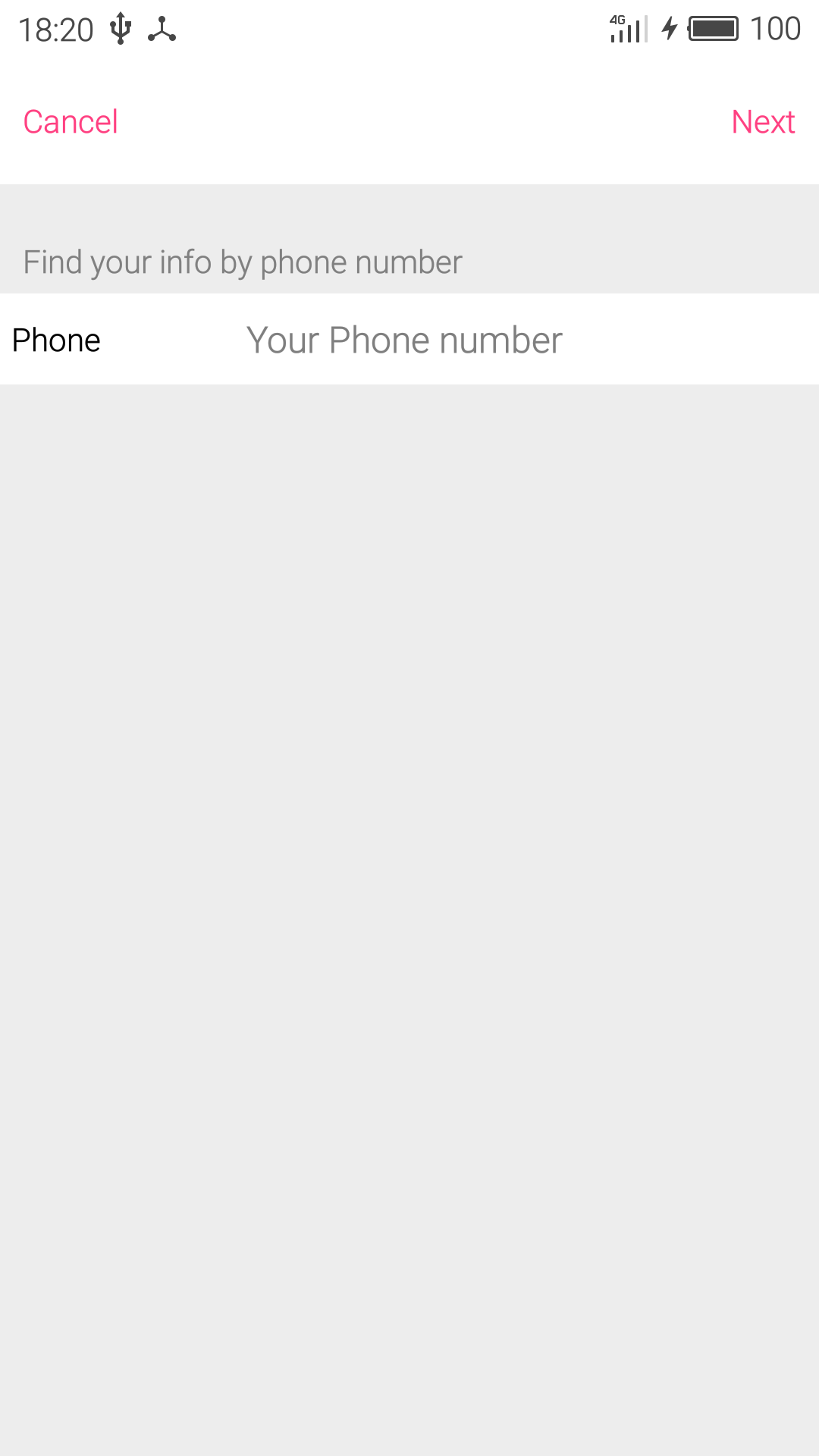 Android 登入、註冊與找回密碼功能設計實作
本文分享一套登入、找回密碼、註冊功能的實作,供參考。1. 資料庫設計這裡用了兩張表:一張存使用者資訊(帳號、密碼、手機號等,欄位可自行擴充),另一張存「上次登入的使用者」