

編輯:關於 Android 程式設計
下面是一個通過 HttpURLConnection 連接服務器並下載文件的工具方法,同時借助 ProgressDialog 實時展示下載進度:
public static File downLoad(String serverPath,String savedPath,ProgressDialog dialog){ try { URL url=new URL(serverPath); HttpURLConnection _conn=(HttpURLConnection) url.openConnection(); _conn.setRequestMethod("GET"); _conn.setConnectTimeout(5000); int code=_conn.getResponseCode(); if(code==200){ //設置進度條的長度 dialog.setMax(_conn.getContentLength()); InputStream is=_conn.getInputStream(); File _file=new File(savedPath); FileOutputStream _FileOutputStream=new FileOutputStream(_file); int len=0; byte[] buffer= new byte[1024]; int _total=0; while((len=is.read(buffer))!=-1){ _FileOutputStream.write(buffer, 0,len); _total+=len; dialog.setProgress(_total); Thread.sleep(20); } _FileOutputStream.flush(); _FileOutputStream.close(); is.close(); return _file; }else { return null; } } catch (Exception e) { // TODO: handle exception e.printStackTrace(); return null; } }
該方法以 GET 方式請求指定服務器路徑,設置 5 秒連接超時,當響應碼為 200 時,根據文件總大小設置進度條上限,再通過 1024 字節的緩衝區循環讀寫,並實時更新已下載進度,最終返回保存好的文件對象。
 Android 加載並播放 Gif 動畫的完整實現代碼
如何在 Android 中加載並播放 Gif 動畫?這一直是不少開發者感興趣的話題。本文就給出一套基於自定義 View 與 Movie 的完整實現方案,逐步拆解其中的關鍵
 Android Design 實作筆記(十):FloatingActionButton 與 CollapsingToolbarLayout 的對比
本篇延續上一回的 CoordinatorLayout 實驗,把 FloatingActionButton 與 ImageButton 放在一起做直觀對比,同時加進一個 C
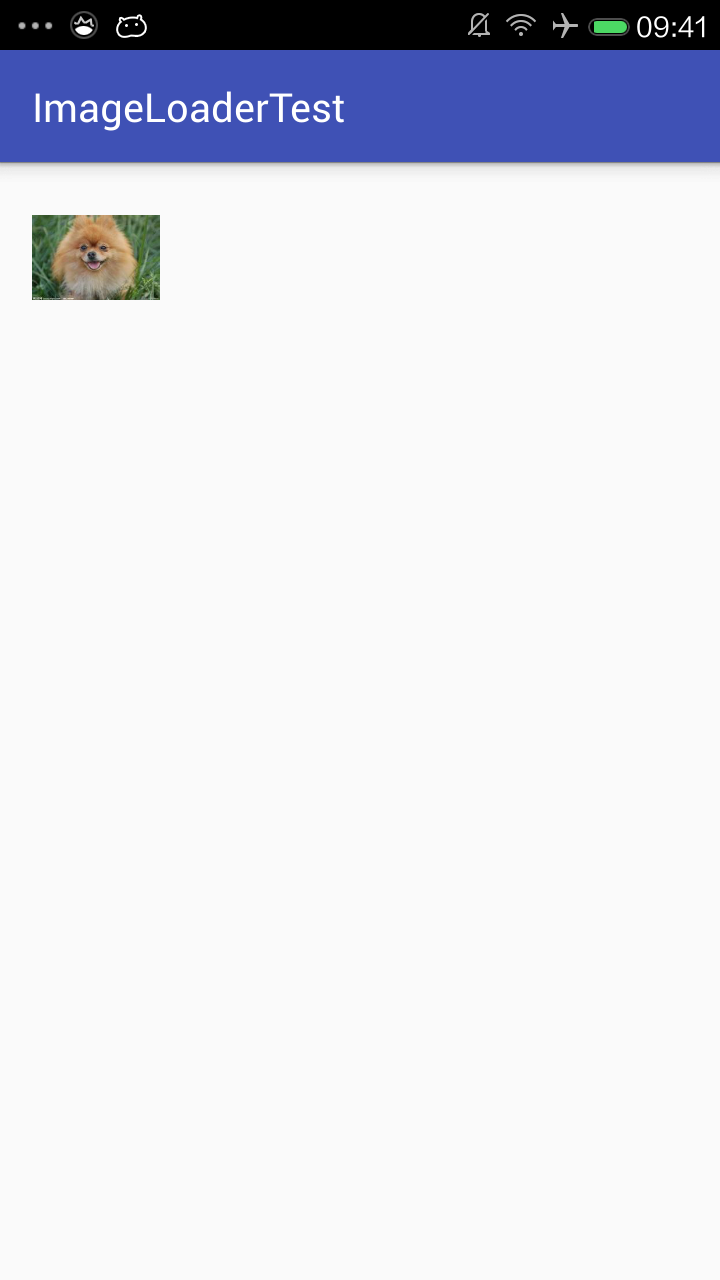 淺析 Android 開源框架 Universal Image Loader 的用法與原始碼
在 Android 開發中,圖片顯示幾乎是每個專案都躲不掉的需求。網路上翻資料會發現,Universal Image Loader(以下簡稱 UIL)長期是這個領域的熱門
 Toast 的花式玩法:源碼解析與自定義實踐
自定義 Toast 的原理與自定義其他控件類似:先搞清楚系統默認是怎麼做的,再從中找切入點。本文先拆源碼,再封裝一個實用工具類。 一、Toast 源碼分析 Toast