

編輯:關於 Android 程式設計
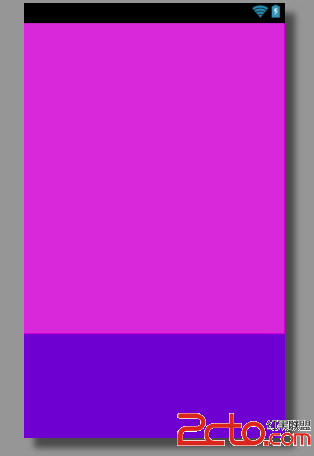
<LinearLayout xmlns:android="https://schemas.android.com/apk/res/android"
    android:layout_width="match_parent"
    android:layout_height="match_parent"
    android:background="#FFFFFF"
    android:orientation="vertical" >

    <TextView
        android:layout_width="fill_parent"
        android:layout_height="0dp"
        android:layout_weight="3"
        android:background="#D200D2" />

    <TextView
        android:layout_width="fill_parent"
        android:layout_height="wrap_content"
        android:layout_height="0dp"
        android:layout_weight="1"
        android:background="#6f00D2" />

</LinearLayout>
這是使用 weight 時最關鍵的一點。在垂直 LinearLayout 中,weight 分配的是「父容器量完子 View 之後剩下的空間」。如果子 View 的 height 寫成 wrap_content 或 match_parent,它會先依自身內容或父容器佔掉空間,剩下能給 weight 分的就變少了,比例也就不準。
寫成 0dp 表示「我本身不佔空間,全部由 weight 決定」,這樣 3 : 1 才是精確的 3 : 1。上面的例子中,兩個 TextView 會分別佔據父容器高度的 75% 與 25%。
同理,水平方向的 LinearLayout 用 weight 時,應該把 layout_width 設為 0dp,而 height 依需求設定。
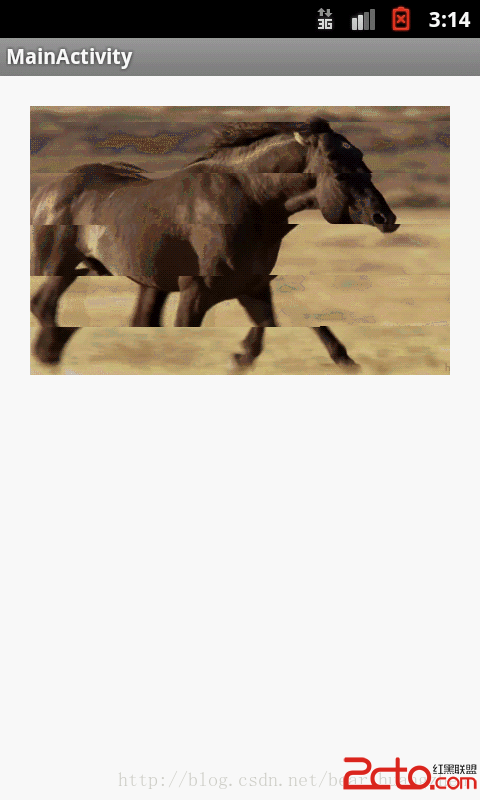 Android 中顯示 GIF 動圖:自定義 View + Movie 實現方案
GIF 動畫在 Android 上的顯示是個很常見的需求,但系統原生的 ImageView 並不會自動播放 GIF。今天我們就用 android.graphics.Mov
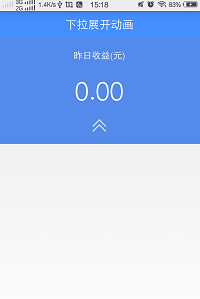 用屬性動畫實現布局的下拉展開與收起效果
從 Android 3.0 開始,Google 引入了屬性動畫(Property Animation)框架,讓我們能做出更豐富、更可控的動畫,於是趁這個需求聊一下。 需求
 使用 SpannableStringBuilder 實現圖文混排與「更多」效果
需求場景在許多內容型應用中,長文字需要限制顯示行數,超出部分以省略號表示,並在省略號後方加入「更多」圖示或文字,引導使用者展開完整內容。這種效果若只靠 TextView
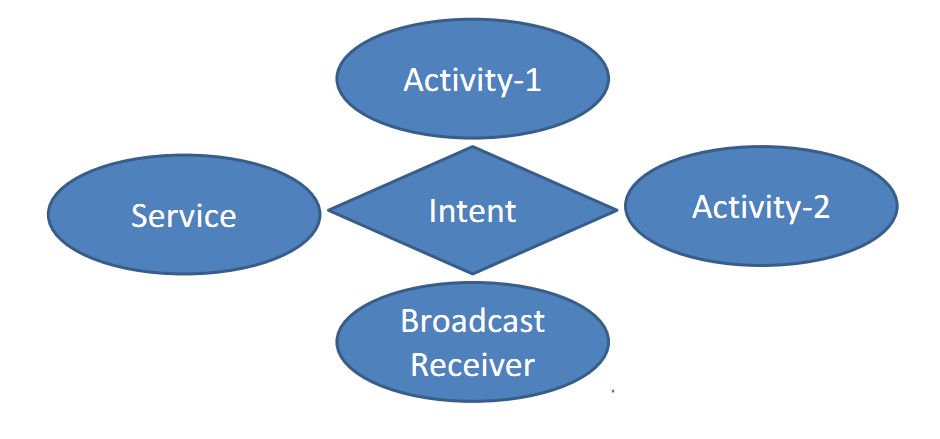 Android Intent 詳解:四大元件之間的橋梁
Intent 雖然不屬於四大元件,卻是串起四大元件的橋梁,把這個知識學透非常重要。 一、什麼是 Intent Android 提供了 Intent 機制來協助應用之間的