

編輯:關於 Android 程式設計
Intent 是 Android 四大元件之間溝通的核心,但很多人只會用它跳轉 Activity,對它的分發機制並不清楚。這一篇先從最簡單的廣播發送切入,建立整體架構的認識。
Client:發送 Intent 的一方,通常是一個 Activity;
Server:ActivityManagerService(實作在 ActivityManagerService.java 中),負責把 Intent 分發給合適的對象;
Target:真正要處理這個 Intent 的元件,也就是 Receiver。
Intent 的三個主要屬性 Action、Data、Category 決定了「誰有資格收到」,這部分基本概念不再贅述。
Intent intent = new Intent(AudioManager.ACTION_AUDIO_BECOMING_NOISY);
mContext.sendBroadcast(intent);
第一句話構造了一個 Intent,注意只傳入一個參數,也就是 Action,並未指定 Data 與 Category。這意味著只要某個 Receiver 在 AndroidManifest.xml 中宣告了相符的 intent-filter,就能收到:
<receiver android:name="MediaButtonIntentReceiver">
    <intent-filter>
        <action android:name="android.media.AUDIO_BECOMING_NOISY" />
    </intent-filter>
</receiver>
當然,若不喜歡寫在 XML 裡,也可以直接在程式中呼叫 registerReceiver() 動態註冊,效果相同,差別在於動態註冊的接收器只在元件存活期間有效,且必須記得在 onDestroy() 中 unregisterReceiver()。
如此一來,一旦系統監測到這個廣播訊息,該 Receiver 的 onReceive() 就會被呼叫。
第二句話的目的是把訊息廣播出去。這個過程是非同步的:呼叫端把 Intent 交出去就立刻返回,後續誰處理、何時處理,與呼叫端再無關係。
mContext.sendBroadcast(intent) 中的 mContext 是 Application Context,這其實是一次典型的 binder 調用,呼叫之後流程便轉到 ActivityManagerNative.java 中處理,也就是跨進程進入了系統服務端。從這裡開始,接下來的一切都發生在另一個世界裡,下一篇再往下追。
 Android 屏幕分類與相關參數(尺寸、密度)詳解
Android 設備運行在各種各樣的屏幕上,這些屏幕有著不同的 screen sizes(屏幕大小)和 screen densities(屏幕密度)。screen siz
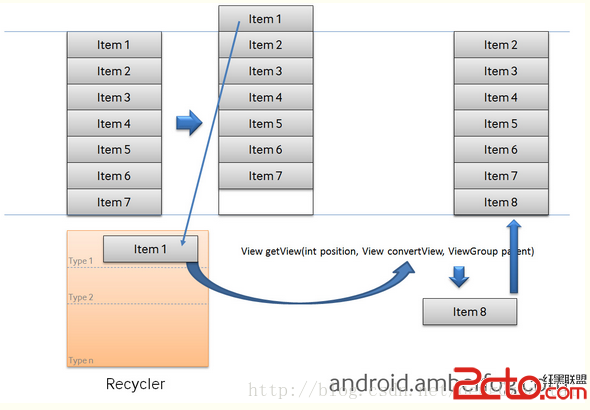 Android 性能優化:ListView 緩存機制與 convertView 復用原理
ListView 是 Android 開發中使用頻率最高的控件之一,也是最容易寫出性能問題的地方。滑動卡頓、內存溢出、圖片閃爍,絕大多數都能追溯到同一個根源——沒有正確理
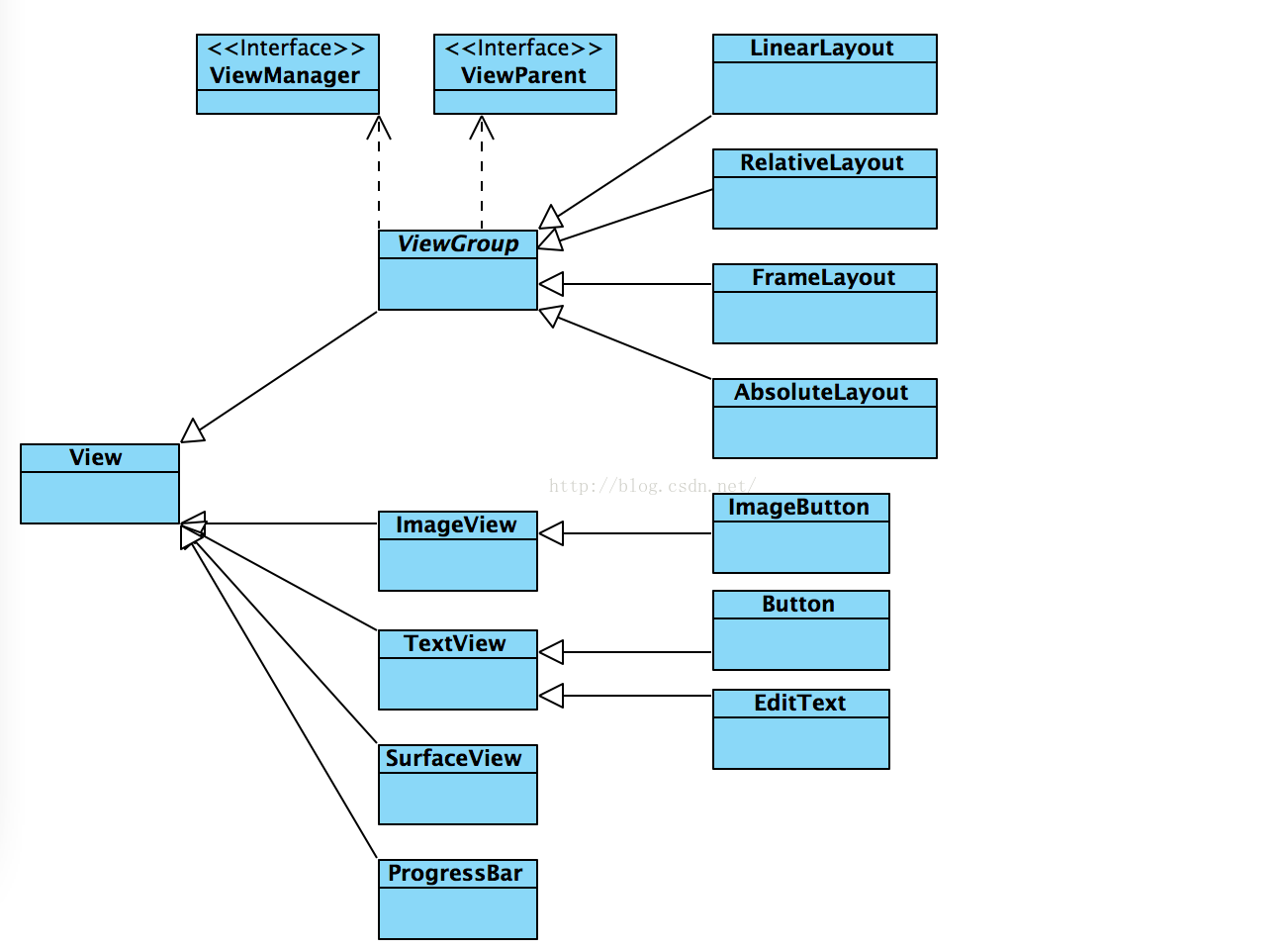 Android 自定義控件:View 體系與滑動機制知識全景
寫自定義控件之前,先把地基打牢:View 到底是什麼、位置參數怎麼算、觸摸事件如何流轉、滑動有哪幾種實現方式。這一整套知識貫通之後,自定義控件就不再靠猜。 一、View
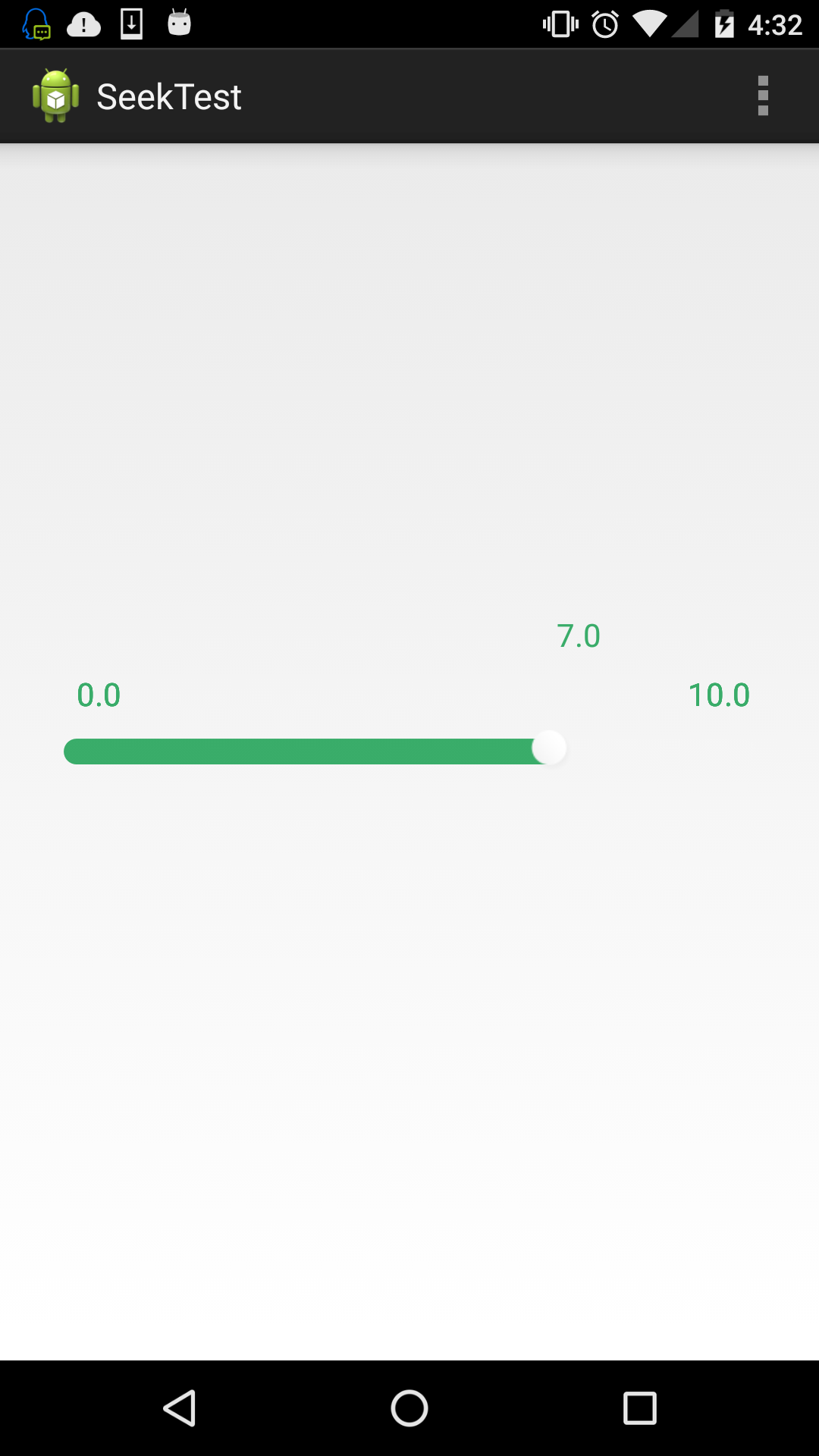 Android 自定義 SeekBar:可拖動進度提示與樣式客製
需求效果 這個自定義 SeekBar 需要顯示左右兩側的數值,並讓進度提示文字跟著滑桿移動。畫面中可看到提示方塊位於滑桿上方,並隨拖動即時更新位置。 實作思路 最簡單的