

編輯:關於 Android 程式設計
Android 系統本就是為手機而設計的,因此在任何 App 中,只要願意,調起撥號都相當方便。
核心做法是用 Intent 做一次跳轉,把 Action 指定為 Intent.ACTION_CALL 即可。
核心程式碼:
Intent intent = new Intent(Intent.ACTION_CALL, Uri.parse("tel:13888888888"));
package com.android.dev;

import android.app.Activity;
import android.content.Intent;
import android.net.Uri;
import android.os.Bundle;
import android.view.View;
import android.widget.Button;
import android.widget.EditText;

public class DialerAndMsgActivity extends Activity {
    private Button dialerButton;
    private EditText editTextPhoneNum;

    @Override
    public void onCreate(Bundle savedInstanceState) {
        super.onCreate(savedInstanceState);
        setContentView(R.layout.main);
        dialerButton = (Button) findViewById(R.id.Button_Dialer);
        editTextPhoneNum = (EditText) findViewById(R.id.EditText_PhoneNum);
        dialerButton.setOnClickListener(new View.OnClickListener() {
            public void onClick(View arg0) {
                Intent intent = new Intent(Intent.ACTION_CALL,
                        Uri.parse("tel:" + editTextPhoneNum.getText()));
                DialerAndMsgActivity.this.startActivity(intent);
            }
        });
    }
}
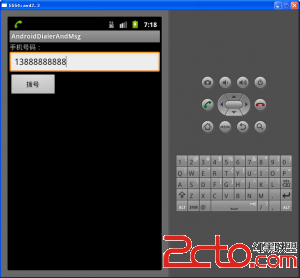
android 撥打電話
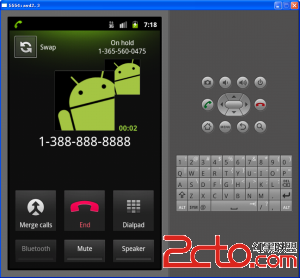
android 撥打電話
補充說明:Intent.ACTION_CALL 會直接撥出電話,因此必須具備 CALL_PHONE 權限,且自 Android 6.0 起還需要在執行期動態申請。如果你只希望「跳到撥號介面並帶入號碼」,而不真的按下去撥打,可以改用 Intent.ACTION_DIAL,那樣就不需要任何權限,對使用者也更友善——這在多數場景下其實是更好的選擇。
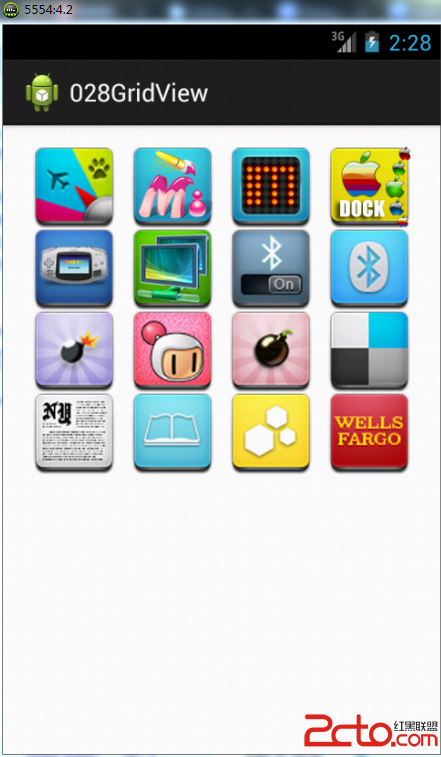 從零開始學 Android(二十八):GridView 網格視圖完整指南
GridView 以網格形式排列所有子項。最典型的應用就是相簿:所有縮圖以相同尺寸填滿一個個格子。以下是它的繼承結構: java.lang.Object └─ andr
 Android 基礎 UI 第十二篇:ScrollView、ProgressBar 與 SeekBar
ScrollView 滾動視圖 ScrollView 繼承自 FrameLayout,同樣是容器元件。由於手機螢幕空間有限,當畫面需要容納大量內容時,ScrollView
 Android 熱修補丁方案設計與持續交付實踐
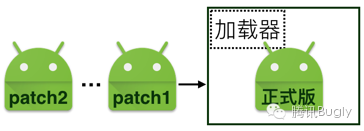
Android 的碎片化不僅體現在系統版本與機型上,也體現在發行渠道上——每個市場都有自己的政策與審核節奏。一次版本發布,對開發同學來說往往是漫長的煎熬。iOS 兩三天就
 從零打造 Android 影片播放器(一):以 Vitamio 為核心動手實作
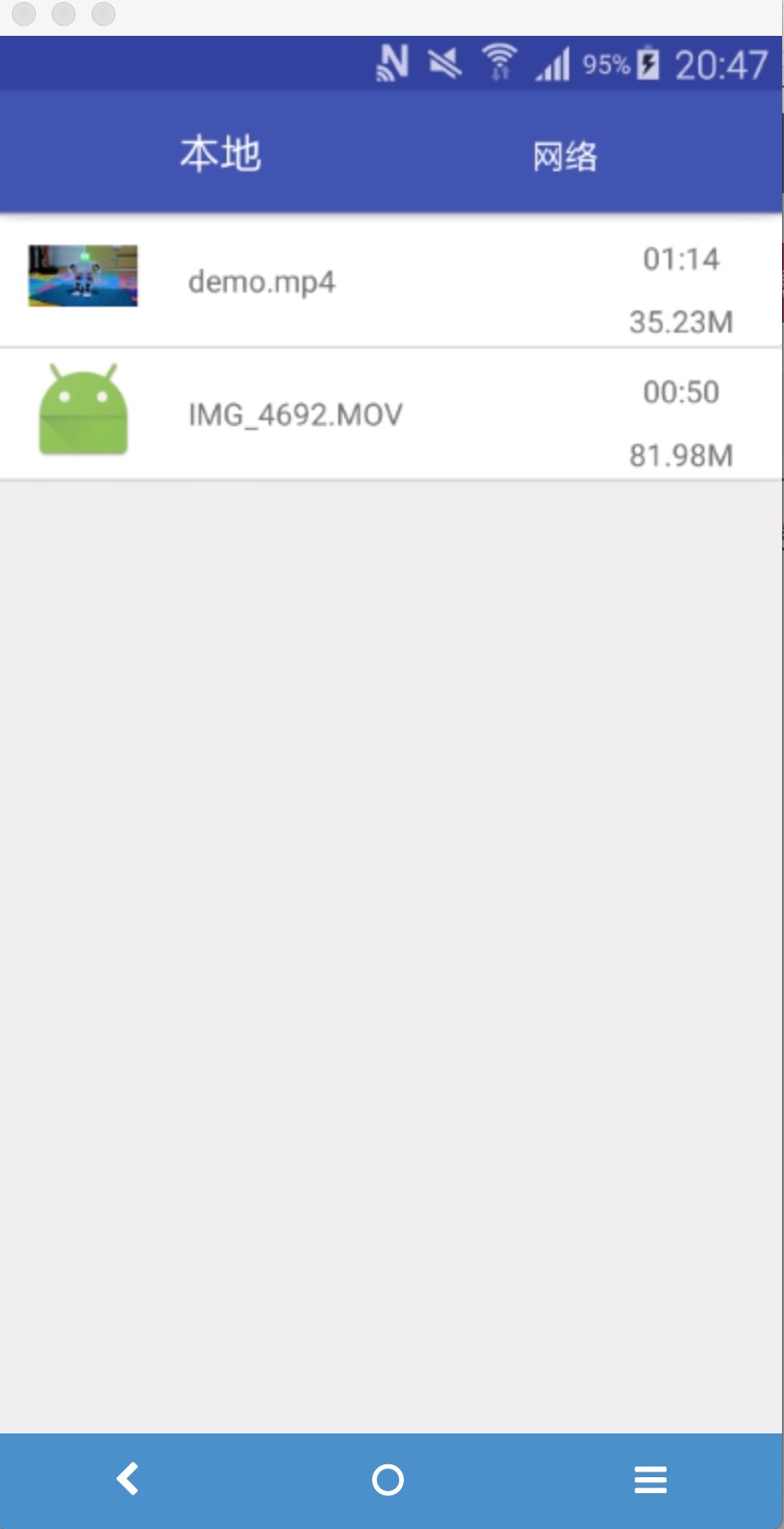
先前我曾經接觸過 Vitamio 這個第三方播放庫,後來因為種種瑣事耽擱下來,就一直沒有繼續深入。最近直播產業火熱,讓我重新意識到「影片」這塊技術值得好好下一番功夫,於是