

編輯:關於 Android 程式設計
這段程式碼是我在一家比利時任職期間寫的。當時忙於戶籍調動,只參與了兩個專案便離開了,心裡其實有些感謝與遺憾——公司在職稱申請上給了我全力支持,而我卻沒能回報更多。
回過來說技術。Android 專案裡解析 JSON 是家常飯碗,但每次都要寫一遍 Gson().fromJson(...) 加上各種型別轉換,實在冗長。這裡的做法是用 Java 泛型把「要轉成什麼型別」當成參數傳進來,讓同一個方法服務所有 model。
package com.dday.dataaccesslayer.utils.helper;

import java.io.FileNotFoundException;
import java.io.IOException;
import java.io.UnsupportedEncodingException;
import java.util.Date;

import org.json.JSONException;
import org.json.JSONObject;

import android.content.Context;

import com.dday.dataaccesslayer.utils.StorageServiceFactory;
import com.google.gson.FieldNamingPolicy;
import com.google.gson.Gson;
import com.google.gson.GsonBuilder;

public class JsonHelper {

    public static <T> T getEntityFromJson(String fromJsonStr, Class<T> classOfT)
            throws JSONException {
        GsonBuilder gsonb = new GsonBuilder();
        gsonb.setFieldNamingPolicy(FieldNamingPolicy.UPPER_CAMEL_CASE);

        DateDeserializer ds = new DateDeserializer();
        gsonb.registerTypeAdapter(Date.class, ds);

        Gson gson = gsonb.create();
        JSONObject j = new JSONObject(fromJsonStr);
        return gson.fromJson(j.toString(), classOfT);
    }

    public static <T> T getEntityFromInterStorage(Context context, String jsonFilePath,
                                                 String charset, Class<T> classOfT)
            throws JSONException, FileNotFoundException,
                   UnsupportedEncodingException, IOException {
        String jsonContent = InterStorageHelper.readInternal(context, jsonFilePath, charset);
        return getEntityFromJson(jsonContent, classOfT);
    }

    public static <T> T getEntityFromInterStorage(Context context, String jsonFilePath,
                                                 Class<T> classOfT)
            throws JSONException, FileNotFoundException,
                   UnsupportedEncodingException, IOException {
        return getEntityFromInterStorage(context, jsonFilePath, "UTF-8", classOfT);
    }

    public static <T> T getEntityFromExterPrivateStorage(Context context, String jsonFilePath,
                                                        String charset, Class<T> classOfT)
            throws JSONException, FileNotFoundException,
                   UnsupportedEncodingException, IOException {
        String jsonContent = StorageServiceFactory.getSharedInstance()
                .getExterStorageService(context)
                .getPrivateFile(jsonFilePath, charset);
        return getEntityFromJson(jsonContent, classOfT);
    }

    public static <T> T getEntityFromExterPrivateStorage(Context context, String jsonFilePath,
                                                        Class<T> classOfT)
            throws JSONException, FileNotFoundException,
                   UnsupportedEncodingException, IOException {
        String jsonContent = StorageServiceFactory.getSharedInstance()
                .getExterStorageService(context)
                .getPrivateFile(jsonFilePath, "UTF-8");
        return getEntityFromJson(jsonContent, classOfT);
    }
}
關鍵是 <T> T 搭配 Class<T> classOfT 這對組合。呼叫端只要寫:
User user = JsonHelper.getEntityFromJson(jsonStr, User.class);
編譯器就能推斷回傳型別為 User,不必再手動轉型,也不會有型別轉換的執行期風險。這比傳統寫法「回傳 Object 再由呼叫端轉型」安全得多。
命名策略:FieldNamingPolicy.UPPER_CAMEL_CASE 讓 JSON 的 user_name 自動對應 Java 欄位 UserName。若後端命名風格特殊,更好的做法是用 @SerializedName 標註在欄位上,語意比全域策略明確。
自訂型別轉換:DateDeserializer 註冊到 GsonBuilder,讓日期字串能正確轉為 Date 物件。JSON 對日期沒有標準格式,這一層轉換幾乎是每個專案都必須自己處理的。
多層載入來源:這個類同時支援從字串、內部儲存空間、外部私有目錄載入,並提供不含 charset 的重載版本預設 UTF-8,讓呼叫端程式碼更簡潔。
本類依賴 Gson 函式庫;其中引用的 DateDeserializer、InterStorageHelper、StorageServiceFactory 等型別屬於專案內其他層級,此處不便提供,僅供參考其中的封裝邏輯。
 Android 自定義倒計時 View 實作全解析
本篇將手把手帶你實作一個帶陰影、帶指引小圓點的自定義倒計時 View。別被效果圖嚇到,真正的難點其實只有「白色小圓圈的動態定位」一處,其餘都是自定義 View 中常見的知
 狀態列沉浸式實作,以及它帶來的鍵盤與版面適配難題
這個需求是因為專案要求才去研究的。身為 Android 新手,我原本完全沒碰過狀態列整合這件事,第一反應当然是上網搜尋。網路資料確實幫了大忙,但對我這種入門者來說仍不夠細
 一步一步打造 Android 帳號系統(二):資料同步機制與帳號設定頁
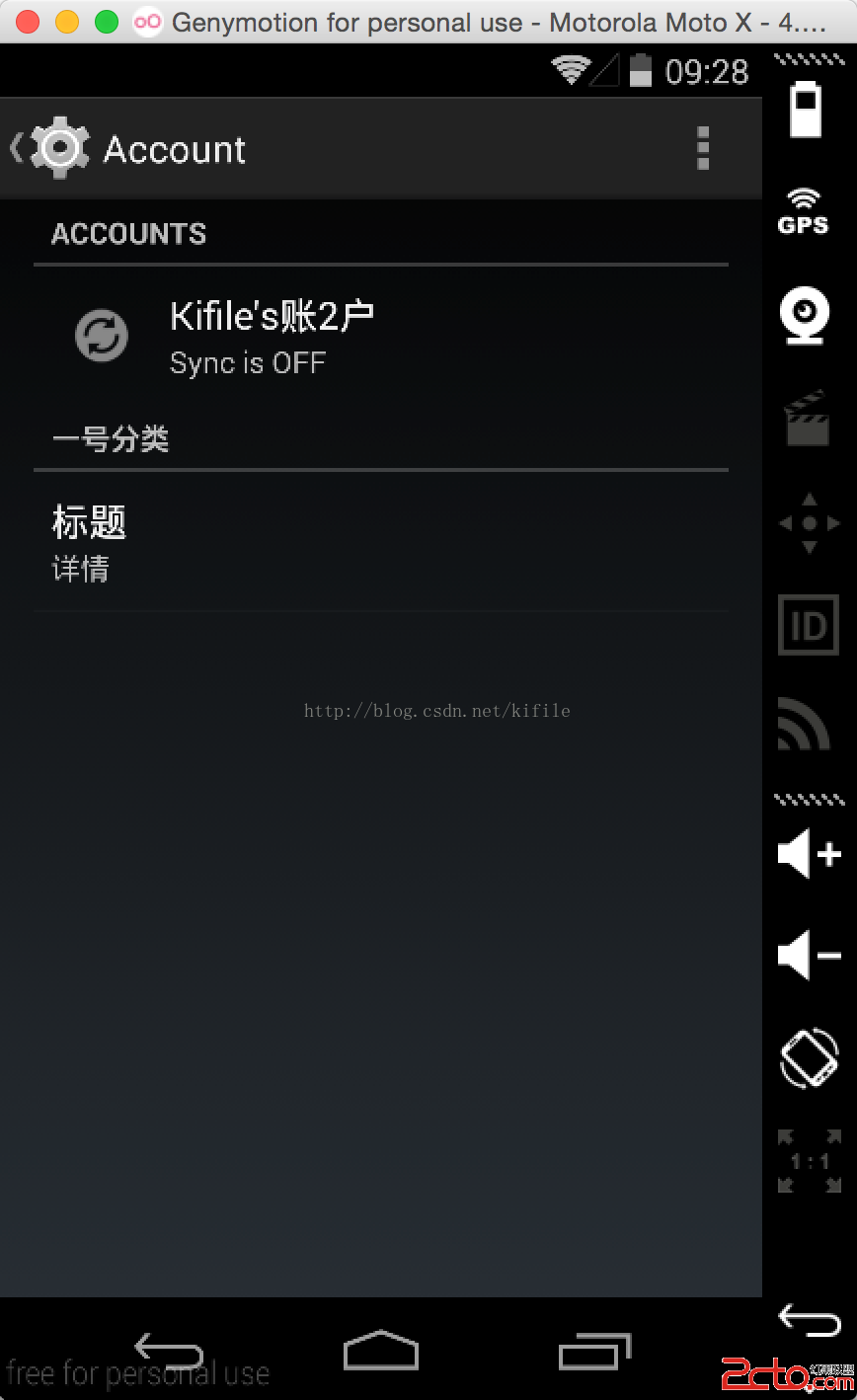
上一篇我們把 Android 帳戶系統的骨架搭了起來——建立帳戶類型、實作 Authenticator、註冊同步服務。這一前半段來談「怎麼用」,也就是資料同步;後半段則說
 PhotoView 源碼深度解讀:圖片縮放是如何實現的
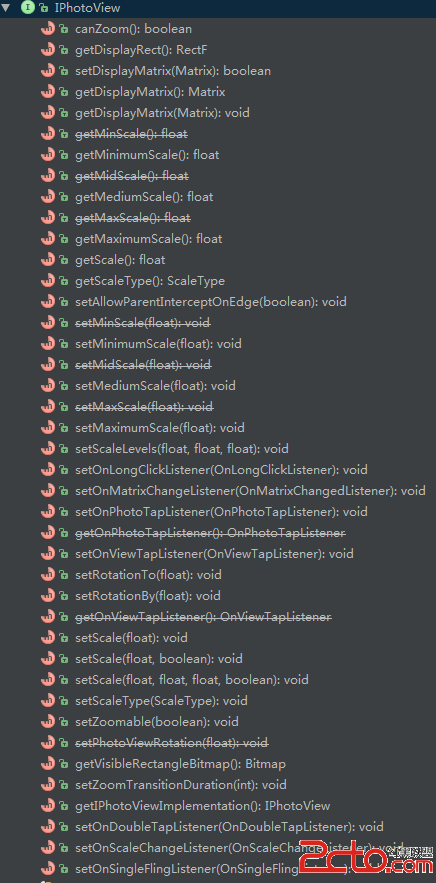
開源地址:https://github.com/chrisbanes/PhotoView PhotoView 是一個幫助開發者輕鬆實現 ImageView 縮放的庫,縮放