

編輯:關於 Android 程式設計
當我們用系統的分享或選擇功能跳出「選擇器」時,標題文字是可以自訂的。做法是使用 Intent.createChooser() 方法建立 Intent,並傳入想要的 String 作為標題。
以 wallpaper 選擇框為例,當在 Launcher 工作區的空白處長按時,會彈出 wallpaper 選擇框,其標題為「Choose wallpaper from」:
private void startWallpaper() {
    showWorkspace(true);
    final Intent pickWallpaper = new Intent(Intent.ACTION_SET_WALLPAPER);
    Intent chooser = Intent.createChooser(pickWallpaper,
            getText(R.string.chooser_wallpaper));
    // NOTE: 若桌布支援,會在選擇器中加入設定選項
    startActivityForResult(chooser, REQUEST_PICK_WALLPAPER);
}
其中,R.string.chooser_wallpaper 對應的字串內容就是「Choose wallpaper from」,定義在 Launcher2 的 Strings.xml 中。
關鍵在於 createChooser() 的第二個參數:只要傳入你要顯示的文字(或字串資源),系統選擇器就會以它作為標題。這在做自訂分享、選擇檔案或選擇桌布等功能時非常好用。
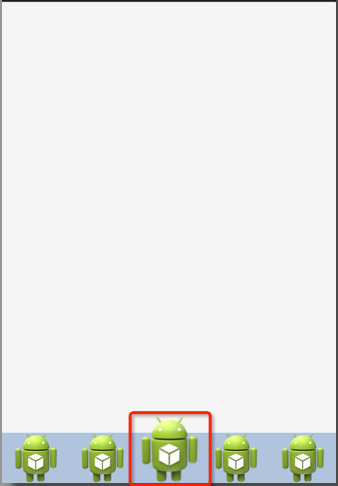 Android clipChildren 屬性詳解與用法示例
有些布局屬性平時不太起眼,關鍵時刻卻能出奇效,clipChildren 就是其中之一。本文通過一個直觀的例子,講解它如何讓子 View 突破父容器的邊界顯示。 一、效果預
 Android 用 PopupWindow 實現新浪微博的分組信息菜單
前陣子看到新浪微博頂部的微博分組效果,覺得很不錯,查了資料才知道是 PopupWindow 做的。於是照着寫了一個例子,記錄在這裡。 PopupWindow 顧名思義就是
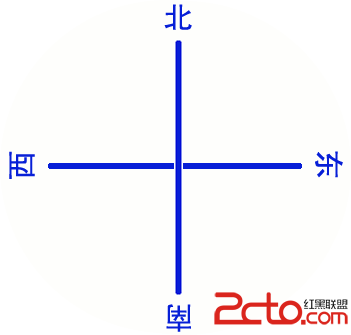 Android 指南針實作:用方向感測器驅動指針旋轉
指南針看起來神奇,原理其實很單純:讀取方向感測器(Orientation Sensor)回報的角度,再讓指針圖片轉到對應角度。 一、版面配置 <?xml versi
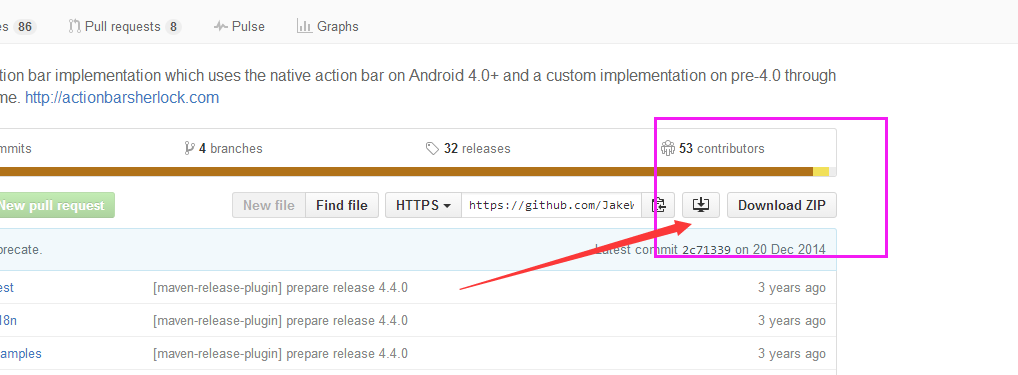 SlidingMenu 實作側滑欄完整教學:環境整合、屬性配置與常見錯誤排除
先感謝各位國內外先進無私的分享。 近期專案需要一個側滑欄,翻了些資料後發現用 SlidingMenu 實作相對省事,這裡整理成筆記,之後需要時可以直接回頭查。 一、準備