

編輯:關於 Android 開發
App Widget 是可嵌入桌面等其他應用的小部件,可顯示資訊並接收周期性更新。本文說明建立 Widget 所需的元件、配置方式與更新流程。
建立 App Widget 通常需要 AppWidgetProviderInfo、AppWidgetProvider、視圖布局,以及可選的配置 Activity。
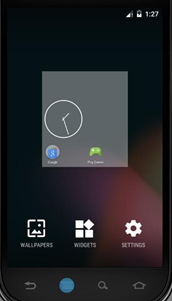
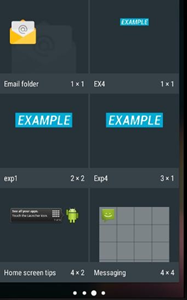
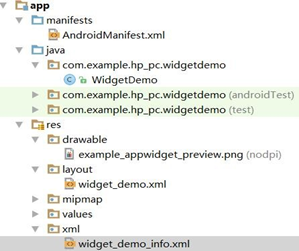
Widget 布局通常包含 ImageView 與 TextView,並需設定文字顏色、大小與背景。

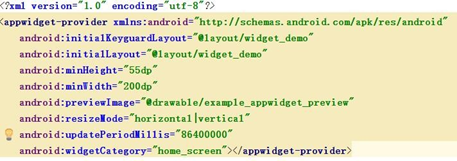
在 res/xml 中定義 minWidth、minHeight、initialLayout、updatePeriodMillis 等屬性。
Widget 使用 RemoteViews 更新畫面,並可透過 PendingIntent 設定點擊事件。
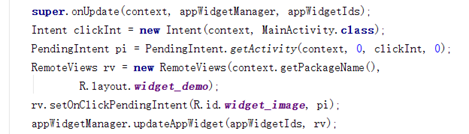
@Override
public void onUpdate(Context context, AppWidgetManager appWidgetManager, int[] appWidgetIds) {
    Intent clickInt = new Intent(context, MainActivity.class);
    PendingIntent pendingIntent = PendingIntent.getActivity(context, 0, clickInt, 0);
    RemoteViews view = new RemoteViews(context.getPackageName(), R.layout.my_app_widget);
    view.setOnClickPendingIntent(R.id.WidgetImage, pendingIntent);
    appWidgetManager.updateAppWidget(appWidgetIds, view);
}
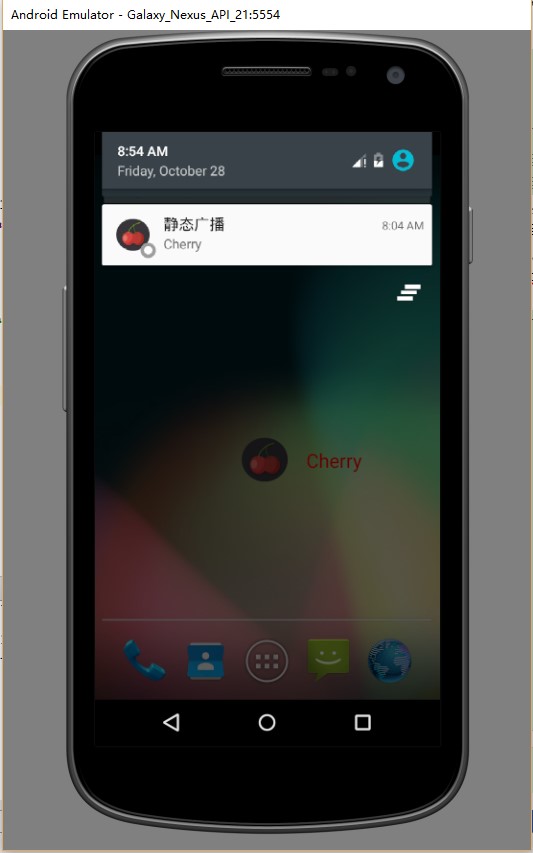
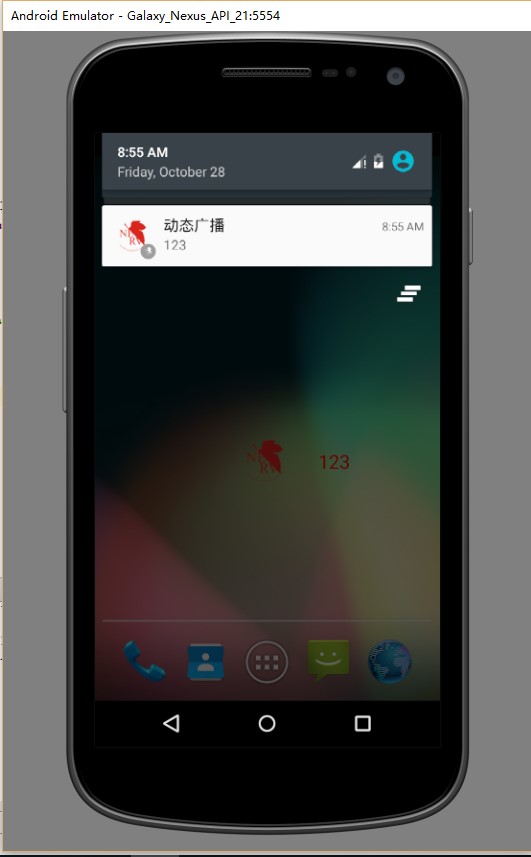
在 onReceive 中可攔截自訂廣播,更新文字與圖片,也可同時發送 Notification。
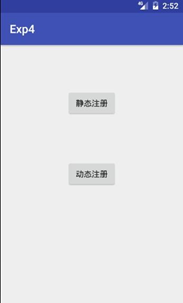
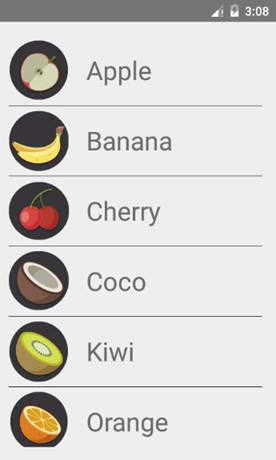

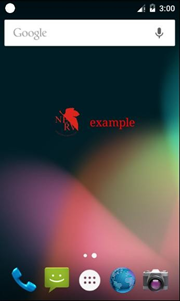
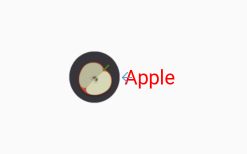
靜態註冊需在 AndroidManifest.xml 宣告 receiver,動態註冊則在 Activity 中呼叫 registerReceiver。兩者都需明確處理 action 與更新邏輯。
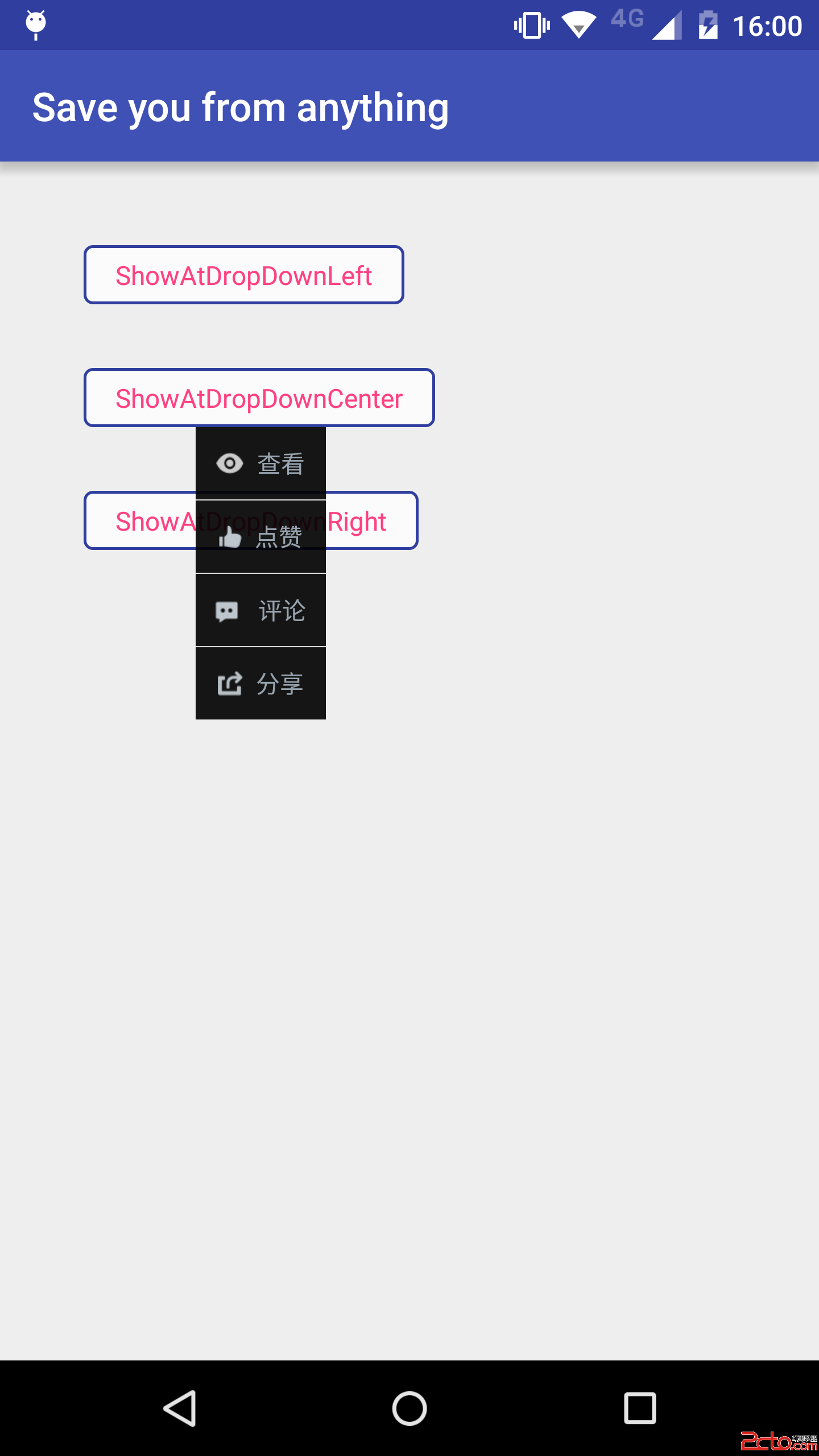 Android 自定義 PopupWindow 技巧:定位、動畫與尺寸一次搞定
前言:兩個最頭疼的老大難 自定義 PopupWindow 本身並不難,真正讓人頭疼的其實是兩件事:顯示的定位問題和顯示/消失的動畫問題。 定位之所以麻煩,是因為它常常又牽
 Settings 選單頁成形(第一版):PreferenceActivity 的元件全覽
這一版要做什麼 先不談優化,用最直觀的方式把 Preference 框架的各類元件都跑一遍,確認每種控制項的長相與行為。這份程式碼直接繼承 PreferenceActiv
 把校園資訊搬上手機桌面:即時更新校內數據的 Android 桌面部件
 專案地址:https://github.com/hwding/AeolosXDUWidget 自己所
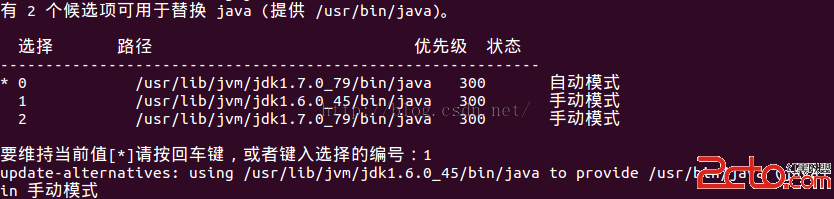 編譯 Android 源碼(三):在 Ubuntu 上安裝 JDK 6
 對於 Android 2.3 以後的版本,編譯環境需要使用 JDK 6(即 JDK 1.6),而非