

編輯:關於 Android 開發
大多數智慧型手機都內建了光線感測器(Ambient Light Sensor),可偵測環境亮度並據此自動調整螢幕背光。本文示範如何透過 SensorManager 讀取這項資料,並即時顯示於畫面上,單位為勒克斯(Lux)。
package com.example.guangzhao;

import android.os.Bundle;
import android.app.Activity;
import android.content.Context;
import android.hardware.Sensor;
import android.hardware.SensorEvent;
import android.hardware.SensorEventListener;
import android.hardware.SensorManager;
import android.widget.TextView;

public class MainActivity extends Activity {

 private SensorManager sensorManager;
 private TextView lightLevel;

 @Override
 protected void onCreate(Bundle savedInstanceState) {
 super.onCreate(savedInstanceState);
 setContentView(R.layout.activity_main);
 lightLevel = (TextView) findViewById(R.id.light);
 sensorManager = (SensorManager) getSystemService(Context.SENSOR_SERVICE);
 Sensor sensor = sensorManager.getDefaultSensor(Sensor.TYPE_LIGHT);
 sensorManager.registerListener(listener, sensor, SensorManager.SENSOR_DELAY_NORMAL);
 }

 @Override
 protected void onDestroy() {
 super.onDestroy();
 if (sensorManager != null) {
 sensorManager.unregisterListener(listener);
 }
 }

 private SensorEventListener listener = new SensorEventListener() {
 @Override
 public void onSensorChanged(SensorEvent event) {
 float value = event.values[0];
 lightLevel.setText("當前光照強度為" + value + "勒克斯");
 }

 @Override
 public void onAccuracyChanged(Sensor sensor, int accuracy) {
 }
 };
}
<?xml version="1.0" encoding="utf-8"?>
<RelativeLayout xmlns:android="https://schemas.android.com/apk/res/android"
 android:layout_width="match_parent"
 android:layout_height="match_parent">
 <TextView
 android:id="@+id/light"
 android:layout_width="wrap_content"
 android:layout_height="wrap_content"
 android:layout_centerInParent="true"
 android:textSize="20sp"/>
</RelativeLayout>
關鍵在於透過 getDefaultSensor(Sensor.TYPE_LIGHT) 取得光線感測器,並在 onSensorChanged 回呼中讀取 event.values[0],該值即為當前環境的光照強度。別忘了在 onDestroy 中取消註冊,以釋放資源並節省電力。
 百度導航 Android 版常見問題整理
本文整理在 Android 上整合百度導航 SDK 時常見的問題。開發前需準備開發者帳戶、建立應用並取得 Key,同時注意包名需與
 Android 學習筆記(十三):ToggleButton 開關控件的使用
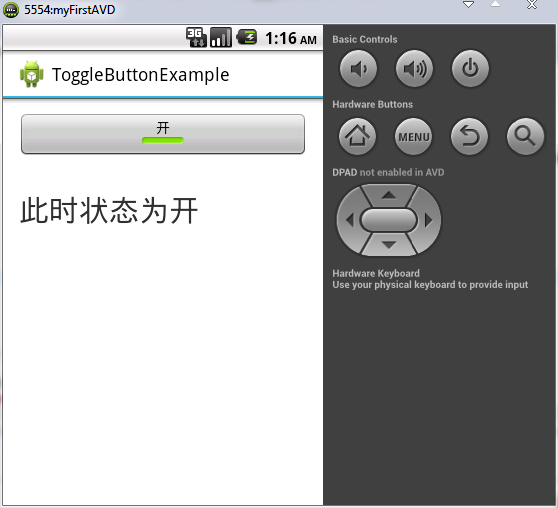
 ToggleButton 顧名思義是一個「開關」控件,具有兩種不同狀態(開與關)。它有三個主要
 Android 自學筆記(Android Studio)4.4:AdapterView 家族與 Adapter 機制詳解
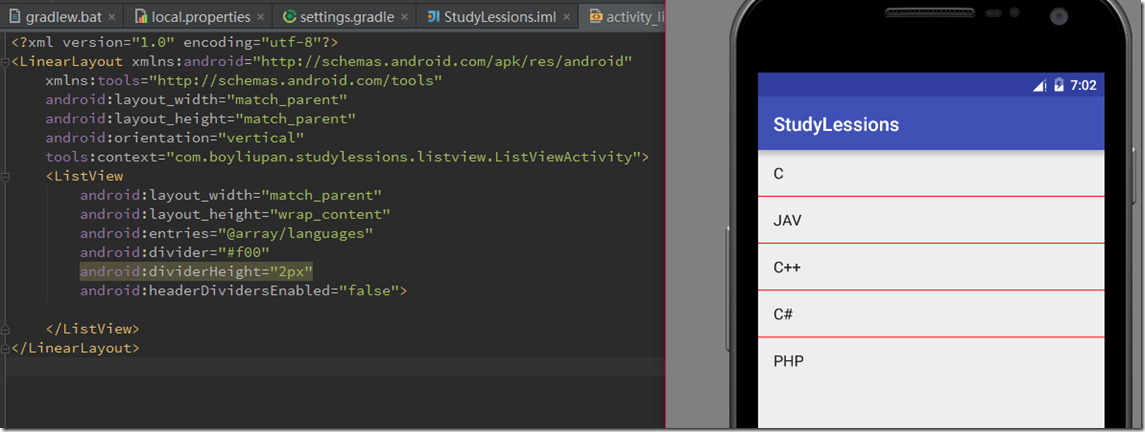
一、引言 AdapterView 是個抽象類別,它派生出來的眾多子類在用法上大同小異,差別主要在呈現形式,因此常被歸在同一個單元來學習。理解它的關鍵在於一個觀念:Adap
 Git 上的 Pull Request 是什麼?流程與運作原理解析
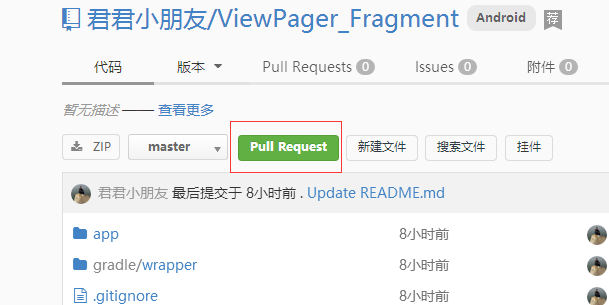
在 GitHub 上到處看得到 Pull Request,但對沒參與過開源協作的人來說,它到底是什麼、解決了什麼問題,往往一頭霧水。 一、它長在哪裡 在專案頁面上,Pu