編輯:關於android開發
xml 與之前的登陸案例相同
java代碼:
 1 package com.itheima.login;
 2
 3 import java.util.Map;
 4
 5 import com.itheima.login.util.UserInfoUtil;
 6 import com.itheima.login_shared.R;
 7
 8 import android.app.Activity;
 9 import android.content.Context;
10 import android.os.Bundle;
11 import android.text.TextUtils;
12 import android.view.View;
13 import android.view.View.OnClickListener;
14 import android.widget.Button;
15 import android.widget.CheckBox;
16 import android.widget.EditText;
17 import android.widget.Toast;
18
19 public class MainActivity extends Activity implements OnClickListener{
20
21     private EditText et_username;
22     private EditText et_password;
23     private CheckBox cb_rem;
24     private Button bt_login;
25     private Context mContext;
26
27     @Override
28     protected void onCreate(Bundle savedInstanceState) {
29         super.onCreate(savedInstanceState);
30         setContentView(R.layout.activity_main);
31         mContext = this;
32         et_username = (EditText) findViewById(R.id.et_username);
33         et_password = (EditText) findViewById(R.id.et_password);
34         cb_rem = (CheckBox) findViewById(R.id.cb_rem);
35         bt_login = (Button) findViewById(R.id.bt_login);
36         //b.設置按鈕的點擊事件
37         bt_login.setOnClickListener(this);
38
39
40         //f.回顯用戶名密碼 ??
41         Map<String, String> map = UserInfoUtil.getUserInfo_android(mContext);//獲取用戶名密碼
42         if(map != null){
43             String username = map.get("username");
44             String password = map.get("password");
45             et_username.setText(username);//設置用戶名
46             et_password.setText(password);
47             cb_rem.setChecked(true);//設置復選框選中狀態
48         }
49
50     }
51
52     private void login(){
53
54         //c.在onclick方法中,獲取用戶輸入的用戶名密碼和是否記住密碼
55
56             String username = et_username.getText().toString().trim();
57             String password = et_password.getText().toString().trim();
58             boolean isrem = cb_rem.isChecked();
59         //d.判斷用戶名密碼是否為空,不為空請求服務器(省略,默認請求成功)
60             if(TextUtils.isEmpty(username) || TextUtils.isEmpty(password)){
61                 Toast.makeText(mContext, "用戶名密碼不能為空", Toast.LENGTH_SHORT).show();
62                 return ;
63             }
64
65         //請求服務器,後面講。。。。。。。。。。
66
67         //e.判斷是否記住密碼,如果記住,將用戶名密碼保存本地。????
68             if(isrem){
69                 boolean result = UserInfoUtil.saveUserInfo_android(mContext,username,password);
70                 if(result){
71                     Toast.makeText(mContext, "用戶名密碼保存成功", Toast.LENGTH_SHORT).show();
72                 }else{
73                     Toast.makeText(mContext, "用戶名密碼保存失敗", Toast.LENGTH_SHORT).show();
74                 }
75
76             }else{
77                 Toast.makeText(mContext, "無需保存", Toast.LENGTH_SHORT).show();
78             }
79
80
81
82     }
83
84     @Override
85     public void onClick(View v) {
86         switch (v.getId()) {
87         case R.id.bt_login:
88             login();
89             break;
90
91         default:
92             break;
93         }
94     }
95
96
97 }
包中代碼:
 1 package com.itheima.login.util;
 2
 3 import java.io.BufferedReader;
 4 import java.io.File;
 5 import java.io.FileInputStream;
 6 import java.io.FileOutputStream;
 7 import java.io.InputStreamReader;
 8 import java.util.HashMap;
 9 import java.util.Map;
10
11 import android.content.Context;
12 import android.content.SharedPreferences;
13 import android.content.SharedPreferences.Editor;
14 import android.preference.PreferenceManager;
15
16 public class UserInfoUtil {
17
18     //保存用戶名密碼
19     public static boolean saveUserInfo_android(Context context,String username, String password) {
20
21         try{
22
23
24             //1.通過Context對象創建一個SharedPreference對象
25             //name:sharedpreference文件的名稱    mode:文件的操作模式
26             SharedPreferences sharedPreferences = context.getSharedPreferences("userinfo.txt", Context.MODE_PRIVATE);
27             //2.通過sharedPreferences對象獲取一個Editor對象
28             Editor editor = sharedPreferences.edit();
29             //3.往Editor中添加數據
30             editor.putString("username", username);
31             editor.putString("password", password);
32             //4.提交Editor對象
33             editor.commit();
34
35             return true;
36         }catch (Exception e) {
37             e.printStackTrace();
38         }
39
40         return false;
41     }
42
43
44     //獲取用戶名密碼
45     public static Map<String ,String> getUserInfo_android(Context context){
46
47         try{
48
49             //1.通過Context對象創建一個SharedPreference對象
50             SharedPreferences sharedPreferences = context.getSharedPreferences("userinfo.txt", Context.MODE_PRIVATE);
51             //2.通過sharedPreference獲取存放的數據
52             //key:存放數據時的key   defValue: 默認值,根據業務需求來寫
53             String username = sharedPreferences.getString("username", "");
54             String password = sharedPreferences.getString("password", "");
55
56
57             HashMap<String, String> hashMap = new HashMap<String ,String>();
58             hashMap.put("username",username);
59             hashMap.put("password", password);
60             return hashMap;
61
62         }catch (Exception e) {
63             e.printStackTrace();
64         }
65         return null;
66
67     }
68
69
70
71
72 }
老師筆記
SharedPreferences第二種存儲方式(重點)
主要用於
(1)往SharedPreferences保存數據
public void save(View v){
String data = et.getText().toString().trim();
if(TextUtils.isEmpty(data)){
Toast.makeText(this, "請輸入數據", 0).show();
return;
}else{
//得到一個SharedPreferences
SharedPreferences sp = this.getSharedPreferences("info", Context.MODE_PRIVATE);
//SharedPreferences提供了一個編輯器,幫助我們保存數據
Editor editor = sp.edit();
editor.putString("data", data);
//把數據保存到SharedPreferences中
editor.commit();
}
}
(2)從SharedPreferences讀取數據
public String readData(){
String data;
try {
//得到一個SharedPreferences
SharedPreferences sp = this.getSharedPreferences("info", Context.MODE_PRIVATE);
//根據參數名稱得到數據
data = sp.getString("data", null);
} catch (Exception e) {
// TODO Auto-generated catch block
e.printStackTrace();
data = "";
}
return data;
}
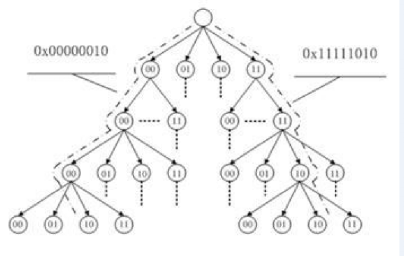 Linux內核基數樹應用分析
Linux內核基數樹應用分析Linux內核基數樹應用分析——lvyilong316基數樹(Radix tree)可看做是以二進制位串為關鍵字的trie樹,是一種多叉樹結構
 Android開發框架,android框架
Android開發框架,android框架總覺得不用框架直接開發比較繁瑣,java下有很多,我使用ssh,php下有很多,我使用ThinkPHP,Delphi下還沒有找到
 Remote Displayer for Android V1.0,displayerandroid
Remote Displayer for Android V1.0,displayerandroid VERSION LOG for Android Remote Dis
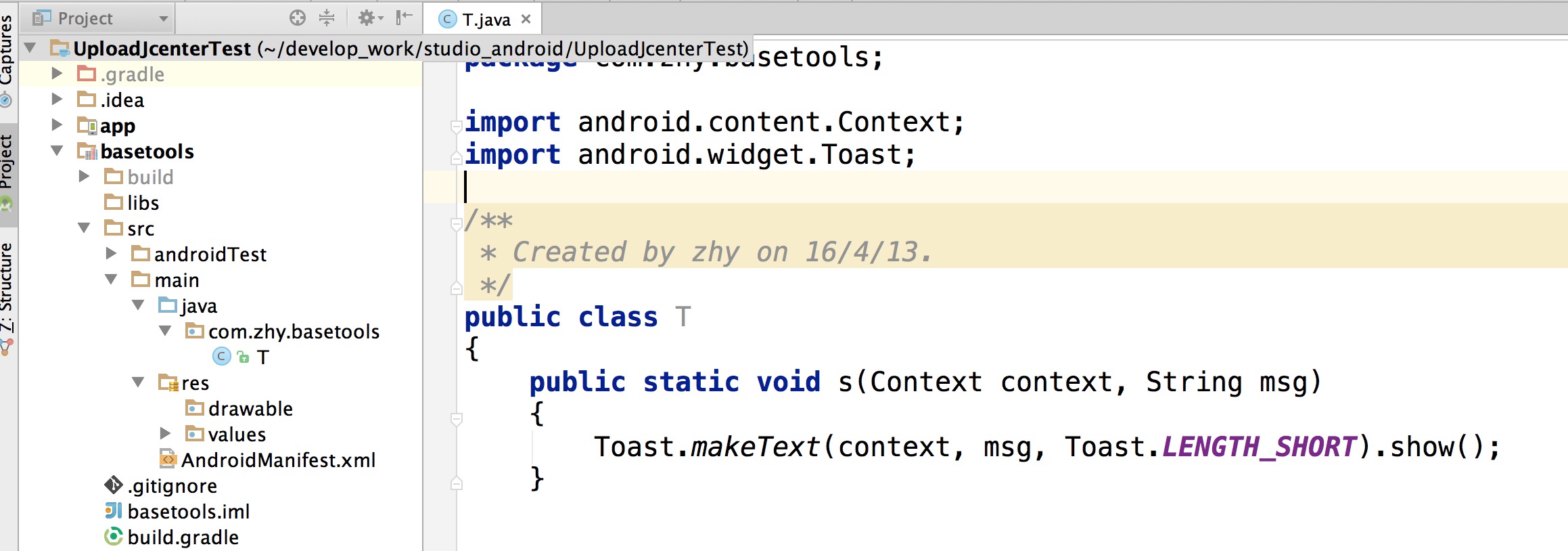 Android 快速發布開源項目到jcenter
Android 快速發布開源項目到jcenter 大家在很多時候都希望讓自己的開源項目可以更方便的讓用戶去使用,那麼對於Android平台,一個很好的方式就是上傳到j
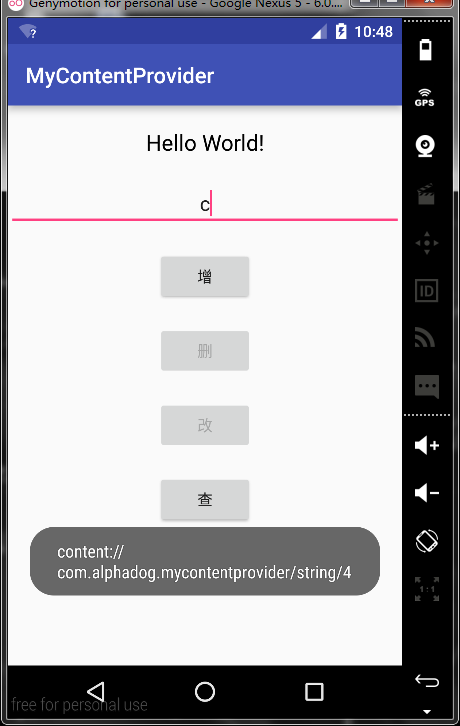 (試筆)一、Android四大框架之ContentProvider的學習與運用,實現SQLite的增刪改查。,安卓sqlite增刪改查
(試筆)一、Android四大框架之ContentProvider的學習