

編輯:關於 Android 程式設計
閃屏,也就是 SplashScreen,中文常稱作啟動畫面。App 打開時先顯示一張圖或一段動畫,停留數秒後自動跳進主畫面,是絕大多數應用都會用到的手法。
Android 實作閃屏其實非常單純,只要借助 Handler 的 postDelayed() 即可。這個方法接收兩個參數:第一個是要延後執行的 Runnable,裡面寫著延遲結束後想做的事;第二個是延遲的毫秒數。把「跳轉到主畫面並關掉自己」放進 Runnable,時間設為 3000,就得到一個停留三秒的啟動畫面。
package com.mstar;

import android.app.Activity;
import android.content.Intent;
import android.os.Bundle;
import android.os.Handler;

public class ActSplashScreen extends Activity {
    @Override
    protected void onCreate(Bundle savedInstanceState) {
        super.onCreate(savedInstanceState);
        setContentView(R.layout.shan);

        // 閃屏核心:延遲 3 秒後導向主畫面
        new Handler().postDelayed(new Runnable() {
            @Override
            public void run() {
                Intent intent = new Intent(ActSplashScreen.this, DialogTest.class);
                startActivity(intent);
                // 關閉啟動畫面,避免使用者按返回鍵又回到閃屏
                ActSplashScreen.this.finish();
            }
        }, 3000);
    }
}
<?xml version="1.0" encoding="UTF-8"?>
<LinearLayout xmlns:android="https://schemas.android.com/apk/res/android"
    android:orientation="vertical"
    android:layout_width="fill_parent"
    android:layout_height="fill_parent">

    <TextView
        android:layout_width="fill_parent"
        android:layout_height="fill_parent"
        android:text="閃一下" />
</LinearLayout>
記得一定要呼叫 finish(),否則使用者在主畫面按返回鍵時會被送回閃屏,體驗很差。另外,若閃屏期間需要載入網路資料,建議改用非同步任務並在資料回來後再跳轉,而不是死等固定秒數,這樣可以避免「畫面閃過了、資料還沒好」的尷尬情況。
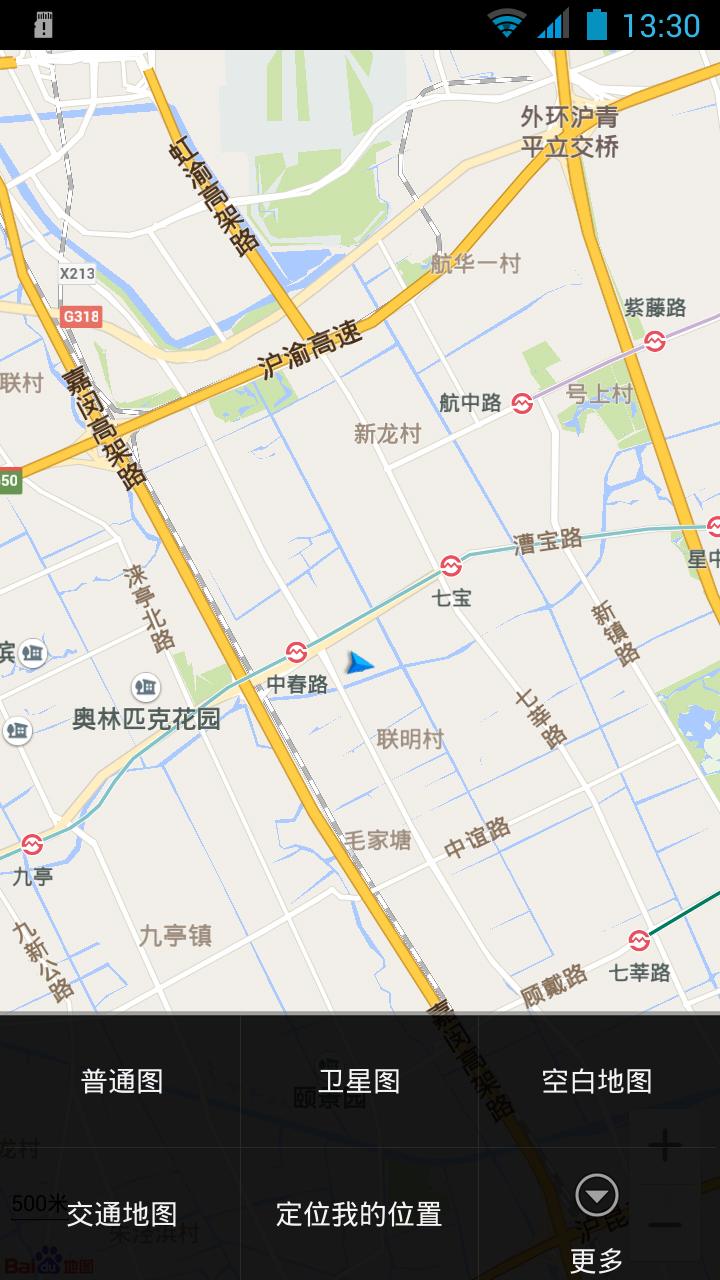 第三方 SDK 集成:百度地圖(二)定位功能實戰
本篇在百度地圖基礎應用的基礎上,進一步實現定位相關功能,包括多種地圖模式切換、定位模式切換以及覆蓋物展示等。 菜單配置(Menu) 核心代碼(M
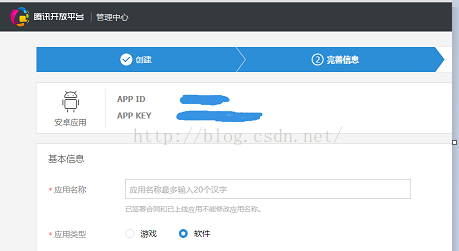 Android 接入 QQ 第三方登錄:授權與用戶信息獲取全流程
本文分為兩部分:一是完成 QQ 授權登錄;二是在授權基礎上獲取用戶的基本資料。 一、授權部分 1. 獲取 APP ID 與 APP KEY 登錄騰訊開放平台(https:
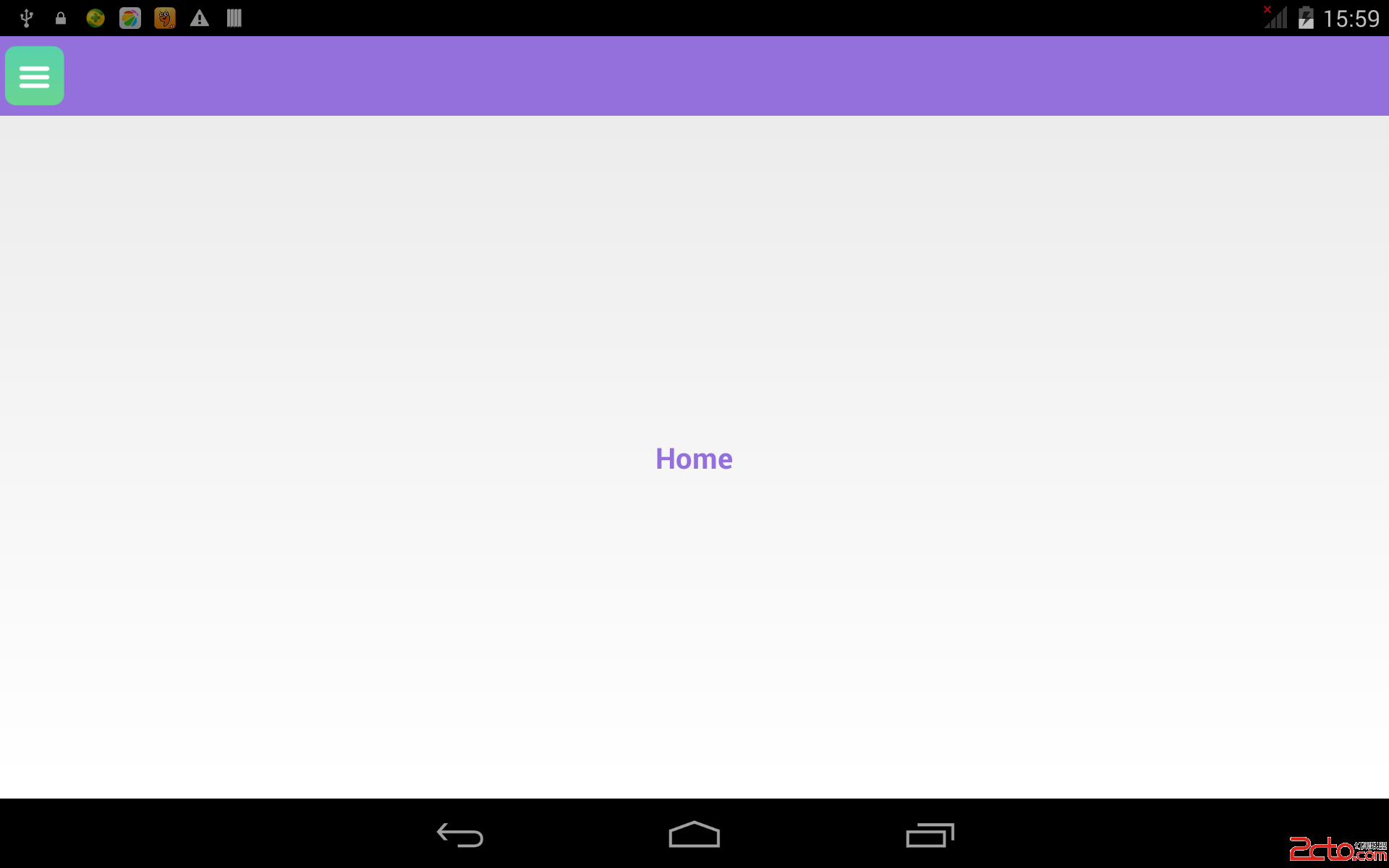 Android DrawerLayout 側滑抽屜菜單實戰
初識 DrawerLayout DrawerLayout 位於 supportV4 庫中(android.support.v4.widget.DrawerLayout),
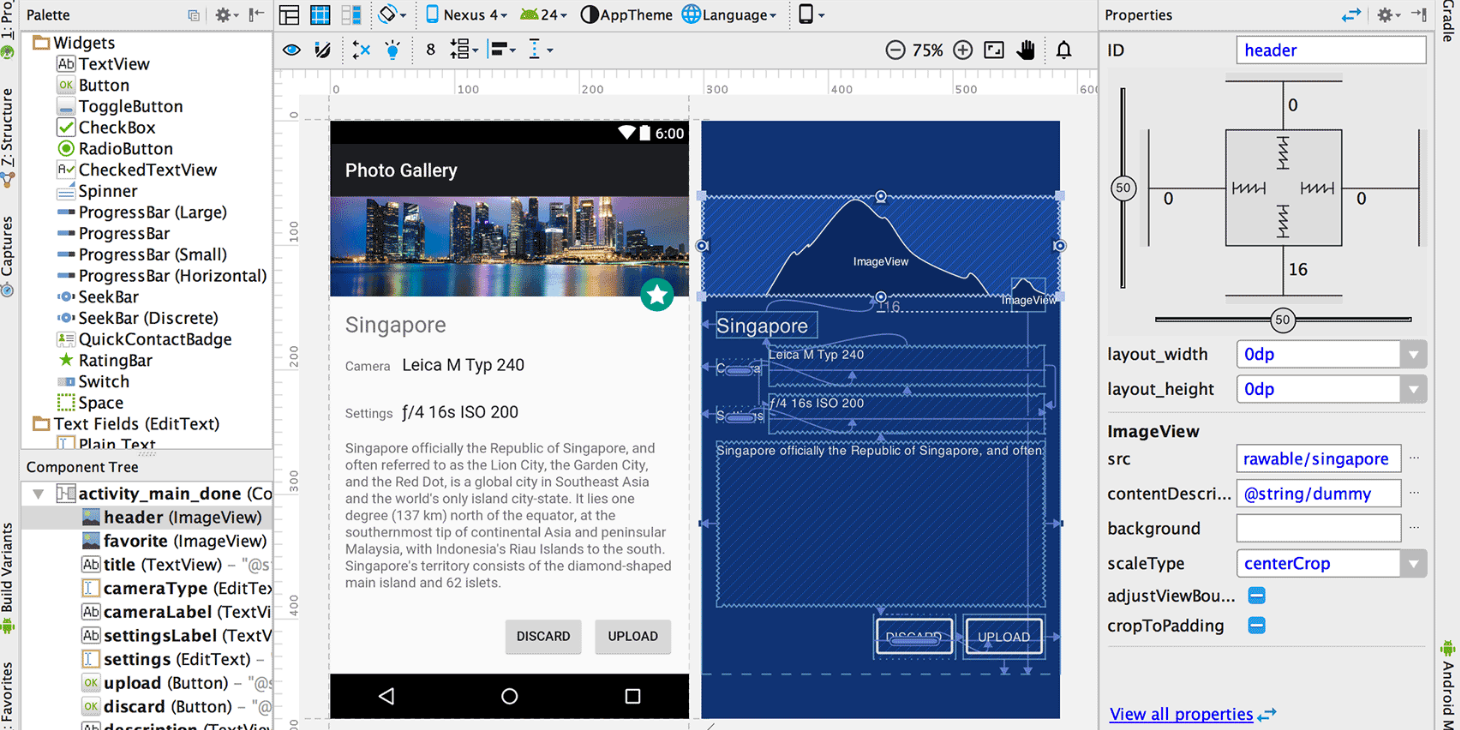 Android Studio 2.2 全面解析:Constraint 佈局、Firebase、OpenJDK 與 Java 8 支援
幾天前更新推送跳出來,二話不說就裝上了 Android Studio 2.2。這次的改動不只停在 IDE 表面,而是把設計、開發、建置、測試四個環節一起往前推了一格,確實