

編輯:關於 Android 程式設計
本文說明 Android 內建的 DigitalClock 元件怎麼用,重點是:它完全不需要寫 Java 就能顯示時間。

DigitalClock 會自行向系統取得目前時間並即時更新,開發者不必建立物件、也不必自己啟動計時器。只要在使用者想看時間的位置寫入這個標籤即可。
<?xml version="1.0" encoding="utf-8"?>
<LinearLayout xmlns:android="https://schemas.android.com/apk/res/android"
    android:orientation="vertical"
    android:layout_width="fill_parent"
    android:layout_height="fill_parent">

    <DigitalClock
        android:layout_width="wrap_content"
        android:layout_height="wrap_content"
        android:layout_gravity="center_horizontal"/>
</LinearLayout>
適合只需要「純顯示時間」的情境,例如工具面板、計時看板。若你需要自訂時分秒格式、要顯示日期,或想搭配鬧鐘、碼錶樣式,就該改用 TextClock 或自行以 Chronometer、自繪 View 來處理,因為 DigitalClock 的可客製化程度相當有限。
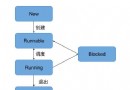 進程狀態與狀態切換機制全解
進程狀態的流轉規律,同樣適用於理解線程調度。 一、五種進程狀態 在一個進程的完整生命週期內,它會經歷 new、runnable、running、blocked、dead
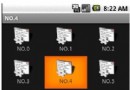 GridView 做九宮格:auto_fit 欄位設定與資料綁定的完整流程
GridView 與 ListView 都是 Android 最基礎的多項目容器,而九宮格這種「等寬等高的多欄排列」,GridView 天生就是首選。它的用法與 List
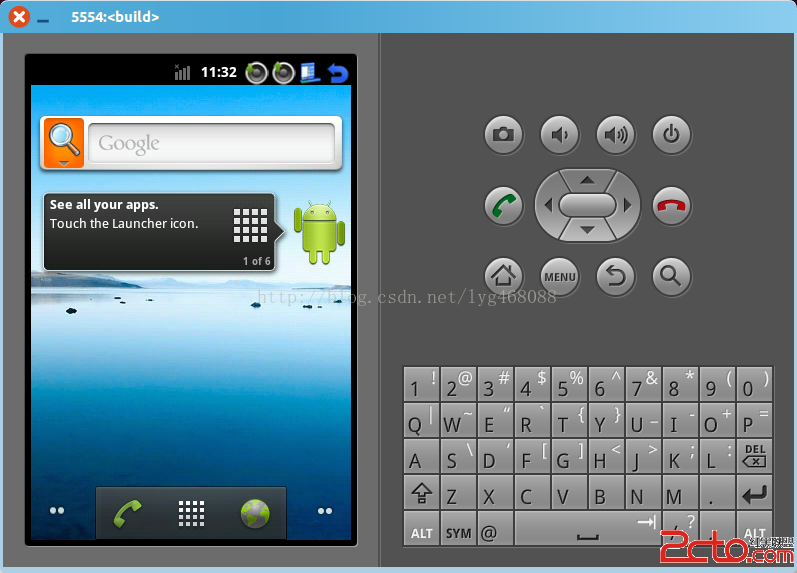 在 Ubuntu 14.04 32 位元環境編譯 Android 2.3.4 源碼的完整踩坑記錄
編譯 Android 源碼向來是件耗時又磨人的苦力活。本文作者在 Ubuntu 14.04 32 位元麒麟版上,花了一整天時間終於把 Android 2.3.4 源碼成功
 Android 監聽 ScrollView 的滑動事件
開發時常需要監聽 ScrollView 的滑動情況,例如滑動了多少距離、是否滑到頂部或底部。可惜 SDK 並未直接提供對外的方法,雖然 ScrollView 內部有一個