

編輯:關於 Android 程式設計
當 TextView 的文字長度超過可視寬度時,讓它從右向左循環捲動,就是所謂的跑馬燈效果。好消息是 Android 早已內建這個能力,不需要自訂 View,也不需要用上任何動畫框架,全部靠 XML 屬性即可完成。
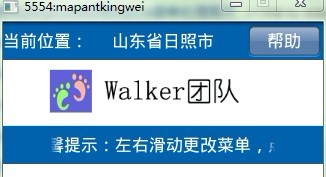
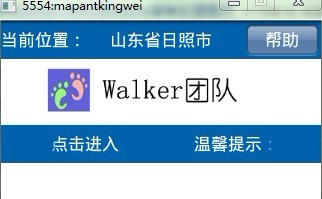
實作後的樣子如下:
<TextView
    android:id="@+id/menu_desc"
    android:layout_width="300dip"
    android:layout_height="wrap_content"
    android:text="溫馨提示:左右滑動更改菜單,點擊進入"
    android:textColor="@color/white"
    android:textSize="22dip"
    android:singleLine="true"
    android:ellipsize="marquee"
    android:focusable="true"
    android:focusableInTouchMode="true"
    android:scrollHorizontally="true"
    android:marqueeRepeatLimit="marquee_forever"
    android:layout_centerHorizontal="true"
    android:layout_centerVertical="true">
</TextView>
android:singleLine="true"
android:ellipsize="marquee"
android:focusable="true"
android:focusableInTouchMode="true"
android:scrollHorizontally="true"
android:marqueeRepeatLimit="marquee_forever"
其中 ellipsize="marquee" 是靈魂所在,決定文字溢出時以捲動方式呈現;marqueeRepeatLimit 控制循環次數,設為 marquee_forever 就是無限循環。而 focusable 與 focusableInTouchMode 這兩項最常被忽略——跑馬燈只有在控制項取得焦點時才會啟動,少了它們,即使其他屬性都寫對了畫面依然靜止不動。
另外建議搭配 android:scrollHorizontally="true" 與固定的 layout_width(如上例的 300dip)。若寬度設為 wrap_content,控制項會自動撐大到足以容納全文,反而沒有需要捲動的內容。
 Android 水波紋效果的實作重點
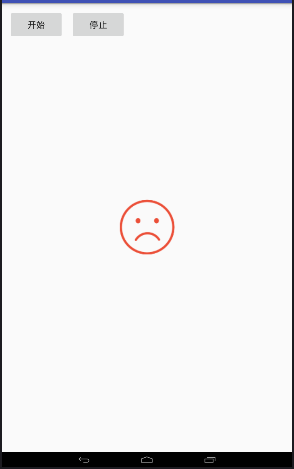
效果概述水波紋效果常用於互動回饋、狀態提示或視覺裝飾。透過自定義 View,可以讓圓形區域持續向外擴散,形成類似漣漪的動畫。搭配開始與停止按鈕,還能呈現不同狀態下的視覺變
 Android launchMode 詳解:singleTask 與 singleInstance 實測對比
網路上介紹 Android launchMode 的文章不少,但關於 singleTask 與 singleInstance 這兩種模式,評論區一直有些爭議。本文用實例把
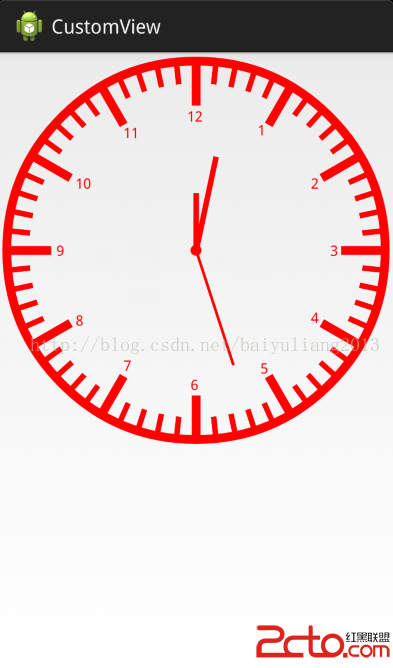 安卓自定義 View 打造經典指針鐘錶
以前做過 HTML5 版的鐘錶,HTML5 同樣有一塊叫 Canvas 的畫布,但相較於 Android 的 Canvas,HTML5 的功能要強大得多。就拿鐘錶的實現來
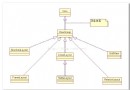 Android 六大基礎佈局完全解析
佈局管理器全都是以 ViewGroup 為基底類別衍生出來的;善用佈局管理器,可以讓介面適配不同手機螢幕的解析度與尺寸大小。 如何使用 XML 檔案定義視圖: 每個 A