

編輯:關於 Android 程式設計
想讓 App 的按鈕更精緻,其實不必依賴圖片,光靠 XML 版面就能做出漂亮的漸層與狀態效果。以下是幾個參考來源與成果展示。
參考資料:
看下面的效果,這些全都是純 XML 版面實作,一張圖片都沒用到:
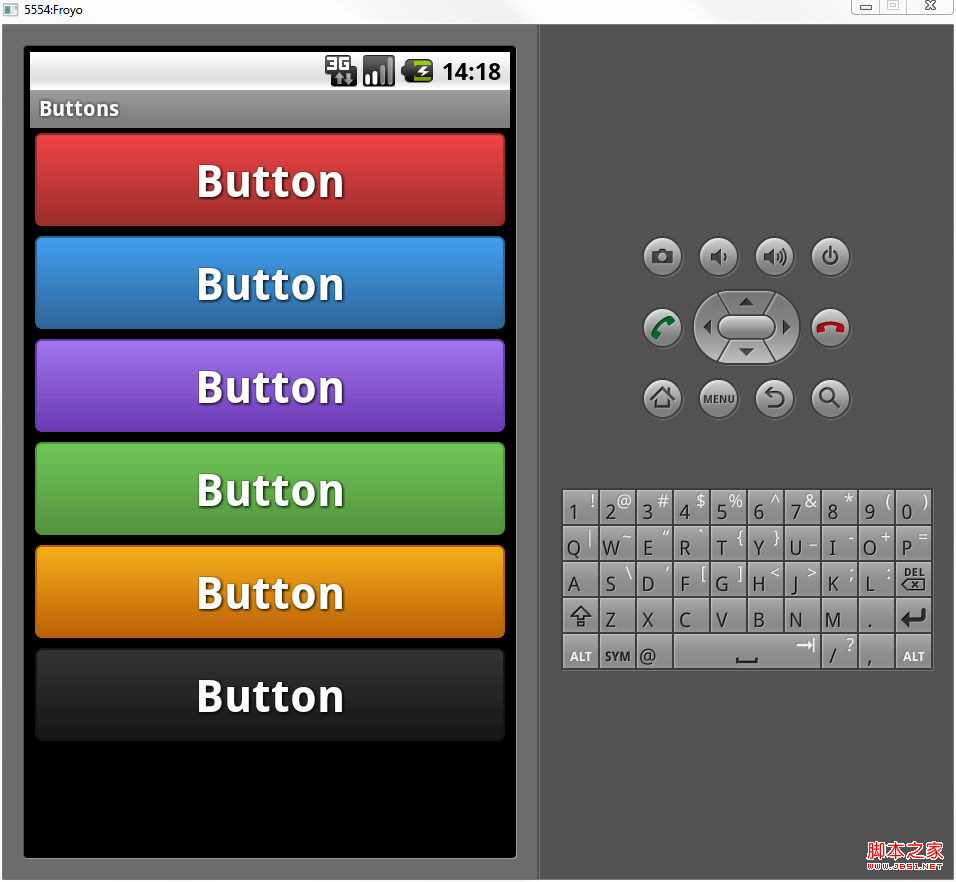
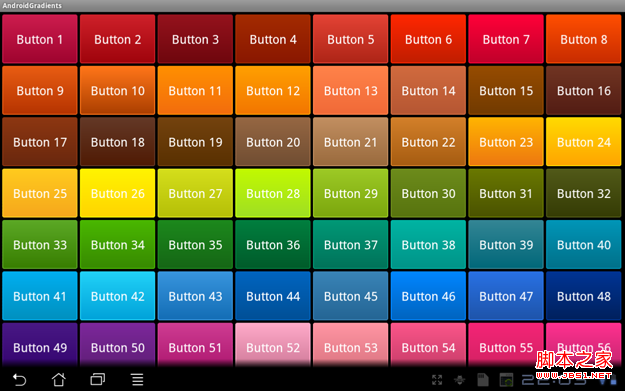
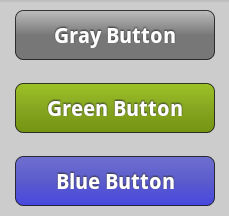
以下示範如何使用 selector 搭配 shape 與 gradient,做出按下時變色、平時帶漸層的按鈕:
<?xml version="1.0" encoding="utf-8"?>
<selector xmlns:android="https://schemas.android.com/apk/res/android">
    <item android:state_pressed="true" >
        <shape>
            <solid android:color="#449def" />
            <stroke android:width="1dp" android:color="#2f6699" />
            <corners android:radius="3dp" />
            <padding android:left="10dp" android:top="10dp"
                android:right="10dp" android:bottom="10dp" />
        </shape>
    </item>
    <item>
        <shape>
            <gradient android:startColor="#449def" android:endColor="#2f6699"
                android:angle="270" />
            <stroke android:width="1dp" android:color="#2f6699" />
            <corners android:radius="4dp" />
            <padding android:left="10dp" android:top="10dp"
                android:right="10dp" android:bottom="10dp" />
        </shape>
    </item>
</selector>
另一個帶漸層與圓角的 shape 寫法:
<?xml version="1.0" encoding="utf-8"?>
<shape xmlns:android="https://schemas.android.com/apk/res/android">
    <solid android:color="#F000"/>
    <stroke android:width="1px" android:color="#BB000000" />
    <padding android:left="10dp" android:top="7dp"
        android:right="10dp" android:bottom="7dp" />
    <corners android:bottomRightRadius="5dp" android:bottomLeftRadius="5dp"
        android:topLeftRadius="5dp" android:topRightRadius="5dp" />
    <gradient android:angle="90" android:startColor="#4747e0"
        android:centerColor="#5b5bcd" android:endColor="#6f6fcf"
        android:type="linear" />
</shape>
相關的開源範例專案可參考:
另外推薦兩個隨手收藏的靈感來源:
透過 selector、shape、gradient 與 corners 的靈活組合,就能在不使用任何圖片的情況下,打造出具備漸層、圓角與按下回饋的精緻按鈕。
 ViewPager 載入上千張高清大圖導致 OOM:從壓縮、回收到 View 重用
一、問題背景 近期專案需要一個類似微信、微博的圖片選擇器。列表部分不難,用 ContentResolver 讀取相簿資源,再以 RecyclerView 搭配 Glide
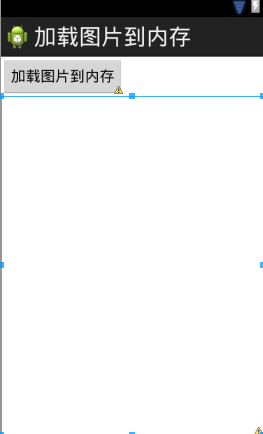 Android 將圖片加載到內存的實戰示例
本文透過一個完整示例,演示如何在 Android 中把圖片加載到內存並顯示,重點在於避免大圖導致內存溢出。 先來設計界面: 佈局代碼如下: <LinearLay
 應用內懸浮窗怎麼做?從 WindowManager 到服務與權限的完整拆解
先搞清楚懸浮窗是什麼 懸浮窗本質上就是一個系統級視窗,凌駕於應用之上。Android 把所有的視窗交給 WindowManagerService(WMS)統一管理,對 W
 打造 ListView / GridView 通用的下拉刷新與上拉自動加載元件
前言 下拉刷新在開發中的使用率極高,幾乎所有需要联网的 App 都會用到。就開發效率而言,直接採用廣受好評的開源庫無疑最快;但「不要重複發明輪子」的前提是——你得先知道輪