

編輯:關於 Android 程式設計
應用閃退時,Logcat 裡的堆疊往往在使用者回報之前就被沖掉了。把 crash 資訊落地成檔案,是事後追查最實在的手段。整個實作只有兩件事:把 Throwable 轉成字串,以及把它寫進檔案。
private boolean writeToSDCard(Throwable ex) {
    boolean isDealing = false;
    // 先確認外部儲存空間真的掛上了
    if (Environment.getExternalStorageState().equals(Environment.MEDIA_MOUNTED)) {
        RandomAccessFile randomAccessFile = null;
        try {
            String fileName = SDCARDROOT + File.separator + "logs"
                            + File.separator + "crash" + File.separator;
            File file = new File(fileName);
            if (!file.exists()) file.mkdirs();

            // 以時間戳當檔名,每次崩潰都留一份獨立記錄
            randomAccessFile = new RandomAccessFile(
                    fileName + paserTime(System.currentTimeMillis()) + ".log", "rw");

            long fileLength = randomAccessFile.length();
            randomAccessFile.seek(fileLength);          // 移到檔尾追加
            randomAccessFile.writeBytes(getThrowableInfo(ex));
        } catch (IOException e) {
            e.printStackTrace();
        } finally {
            if (randomAccessFile != null) {
                try {
                    randomAccessFile.close();
                    isDealing = true;
                } catch (IOException e) {
                    e.printStackTrace();
                }
            }
        }
    }
    return isDealing;
}
private static String getThrowableInfo(Throwable ex) {
    StringWriter stringWriter = new StringWriter();
    PrintWriter printWriter = new PrintWriter(stringWriter);
    ex.printStackTrace(printWriter);
    return stringWriter.toString();
}
StringWriter 加上 PrintWriter 這組搭配是標準手法:printStackTrace() 有兩個多載,一個寫到 System.err,另一個接受任何 Writer。把 Writer 換成 StringWriter,堆疊就變成可以隨意處置的字串了。
這兩段程式示範了核心邏輯,但要真正用在線上環境,還需要接上 Thread.setDefaultUncaughtExceptionHandler(),讓所有未捕獲例外都流到這裡;同時在 Manifest 補上 WRITE_EXTERNAL_STORAGE 權限並處理執行期授權。另外,RandomAccessFile 在這裡其實有點大材小用——單純追加文字用 FileWriter 或 BufferedWriter 更直觀;選 RandomAccessFile 的好處是可以隨時 seek() 到檔案尾端,若之後想改成「固定大小、迴圈覆寫」的循環日誌,它會更好用。
最後提醒:崩潰日誌可能含有使用者輸入或裝置資訊,若要回傳到伺服器,記得先脫敏,並在隱私權政策中說明。
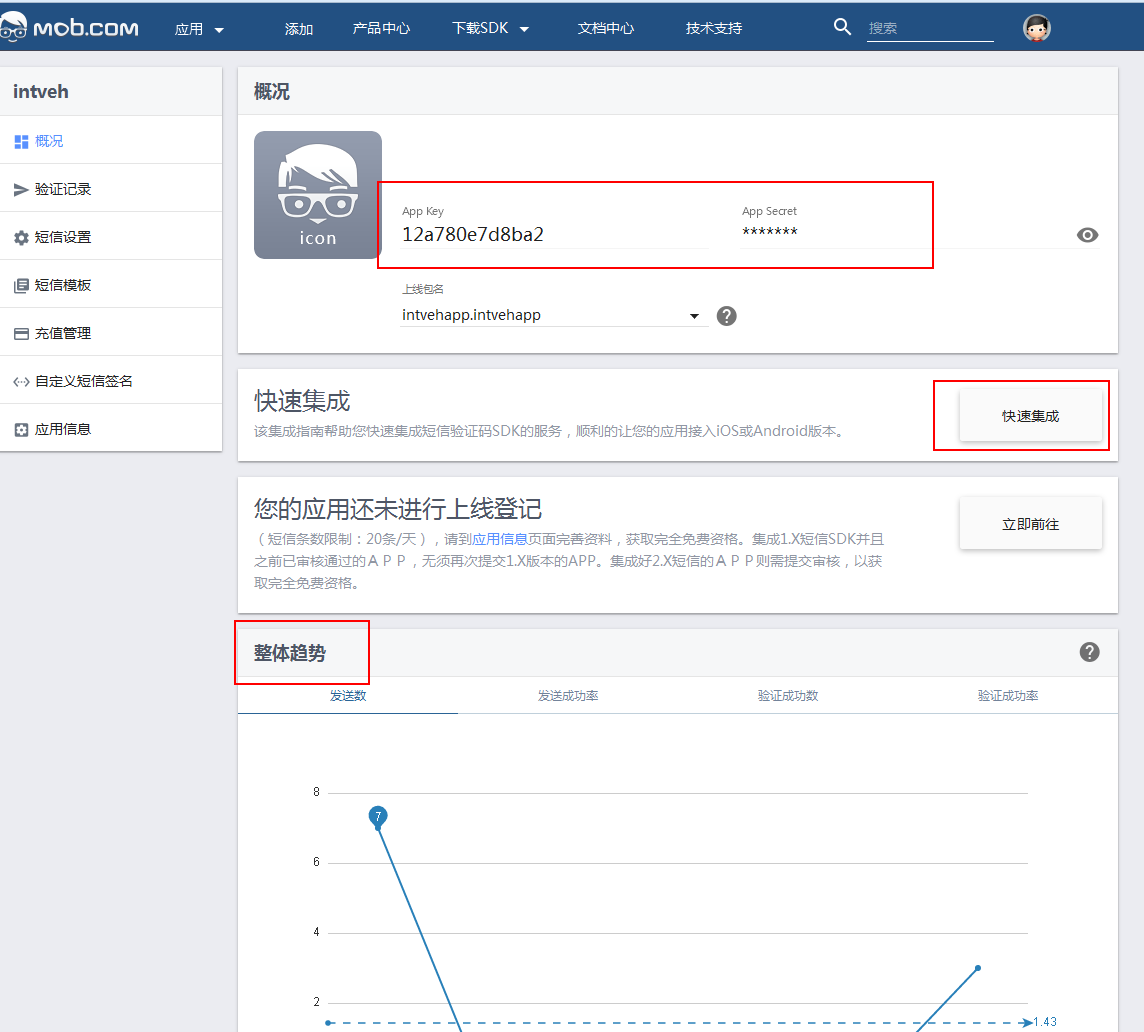 Android 實戰:為你的 App 接入 mob 短信驗證碼功能
一、前言 如今幾乎每個 App 都離不開短信能力,無論是用戶註冊還是消息通知,往往都要發一條短信出去。但對個人開發者而言,直接購買第三方短信服務的成本著實不低。好在 mo
 Android ActionBar 基本用法完整整理
本文整理自 Using the Android action bar (ActionBar) - Tutorial。一、ActionBar 簡介ActionBar 位於
 RecyclerView 開源方案五大推薦:下拉刷新、上拉加載與 Header/Footer 一次搞定
做項目時因為整體採用了 Material Design 設計規範,列表只能全面從 ListView 遷移到 RecyclerView。遷移本身不難,真正麻煩的是隨之而來的
 Android 開發(五):桌面小部件 App Widgets 的完整實作(附 Demo)
前言 這次的主要目標是打造一個 Android 應用,實作靜態廣播與動態廣播兩種更新 widget 內容的方式。由於是在上一篇博文的基礎上修改,所以本次實驗的重點落在 A