

編輯:關於 Android 程式設計
談到 invalidate 是什麼、又有什麼用處,先看看國外開發者的說明:
Each class which is derived from the View class has the invalidate and the postInvalidate method. If invalidate gets called it tells the system that the current view has changed and it should be redrawn as soon as possible. As this method can only be called from your UIThread another method is needed for when you are not in the UIThread and still want to notify the system that your View has been changed. The postInvalidate method notifies the system from a non-UIThread and the View gets redrawn in the next eventloop on the UIThread as soon as possible.
簡單歸納這段話:只要是 View 的子類,都會從 View 繼承到 invalidate 與 postInvalidate 這兩個方法。
需要留意的是,呼叫這兩個方法並不代表介面會「立刻」刷新,而只是「盡可能快」地安排重繪,使用 postInvalidate 時尤其如此。
那麼 postInvalidate 是怎麼做到執行緒安全的呢?我們來看它的原始碼:
public void postInvalidate() {
    postInvalidateDelayed(0);
}

public void postInvalidateDelayed(long delayMilliseconds) {
    // 只有在已附加到視窗時才有重繪的意義
    if (mAttachInfo != null) {
        Message msg = Message.obtain();
        msg.what = AttachInfo.INVALIDATE_MSG;
        msg.obj = this;
        mAttachInfo.mHandler.sendMessageDelayed(msg, delayMilliseconds);
    }
}
從原始碼不難看出,它的原理依舊是透過工作執行緒向主執行緒發送訊息這一機制來達成,藉此確保重繪操作最終在主執行緒上執行。理解到這裡,兩者的差異與安全性機制應該就清晰了。
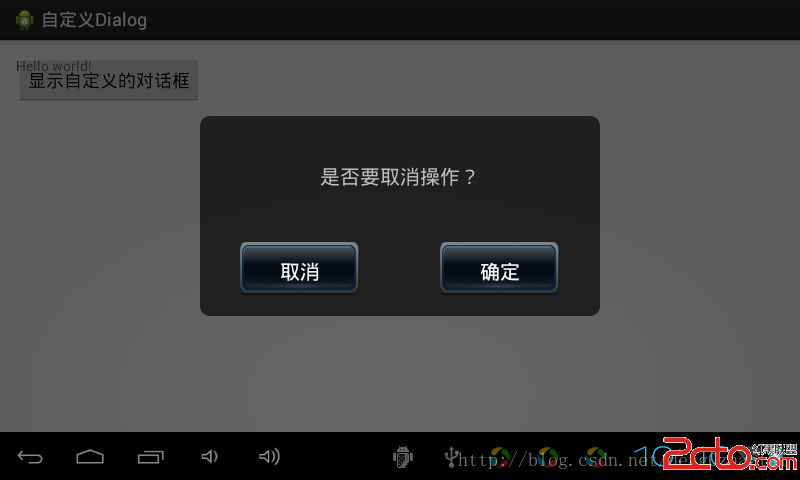 Android 自定義提示框實作教學
為什麼要自定義提示框Android 系統內建的提示框雖然方便,但在視覺風格、按鈕樣式與互動細節上未必符合產品需求。若希望提示框更貼近品牌設計,或需要更靈活的控制項,可以透
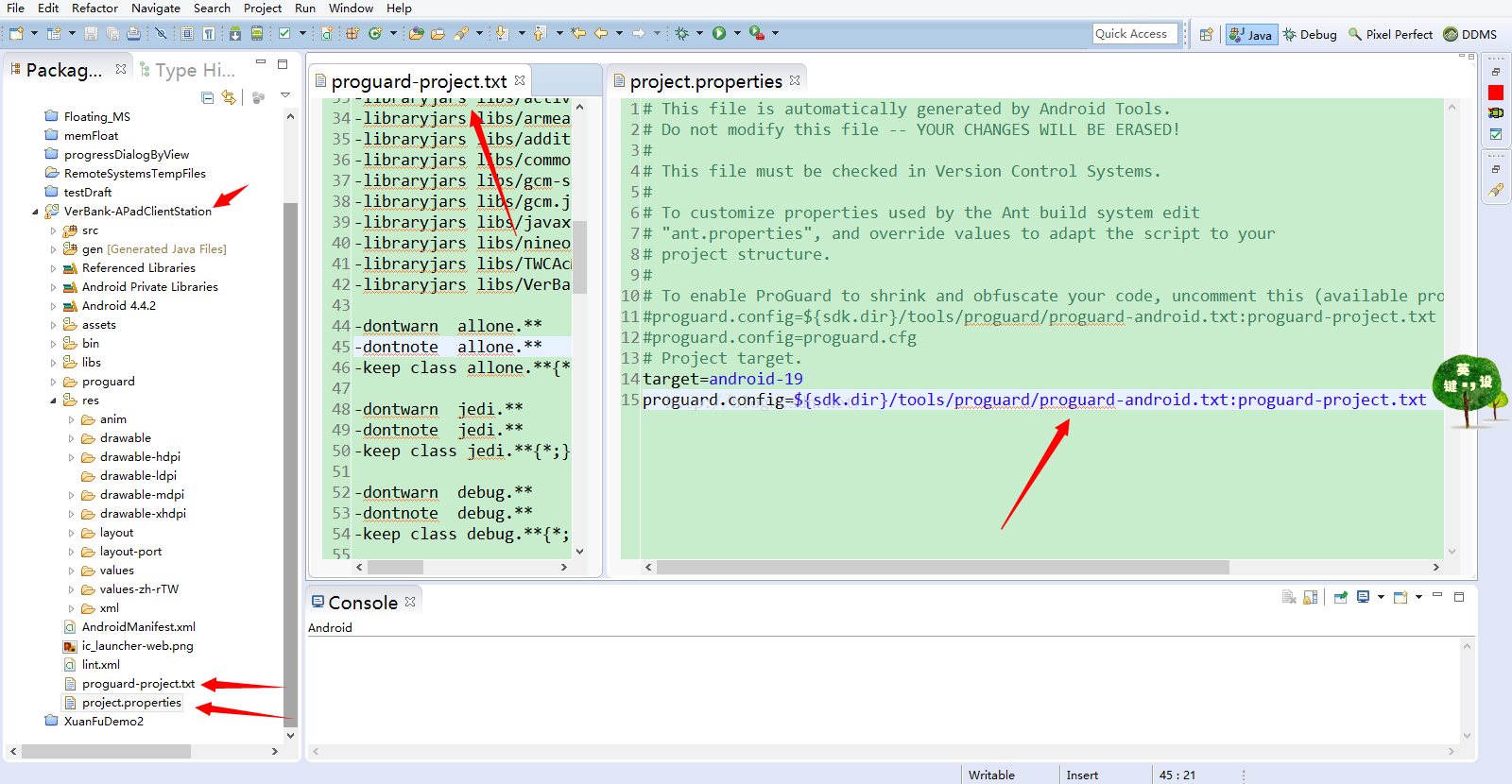 Android APK 程式碼混淆實戰:踩過的坑與完整解法
過去做的幾支手機專案並沒有混淆需求,一直抽不出時間研究;直到接手平板專案、客戶明確要求開啟混淆,我才硬著頭皮把 ProGuard 的運作原理與驗證流程徹底摸了一遍。參考資
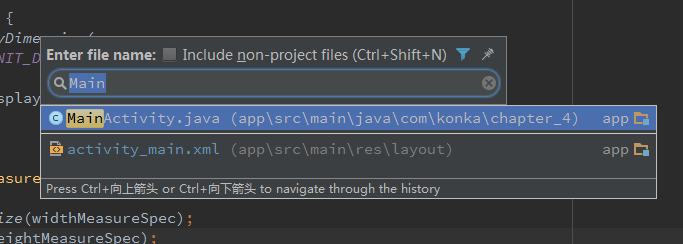 Android Studio 常用快捷鍵整理
檔案與搜尋Ctrl + Shift + N:以懸浮視窗搜尋檔案,適合快速找到專案中的資源或程式檔。Ctrl + N:搜尋類別,功能與檔案搜尋類似,但範圍限定在類別。Ctr
 一步步帶你實現 RecyclerView 的拖拽與側滑刪除
先上效果圖: 本文我們來學習開源項目 Android-ItemTouchHelper-Demo。它借助 RecyclerView 的 ItemTouchHelper 類