

編輯:關於 Android 程式設計
在 Android 2.2 以上版本中,我們可以直接呼叫 setDisplayOrientation 來設定相機的預覽角度。但若是要相容 2.2 以下的舊版本,由於該方法尚未公開,就必須透過反射的方式來呼叫。以下是一個相容舊版本的實作:
[java]
/**
* 設定相機的預覽角度,2.2 以上可直接使用 setDisplayOrientation
*
* @param orientation 相機的預覽角度
*/
private void setDisplayOrientation(int orientation) {
Method setCameraDisplayOrientation;
try {
// 透過反射,取得對應的方法
setCameraDisplayOrientation = mCamera.getClass().getMethod(
"setDisplayOrientation", new Class[] { int.class });
if (setCameraDisplayOrientation != null) {
setCameraDisplayOrientation.invoke(mCamera,
new Object[] { orientation });
}
} catch (Exception e) {
MobclickAgent.reportError(
mContext,
getResources().getString(
R.string.umeng_error_set_display_orientation));
e.printStackTrace();
}
}
這裡透過 getMethod 取得 setDisplayOrientation 方法,再用 invoke 動態呼叫。若執行過程中發生例外,則透過 MobclickAgent 回報錯誤,方便後續追蹤問題。
 Android Studio 配置大全:從護眼配色到常用插件設置
用 Android Studio 開發 App,從一開始的不適應,到慢慢習慣,再到現在真心喜歡上它,中間頗有點曲折。這篇文章把自己在 Android Studio 上的配
 Android Library 上傳 JCenter 實踐指南
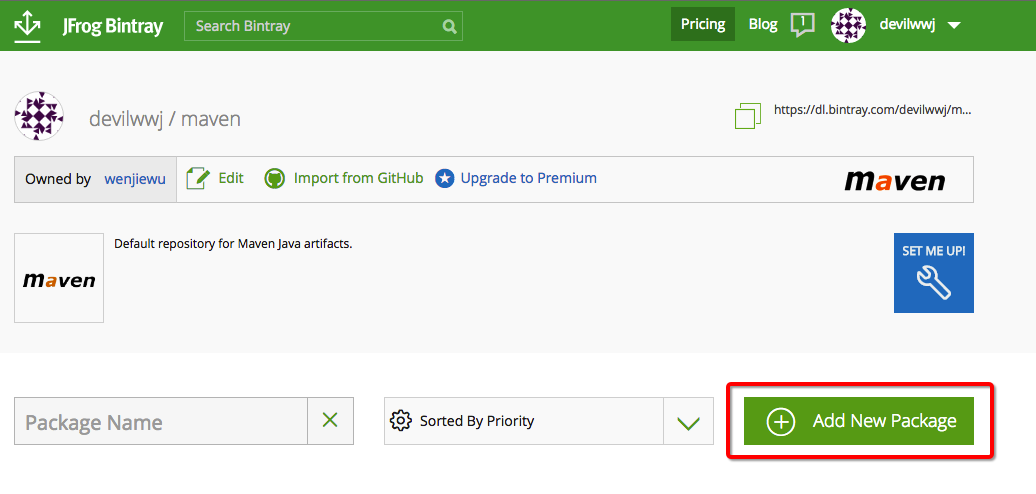
前言在日常開發中,我們經常使用第三方開發者發布到 JCenter 的 Library 或 Plugin。但如果我們自己也開發了一個可重用元件,要如何發布出去,讓其他開發者
 用 Fiddler 輕鬆搞定 Android App 抓包實戰教學
事情的起因說來也有點無奈。項目裡需要嵌入一個 H5 頁面,偏偏公司沒有專門的 UI 設計師,於是這份「美工活」就落到了我的頭上。可惜我這個人實在缺乏藝術細胞,思前想後,只
 Android Activity 屏幕切換動畫:左右滑動效果實作
Activity 之間的切換效果,可以透過 overridePendingTransition 指定進入與退出動畫。自 Android 2.0 起,開發者能在 start