編輯:關於Android編程
在Android開發中,有時候可能會要用到碎紙機的效果,今天小編為大家整理好代碼,一起來看看吧。
首先來看下效果圖
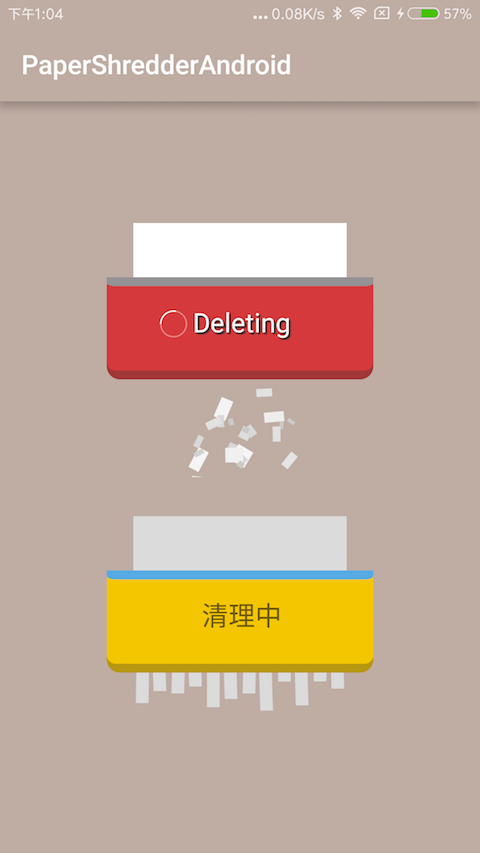
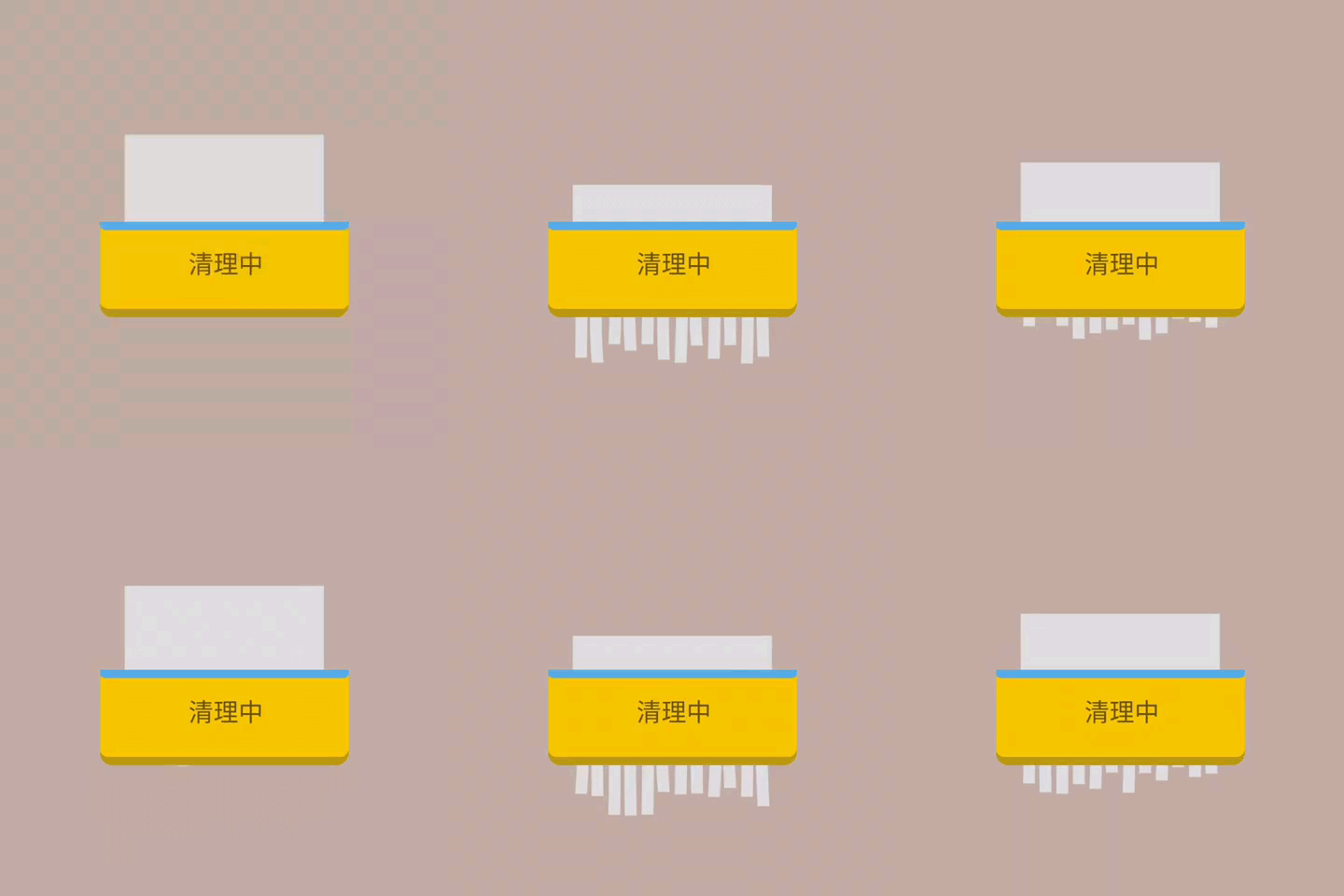
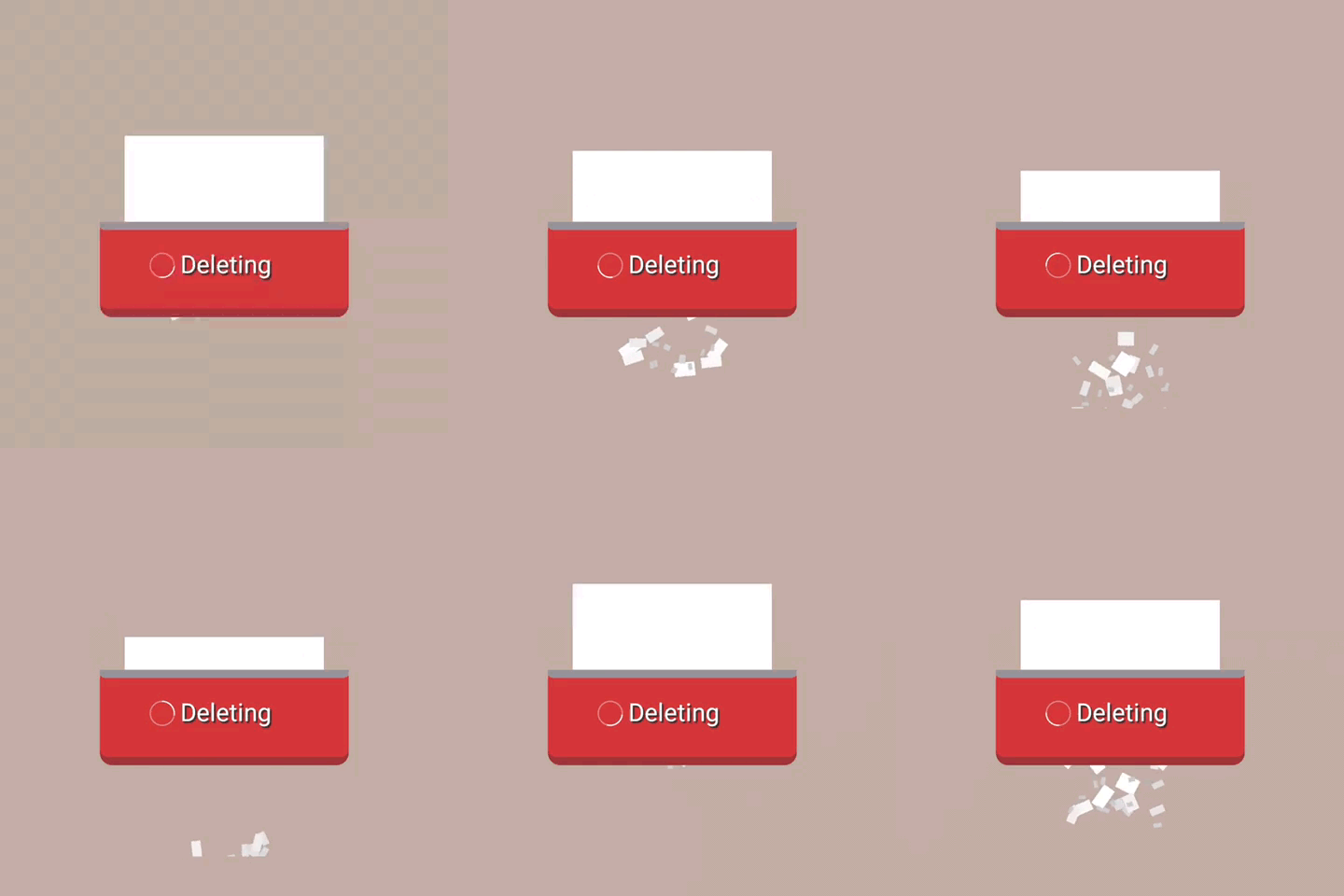
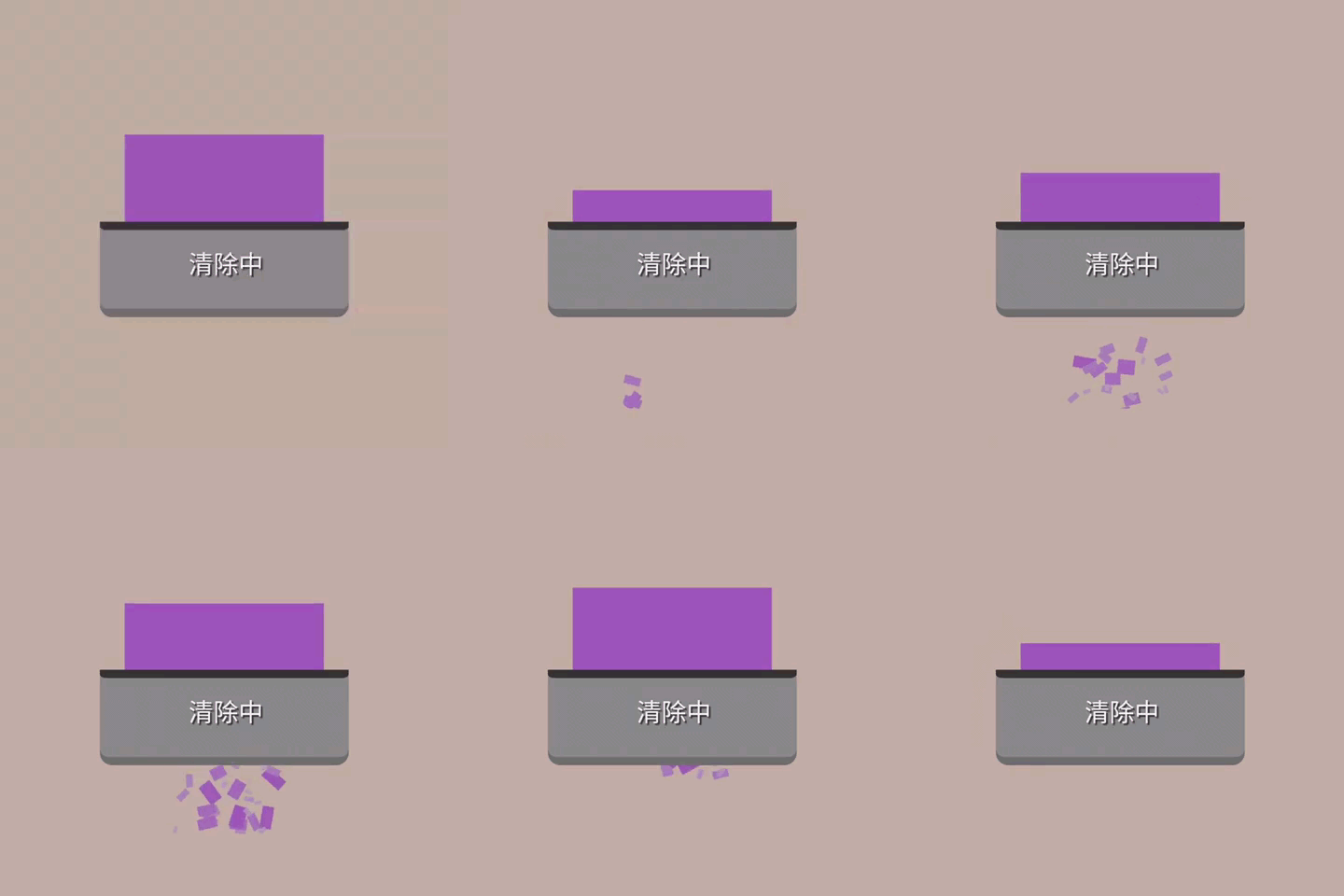
實例代碼
xml
<com.ldoublem.PaperShredderlib.PaperShredderView
  android:layout_width="200dp"
  android:id="@+id/ps_delete2"
  android:layout_height="220dp"
  paper:sherderBgColor="#f4c600"
  paper:sherderText="清理中"
  paper:sherderType="0"
  paper:sherderPaperEnterColor="#56abe4"
  paper:sherderTextShadow="false"
  paper:sherderTextColor="#99101010"
  paper:sherderPaperColor="#dbdbdb"
  paper:sherderProgress="false"
  />
java
mPaperShredderView.setShrededType(PaperShredderView.SHREDEDTYPE.Piece);//紙片效果和紙條效果
  mPaperShredderView.setSherderProgress(false);
  mPaperShredderView.setTitle("清除數據");
  mPaperShredderView.setTextColor(Color.BLACK);
  mPaperShredderView.setPaperColor(Color.BLACK);
  mPaperShredderView.setBgColor(Color.WHITE);
  mPaperShredderView.setTextShadow(false);
  mPaperShredderView.setPaperEnterColor(Color.BLACK);
  mPaperShredderView.startAnim(1000);
  mPaperShredderView.stopAnim();
學會利用上面的兩段代碼,Android開發者就可以輕松實現碎紙機的動畫效果,希望本文對大家的學習有所幫助,謝謝大家支持本站。
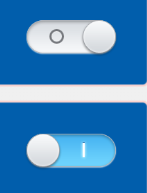 自定義的SwitchButton按鈕,自己喜歡的風格
效果圖如圖所示:注解:此方法類 是本人在網上找的。並非本人的,拿來自己修改就直接用了import me.imid.movablecheckbox.R;import and
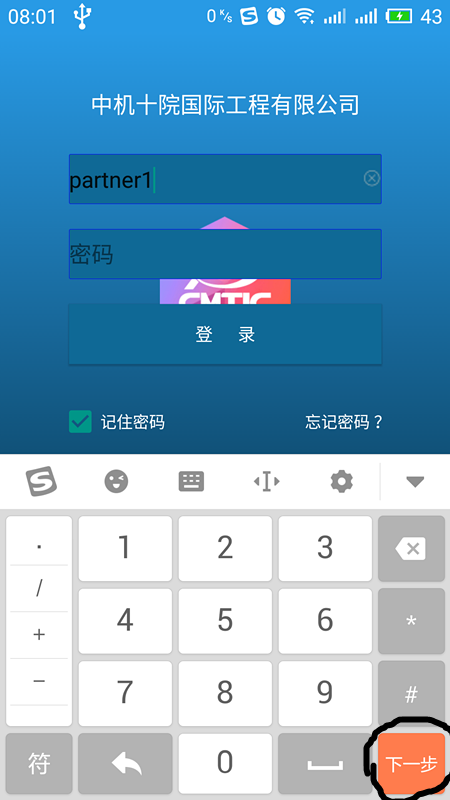 Android開發中利用imeOptions屬性將鍵盤回車鍵改成搜索等功能鍵
Android中鍵盤輸入是用戶輸入交互的最常用最直接的手段,關於鍵盤輸入,有幾點可以提高用戶使用體驗。第一:彈出鍵盤整體頁面上移,使鍵盤不遮擋控件,需要在AndroidM
 Android基礎入門教程——2.4.7 構建一個可復用的自定義BaseAdapter
Android基礎入門教程——2.4.7 構建一個可復用的自定義BaseAdapter標簽(空格分隔): Android基礎入門教程本節引言: 如
 Android實用圖文教程之代碼混淆、第三方平台加固加密、渠道分發
第一步:代碼混淆(注意引入的第三方jar)在新版本的ADT創建項目時,混碼的文件不再是proguard.cfg,而是project.properties和proguard