

編輯:關於 Android 程式設計
SlidingDrawer 能將內容隱藏在螢幕外,並允許使用者透過「手柄」(handle)將其滑出顯示。它可以垂直或水平滑動,由兩個 View 組成:一是可拖動的 handle,二是被隱藏的內容 View。使用時必須在佈局中明確指定 handle 與 content。
<LinearLayout xmlns:android="https://schemas.android.com/apk/res/android"
    android:layout_width="match_parent"
    android:layout_height="match_parent"
    android:orientation="vertical" >
    <TextView
        android:layout_width="wrap_content"
        android:layout_height="wrap_content"
        android:text="@string/hello_world" />
    <SlidingDrawer
        android:id="@+id/slidingdrawer"
        android:layout_width="fill_parent"
        android:layout_height="fill_parent"
        android:content="@+id/content"
        android:handle="@+id/handle"
        android:orientation="vertical" >
        <Button
            android:id="@+id/handle"
            android:layout_width="wrap_content"
            android:layout_height="wrap_content"
            android:text="SlidingDraser" />
        <LinearLayout <!-- 隱藏的內容 -->
            android:id="@+id/content"
            android:layout_width="fill_parent"
            android:layout_height="fill_parent"
            android:background="#00ffaa" >
            <Button
                android:id="@+id/button"
                android:layout_width="wrap_content"
                android:layout_height="wrap_content"
                android:text="Button" />
            <EditText
                android:id="@+id/editText"
                android:layout_width="fill_parent"
                android:layout_height="wrap_content" />
        </LinearLayout>
    </SlidingDrawer>
</LinearLayout>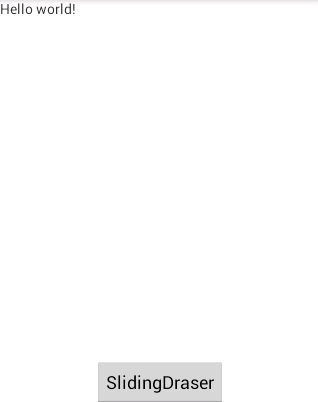
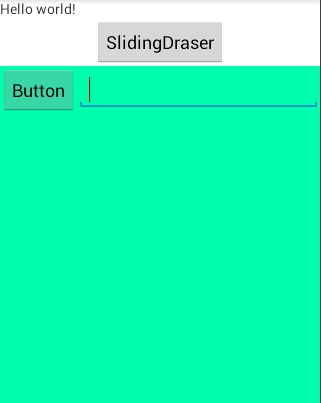
可在 drawable 中透過 selector 為手柄定義不同狀態下的圖形,讓抽屜在常態、按下、獲得焦點時呈現不同外觀:
<?xml version="1.0" encoding="utf-8"?>
<selector xmlns:android="https://schemas.android.com/apk/res/android">
    <item android:state_window_focused="false" android:state_enabled="true" android:drawable="@drawable/handle_normal" />
    <item android:state_pressed="true" android:drawable="@drawable/handle_pressed" />
    <item android:state_focused="true" android:state_enabled="true" android:drawable="@drawable/handle_focused" />
    <item android:state_enabled="true" android:drawable="@drawable/handle_normal" />
    <item android:state_focused="true" android:drawable="@drawable/handle_focused" />
</selector>• android:allowSingleTap:是否可透過 handle 點擊開關。
• android:animateOnClick:點擊 handle 開關時是否播放動畫。
• android:content:隱藏的內容。
• android:handle:手柄。
• animateClose():關閉時實現動畫。
• close():立即關閉。
• getContent():取得內容。
• isOpened():是否已全部打開。
• lock() / unlock():屏蔽 / 解除屏蔽觸摸事件。
• toggle():切換抽屜的開啟與關閉。
• setOnDrawerOpenListener / setOnDrawerCloseListener / setOnDrawerScrollListener:監聽抽屜的開啟、關閉與滑動。
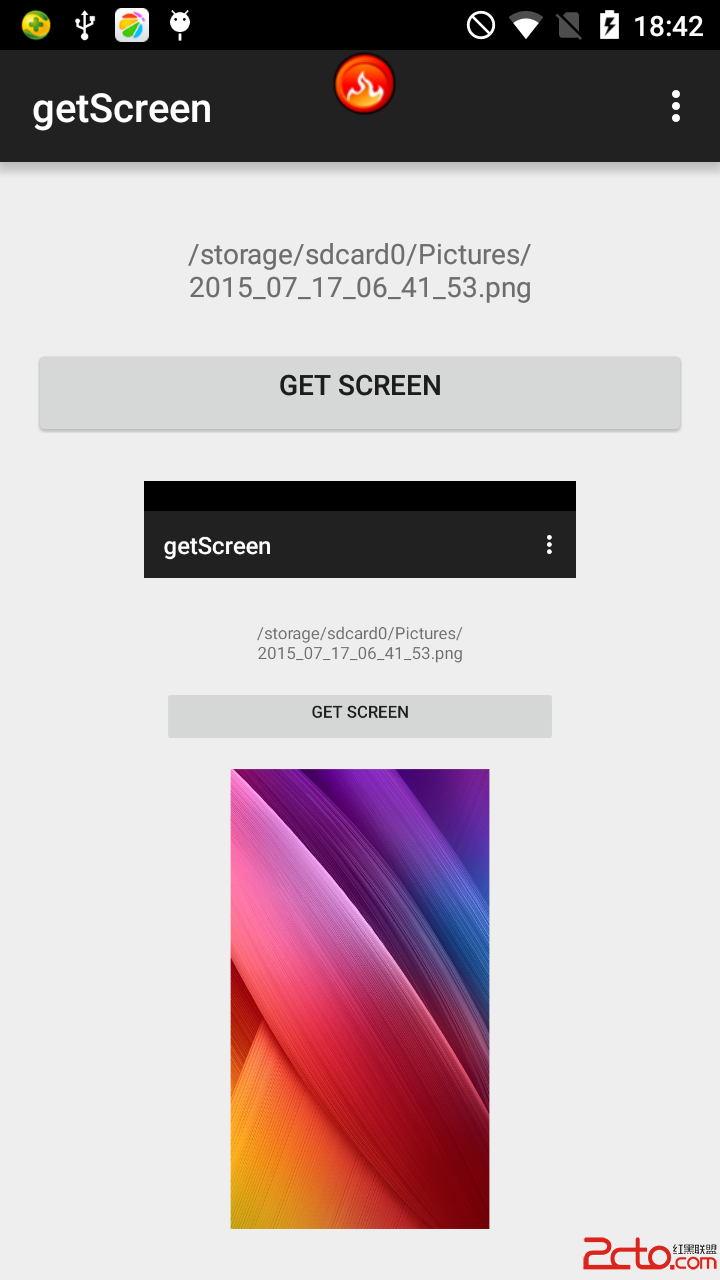 Android 手機截屏的幾條路:從 DrawingCache 到 MediaProjection
一開始以為截屏是件輕鬆事:在 Activity 上放個按鈕,點一下就截圖存進手機。動手前照慣例翻書、查資料,結果知道得越多,越覺得事情不對勁。 多數講解 Android
 Android 四種動畫效果的呼叫實作教學
Android 提供了 Alpha(透明度)、Scale(縮放)、Translate(平移)、Rotate(旋轉)四種基本動畫,本文用四顆按鈕分別觸發,示範完整的呼叫方式
 React Native 混合開發入門:TextInput 文本輸入組件詳解
TextInput TextInput 是允許用戶輸入文本的基礎組件,它提供了一系列屬性來幫助我們處理業務邏輯,例如 onChangeText、onSubmitEdit
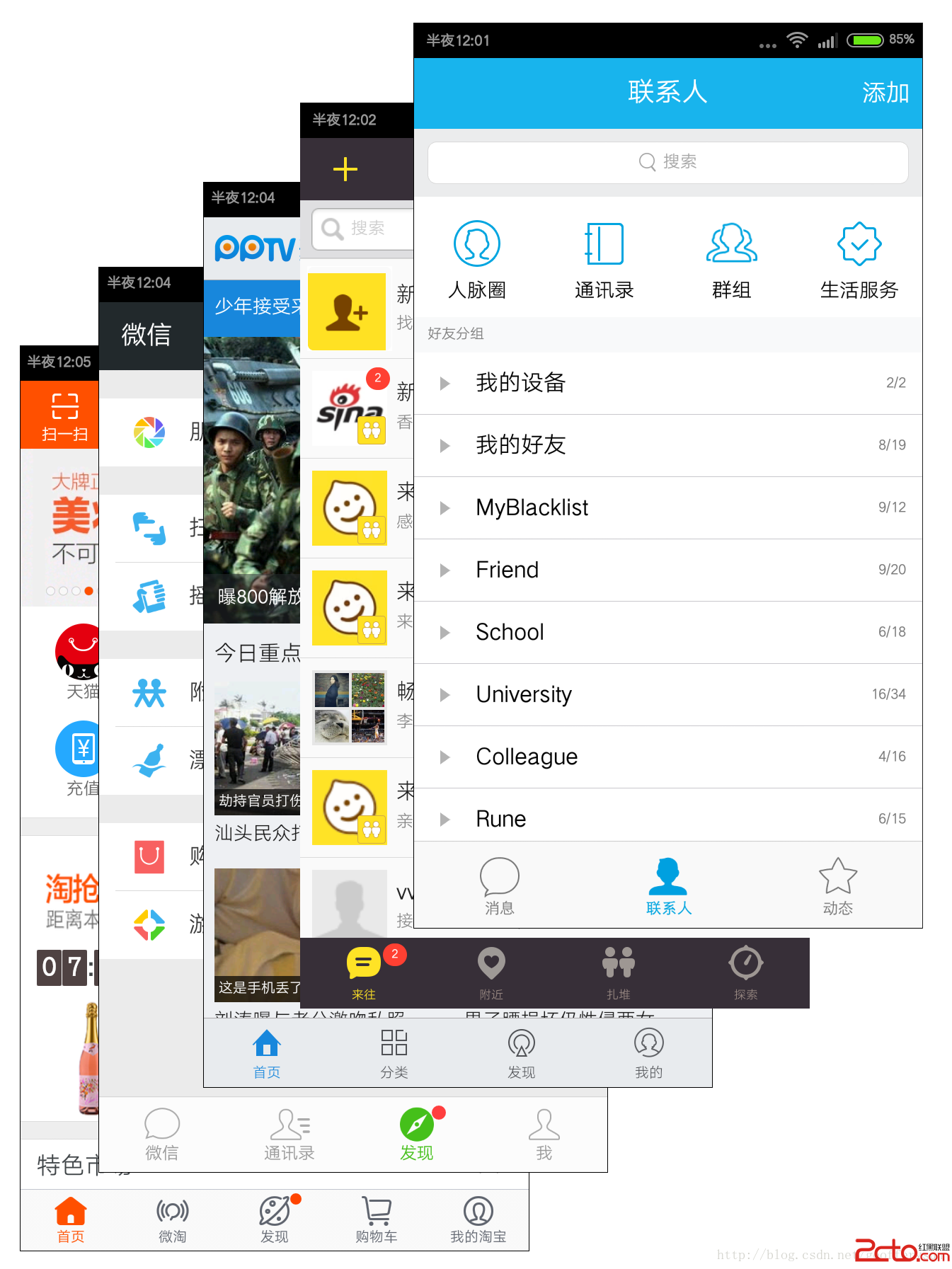 Android 底部 Tab 架構設計:主流界面風格分析
底部 Tab 為何常見 行動裝置螢幕有限,底部 Tab 能在不遮擋主要內容的情況下,提供快速切換入口。常見設計會兼顧可點擊區域、圖示辨識性與目前選取狀態。 風格一:背景不