

編輯:關於 Android 程式設計
應用上線後總會有修 bug、加功能的迭代需求,因此「檢查更新—提示—下載—安裝」這條鏈路幾乎是必備能力。本文給出一套可直接落地的實現,核心由三塊組成:版本比對、APK 下載、.xml 配置驅動。
versionCode;version.xml,解析出版本號、文件名的下載地址;把版本信息放在服務器的 XML 裡而不是寫死在客戶端,意味著每次發新版只需要改服務器上的一個文件,不必重新打包發佈。
package com.iteye.update;

import java.io.File;
import java.io.FileOutputStream;
import java.io.InputStream;
import java.net.HttpURLConnection;
import java.net.URL;

import android.app.AlertDialog;
import android.app.Dialog;
import android.content.Context;
import android.content.DialogInterface;
import android.content.Intent;
import android.net.Uri;
import android.os.Environment;
import android.os.Handler;
import android.os.Message;
import android.view.LayoutInflater;
import android.view.View;
import android.widget.ProgressBar;
import android.widget.Toast;

public class UpdateManager {

    /* 下載中 */
    private static final int DOWNLOAD = 1;
    /* 下載結束 */
    private static final int DOWNLOAD_FINISH = 2;

    /* 保存解析後的 XML 信息 */
    private HashMap<String, String> mHashMap;
    /* 下載保存路徑 */
    private String mSavePath;
    /* 記錄進度 */
    private int progress;
    /* 是否取消更新 */
    private boolean cancelUpdate = false;

    private Context mContext;
    private ProgressBar mProgress;
    private Dialog mDownloadDialog;

    private Handler mHandler = new Handler() {
        public void handleMessage(Message msg) {
            switch (msg.what) {
                case DOWNLOAD:
                    mProgress.setProgress(progress);
                    break;
                case DOWNLOAD_FINISH:
                    installApk();
                    break;
                default:
                    break;
            }
        }
    };

    public UpdateManager(Context context) {
        this.mContext = context;
    }

    /** 檢測軟件更新 */
    public void checkUpdate() {
        if (isUpdate()) {
            showNoticeDialog();
        } else {
            Toast.makeText(mContext, R.string.soft_update_no, Toast.LENGTH_LONG).show();
        }
    }

    /** 檢查是否有新版本 */
    private boolean isUpdate() {
        int versionCode = getVersionCode(mContext);
        ParseXmlService service = new ParseXmlService();
        try {
            String path = "https://your.server.com/xml/version.xml";
            URL url = new URL(path);
            HttpURLConnection conn = (HttpURLConnection) url.openConnection();
            conn.setReadTimeout(5 * 1000);
            conn.setRequestMethod("GET");
            InputStream inStream = conn.getInputStream();
            mHashMap = service.parseXml(inStream);
        } catch (Exception e) {
            e.printStackTrace();
        }
        if (null != mHashMap) {
            int serviceCode = Integer.valueOf(mHashMap.get("version"));
            if (serviceCode > versionCode) {
                return true;
            }
        }
        return false;
    }

    /** 獲取當前軟件版本號,對應 AndroidManifest.xml 中的 android:versionCode */
    private int getVersionCode(Context context) {
        int versionCode = 0;
        try {
            versionCode = context.getPackageManager()
                    .getPackageInfo(context.getPackageName(), 0).versionCode;
        } catch (NameNotFoundException e) {
            e.printStackTrace();
        }
        return versionCode;
    }

    /** 顯示更新提示框 */
    private void showNoticeDialog() {
        AlertDialog.Builder builder = new AlertDialog.Builder(mContext);
        builder.setTitle(R.string.soft_update_title);
        builder.setMessage(R.string.soft_update_info);
        builder.setPositiveButton(R.string.soft_update_updatebtn,
                new DialogInterface.OnClickListener() {
                    public void onClick(DialogInterface dialog, int which) {
                        dialog.dismiss();
                        showDownloadDialog();
                    }
                });
        builder.setNegativeButton(R.string.soft_update_later,
                new DialogInterface.OnClickListener() {
                    public void onClick(DialogInterface dialog, int which) {
                        dialog.dismiss();
                    }
                });
        builder.create().show();
    }

    /** 顯示帶進度條的下載框 */
    private void showDownloadDialog() {
        AlertDialog.Builder builder = new AlertDialog.Builder(mContext);
        builder.setTitle(R.string.soft_updating);

        final LayoutInflater inflater = LayoutInflater.from(mContext);
        View v = inflater.inflate(R.layout.softupdate_progress, null);
        mProgress = (ProgressBar) v.findViewById(R.id.update_progress);
        builder.setView(v);

        builder.setNegativeButton(R.string.soft_update_cancel,
                new DialogInterface.OnClickListener() {
                    public void onClick(DialogInterface dialog, int which) {
                        dialog.dismiss();
                        cancelUpdate = true;
                    }
                });
        mDownloadDialog = builder.create();
        mDownloadDialog.show();
        downloadApk();
    }

    private void downloadApk() {
        new downloadApkThread().start();
    }

    /** 下載線程 */
    private class downloadApkThread extends Thread {
        @Override
        public void run() {
            try {
                if (Environment.getExternalStorageState().equals(Environment.MEDIA_MOUNTED)) {
                    String sdpath = Environment.getExternalStorageDirectory() + "/";
                    mSavePath = sdpath + "download";

                    URL url = new URL(mHashMap.get("url"));
                    HttpURLConnection conn = (HttpURLConnection) url.openConnection();
                    conn.connect();
                    int length = conn.getContentLength();
                    InputStream is = conn.getInputStream();

                    File file = new File(mSavePath);
                    if (!file.exists()) {
                        file.mkdir();
                    }
                    File apkFile = new File(mSavePath, mHashMap.get("name"));
                    FileOutputStream fos = new FileOutputStream(apkFile);

                    int count = 0;
                    byte buf[] = new byte[1024];
                    do {
                        int numread = is.read(buf);
                        count += numread;
                        progress = (int) (((float) count / length) * 100);
                        mHandler.sendEmptyMessage(DOWNLOAD);
                        if (numread <= 0) {
                            mHandler.sendEmptyMessage(DOWNLOAD_FINISH);
                            break;
                        }
                        fos.write(buf, 0, numread);
                    } while (!cancelUpdate);

                    fos.close();
                    is.close();
                }
            } catch (Exception e) {
                e.printStackTrace();
            }
            mDownloadDialog.dismiss();
        }
    }

    /** 通過 Intent 觸發安裝 */
    private void installApk() {
        File apkfile = new File(mSavePath, mHashMap.get("name"));
        if (!apkfile.exists()) {
            return;
        }
        Intent i = new Intent(Intent.ACTION_VIEW);
        i.setDataAndType(Uri.parse("file://" + apkfile.toString()),
                "application/vnd.android.package-archive");
        mContext.startActivity(i);
    }
}
XML 文件很小,用 DOM 解析足夠直觀:
package com.iteye.update;

import java.io.InputStream;
import java.util.HashMap;

import javax.xml.parsers.DocumentBuilder;
import javax.xml.parsers.DocumentBuilderFactory;

import org.w3c.dom.Document;
import org.w3c.dom.Element;
import org.w3c.dom.Node;
import org.w3c.dom.NodeList;

public class ParseXmlService {

    public HashMap<String, String> parseXml(InputStream inStream) throws Exception {
        HashMap<String, String> hashMap = new HashMap<String, String>();

        DocumentBuilderFactory factory = DocumentBuilderFactory.newInstance();
        DocumentBuilder builder = factory.newDocumentBuilder();
        Document document = builder.parse(inStream);

        Element root = document.getDocumentElement();
        NodeList childNodes = root.getChildNodes();

        for (int j = 0; j < childNodes.getLength(); j++) {
            Node childNode = (Node) childNodes.item(j);
            if (childNode.getNodeType() != Node.ELEMENT_NODE) {
                continue;
            }
            Element childElement = (Element) childNode;
            String name = childElement.getNodeName();
            String value = childElement.getFirstChild().getNodeValue();
            if ("version".equals(name) || "name".equals(name) || "url".equals(name)) {
                hashMap.put(name, value);
            }
        }
        return hashMap;
    }
}
<?xml version="1.0" encoding="UTF-8"?>
<update>
    <version>2</version>
    <name>app_v2.0.0.apk</name>
    <url>https://your.server.com/apk/app_v2.0.0.apk</url>
</update>
UpdateManager manager = new UpdateManager(MainActivity.this);
manager.checkUpdate();
這套代碼結構清晰、易於移植,但直接搬到今天的生產環境還需要補上幾塊:
isUpdate() 在主線程發網絡請求,在新版本 Android 上會直接拋 NetworkOnMainThreadException,應遷移到 AsyncTask、線程池或 Kotlin 協程中執行。file:// URI 會觸發 FileUriExposedException,需改用 FileProvider 並授予臨時讀取權限。REQUEST_INSTALL_PACKAGES 權限並引導用戶授予「安裝未知應用」。cancelUpdate 只是讓循環退出,已寫入的殘包建議清理掉。如果只是想盡快上線,如今更省事的做法是接入 Google Play 或廠商商店的應用內更新 API,把下載、校驗、安裝這些容易出兼容問題的細節交給系統組件。
 Android 4.4 KitKat 中 apk 包的安裝流程全解析
說到 apk 包的安裝,4.4 與先前版本其實並無本質差別。在 Android 裡,app 的安裝主要分為四種情況:開機時安裝、adb 命令安裝、從 Google Pla
 Android 下拉刷新 SwipeRefreshLayout 使用指南:ListView 與 RecyclerView
SwipeRefreshLayout 的定位 SwipeRefreshLayout 是 Android Support Library 提供的下拉刷新布局。使用者向下滑動
 用 ListView 復刻網易評論「蓋樓」效果
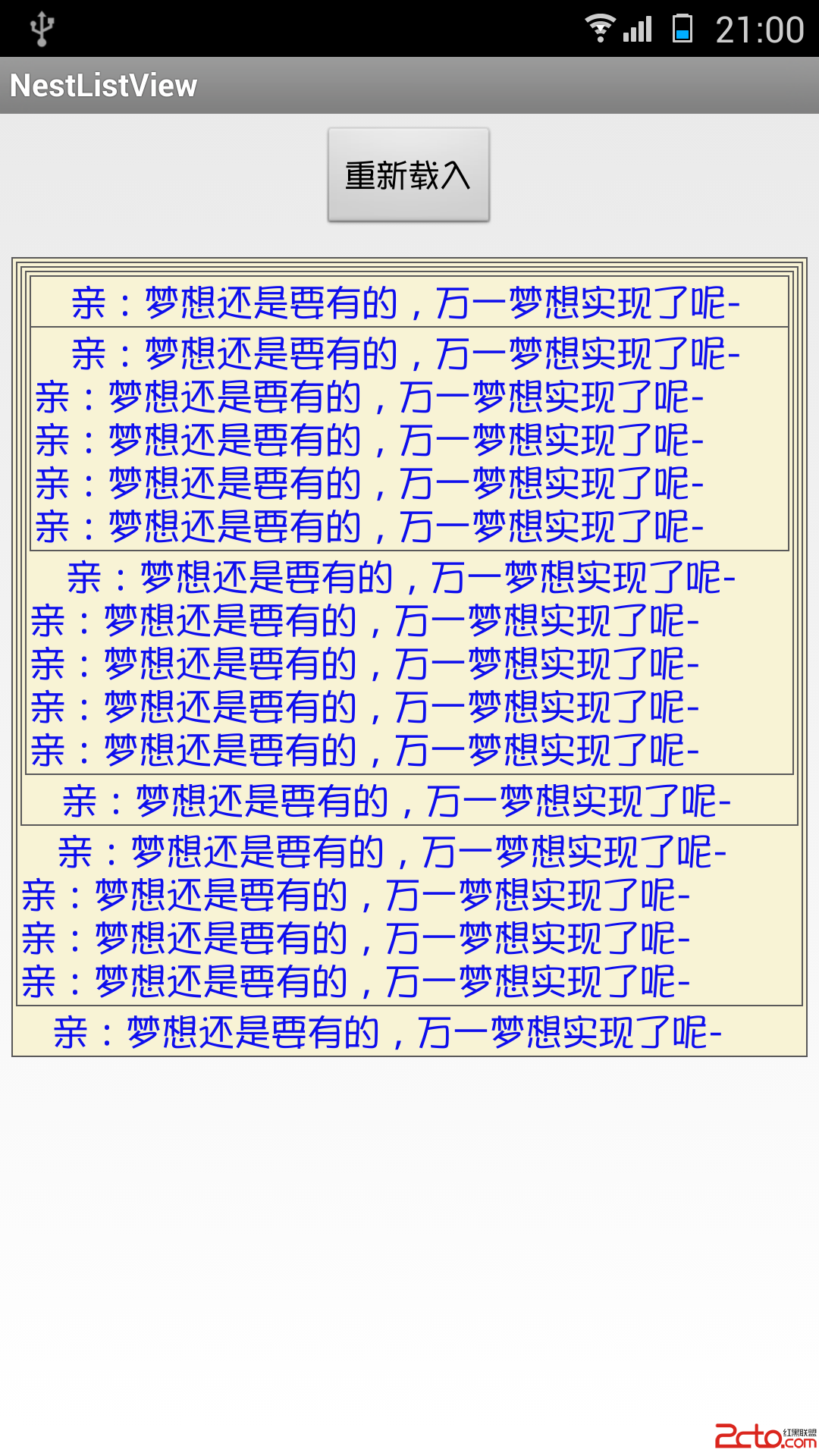
效果預覽 網易新聞的評論區有一個很有辨識度的視覺設計:一條主樓評論下面,跟風評論會像樓梯一樣一層層「退」到裡面,兩側與底部由細線連成一體,形成樓層縱深感。本文記錄用
 玩轉 Android Camera(五):用 Google 內建人臉檢測即時畫框
本文示範如何呼叫 Camera 內建的 FaceDetectionListener 進行人臉檢測,並把偵測到的人臉用矩形框繪製在預覽畫面上。程式碼基於 PlayCamer