

編輯:關於 Android 程式設計
一談到資料庫,就繞不開 SQL 語句。SQL 相對容易出錯,寫起來需要格外細心。為方便開發,Android 把不少 SQL 操作封裝成了方法,讓我們能更直觀地操作資料。SQLite 屬於持久化技術的一種,相比 SharedPreferences,它的優勢在於能儲存更大量的資料。
SQLite 的主要特點有三:
對資料庫的操作無非增、刪、改、查,此外 SQLite 還支援事務——事務能保證一系列操作要麼全部完成、要麼一項都不生效(例如銀行轉帳)。
我們自訂 MyDatabaseHelper 繼承 SQLiteOpenHelper,在 onCreate 中建立資料表,在 onUpgrade 中處理版本升級:
public class MyDatabaseHelper extends SQLiteOpenHelper {

    private static final String CREATE_BOOK =
        "create table Book("
        + "id integer primary key autoincrement,"
        + "author text,"
        + "price real,"
        + "pages integer,"
        + "name text,"
        + "category_id integer)";

    private static final String CREATE_CATEGORY =
        "create table Category("
        + "id integer primary key autoincrement,"
        + "category_name text,"
        + "category_code integer)";

    public MyDatabaseHelper(Context context, String name, CursorFactory factory, int version) {
        super(context, name, factory, version);
    }

    @Override
    public void onCreate(SQLiteDatabase db) {
        db.execSQL(CREATE_BOOK);
        db.execSQL(CREATE_CATEGORY);
    }

    @Override
    public void onUpgrade(SQLiteDatabase db, int oldVersion, int newVersion) {
        // 最佳實踐:不要用 break,
        // 確保跨版本升級時每一次修改都能被執行到,
        // 這樣既能保持表結構最新,又不會丟失資料。
        switch (oldVersion) {
            case 1:
                db.execSQL(CREATE_CATEGORY);
            case 2:
                db.execSQL("alter table Book add column category_id integer");
            default:
        }
    }
}
關於升級,最關鍵的一點是:不要寫 break。這樣能保證使用者從舊版本一路跨版升級時,每一次的資料庫變更都會被完整執行,既讓表結構保持在最新狀態,又不會清空既有資料。(此做法參考自郭霖《第一行代碼》。)
在 Activity 中,我們透過 getWritableDatabase() 取得 SQLiteDatabase 物件,再進行各項操作:
// 取得可寫資料庫
SQLiteDatabase db = dbHelper.getWritableDatabase();

// 新增:用 ContentValues 組裝資料
ContentValues values = new ContentValues();
values.put("name", "The Da Vinci Code");
values.put("author", "Dan Brown");
values.put("pages", 454);
values.put("price", 16.96);
db.insert("Book", null, values);

// 更新:第三個參數對應 where 條件,第四個參數為占位符內容
values.clear();
values.put("price", 10.99);
db.update("Book", values, "name = ?", new String[] { "The Da Vinci Code" });

// 刪除
db.delete("Book", "pages > ?", new String[] { "500" });

// 查詢:以 Cursor 遍歷結果集
Cursor cursor = db.query("Book", null, null, null, null, null, null);
if (cursor.moveToFirst()) {
    do {
        String name = cursor.getString(cursor.getColumnIndex("name"));
        String author = cursor.getString(cursor.getColumnIndex("author"));
        // ...
    } while (cursor.moveToNext());
}
cursor.close(); // 用完務必關閉
事務則用來保證操作的原子性:
db.beginTransaction();
try {
    db.delete("Book", null, null);
    ContentValues values = new ContentValues();
    values.put("name", "Game of Thrones");
    values.put("author", "George Martin");
    values.put("pages", 720);
    values.put("price", 20.85);
    db.insert("Book", null, values);
    db.setTransactionSuccessful(); // 標記事務成功
} catch (Exception e) {
    e.printStackTrace();
} finally {
    db.endTransaction(); // 結束事務
}
值得注意的是,即使透過事務替換資料,主鍵仍會持續自增——若上一筆 id 是 9,下一筆便是 10;即便 10 被刪除,下一筆也會是 11,不會回收重用。
掌握以上要點,你便能從容應對 Android 客戶端 SQLite 的日常開發:建立與升級資料庫、對資料進行增刪改查,以及在關鍵場景下運用事務保證資料一致性。
 Android 使用 DrawerLayout 實現仿 QQ 雙向側滑菜單
之前寫過一篇《Android 高仿 QQ5.0 側滑菜單效果》的自定義控件文章,恰逢 QQ5.2 又新增了右側菜單,正好研究了 DrawerLayout。一方面官方的東西
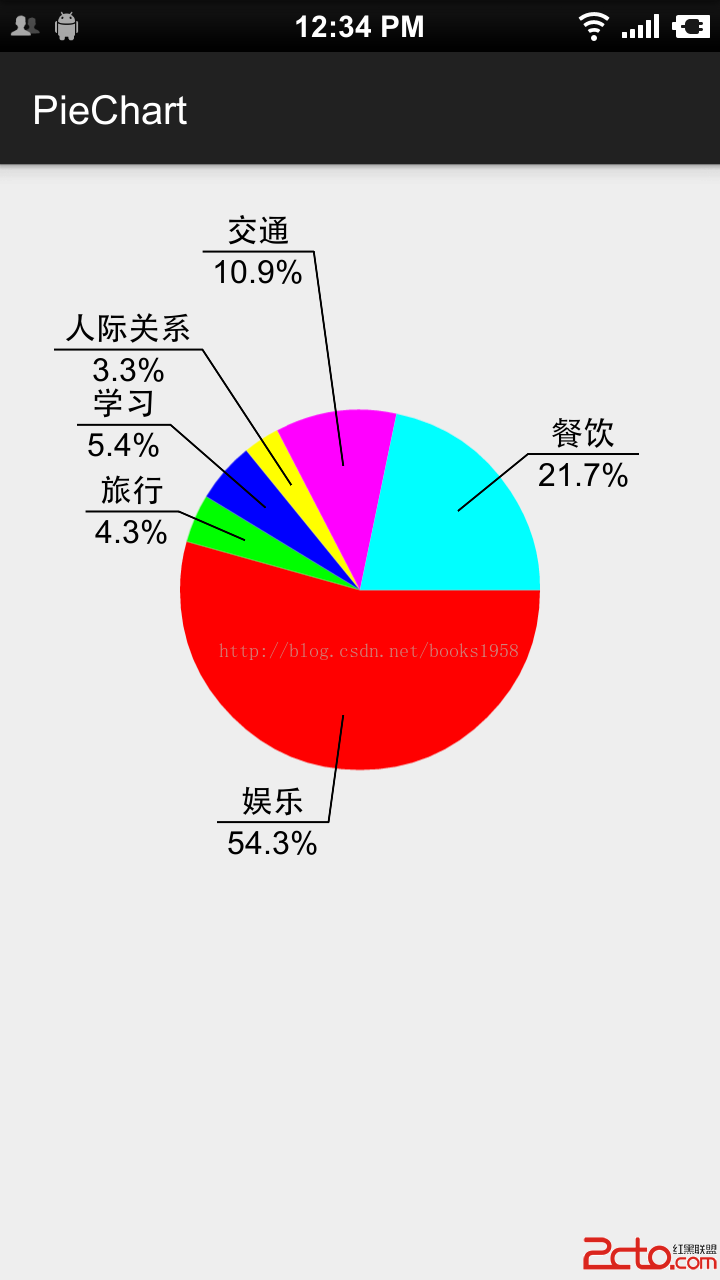 用 Canvas 打造自適應的餅狀統計圖
本例的目標是實作一個簡潔好用的餅狀統計圖,效果如下:它的特點在於:1. 使用非常方便,可直接放進 XML 佈局,再在程式碼中設定資料:PieChartView pieCh
 Android 實戰教學第五篇之一鍵鎖屏應用
Device Administration對於這個應用,市場上有很多,但看一下評論就知道效果有多差了,因為 99% 的一鍵鎖屏應用沒辦法卸載。今天就來開發一個小應用,實現
 Android 利用浮動窗口為用戶提供操作引導
之前我們用 ViewPager 做過新用戶的功能介紹頁,這次換個思路:用浮動窗口直接在界面上標註操作位置,引導用戶點擊。先看效果。 界面做得比較樸素,但可以看到,這種引